

Random prompt ideas · new image every run · fast models
Random image generator — a brand-new picture from any random prompt
Pick a random prompt from the list below — an animal, a city at night, a dessert, a planet — and get a picture that has never existed before. Run the same prompt again and you get a different one.
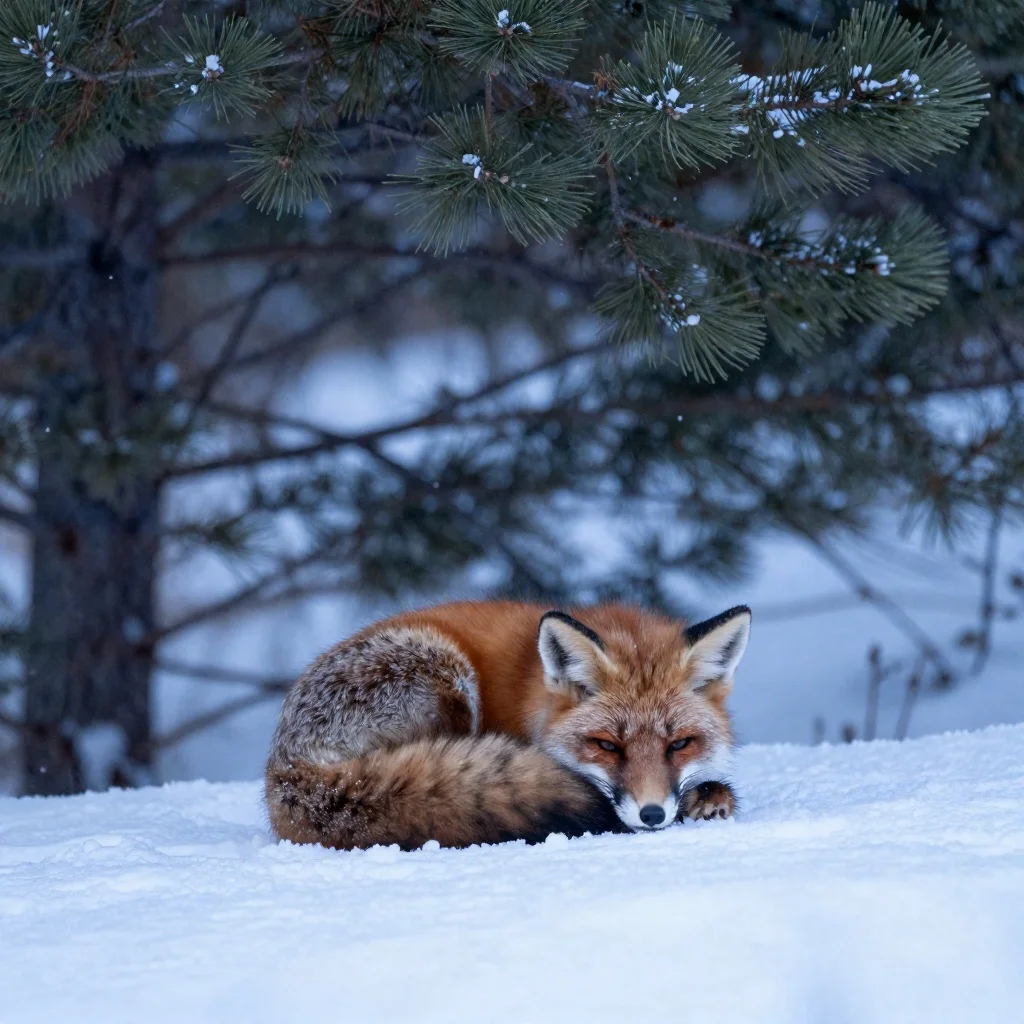
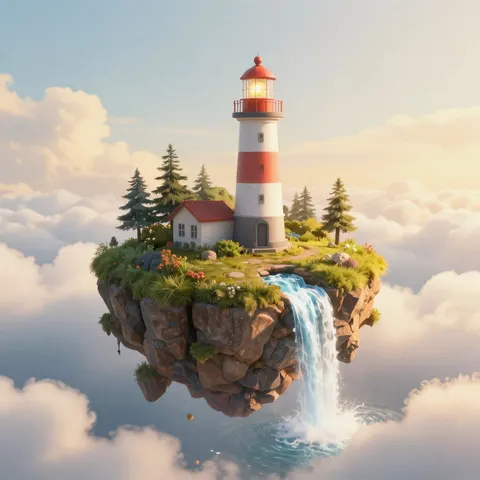
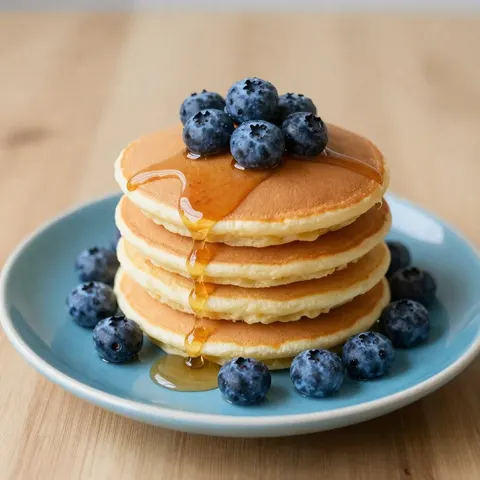
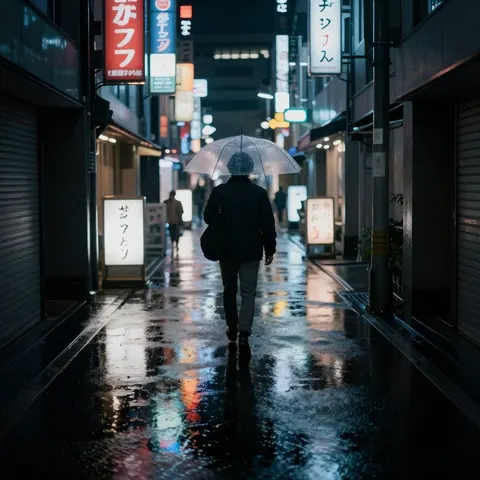
- New image every run
- 30 prompt ideas to pick from
- Fast models
- No watermark
Updated by the Kenerate AI team




Made with Kenerate
On this page
Quick answer

How do you generate a random image with AI?
A random image generator gives you a picture you didn't plan. Kenerate AI doesn't pull random photos from a library — it makes a new image from a prompt, and because the seed is random on every run, the same prompt never gives the same picture twice. Pick any prompt from the ideas below (or roll a die on the list), paste it into Image Studio and press Create. Kenerate Image Turbo, the default here, returns one in seconds for 1.5 credits; Flux 2 Flash is the free-plan option.
Key facts
- What you get
- A new AI image, not a stock photo
- Randomness
- Random seed every run · random prompt from the list
- Default model
- Kenerate Image Turbo (fast)
- Free-plan model
- Flux 2 Flash
- Shapes
- Square, portrait, landscape, wide, tall
- Watermark
- None
Random prompts
Random prompt ideas to copy
Pick a category, then any prompt — or close your eyes and point. Each one opens Image Studio with the prompt filled in; press Create again for a different picture.
- Animals
- 3 ideas
- Landscapes
- 3 ideas
- Food
- 3 ideas
- Cities
- 3 ideas
Animals
A red panda drinking tea in a tiny wooden cafe, soft afternoon light, storybook illustration
Animals
A snowy owl landing on a fence post at dusk, wings spread, wildlife photography
Animals
A chameleon on a branch changing colour to match a rainbow, macro photo
Landscapes
A glacier lake with icebergs under the northern lights, long exposure photo
More prompts (26)
Landscapes
Rolling lavender fields with a lone stone farmhouse at sunset, film photo look
Landscapes
A desert canyon at noon with a single green tree, sharp shadows, travel photo
Food
A bowl of ramen with a soft egg and steam rising, dark moody food photography
Food
A slice of lemon meringue pie on a pastel plate, bright flat lay
Food
Street tacos on a metal tray with lime and salsa, overhead photo
Cities
A cable car climbing a hill in San Francisco fog, 1970s film photo
Cities
A floating market in Bangkok at sunrise, boats full of fruit, travel photo
Cities
A snowy Amsterdam canal at night with bikes on the bridge, warm windows
Space
A ringed planet seen from the surface of its icy moon, realistic sci-fi
Space
A space station greenhouse full of tomatoes and plants, Earth in the window
Space
A comet over a mountain observatory at night, astrophotography
Fantasy
A library inside a giant hollow tree with glowing mushrooms, fantasy illustration
Fantasy
A dragon curled around a lighthouse in a storm, oil painting
Fantasy
A tiny village built on the back of a sleeping giant turtle, watercolour
Abstract
Ink drops blooming in water in indigo and gold, macro photo
Abstract
Geometric paper-cut layers in sunset colours, soft shadows
Abstract
Liquid chrome waves reflecting a pink sky, 3D render
Objects
A vintage typewriter covered in moss and tiny flowers, studio photo
Objects
A glass bottle holding a miniature stormy ocean, product photo
Objects
A pair of worn hiking boots on a mountain summit rock, golden hour
Vehicles
A rusty pickup truck in a field of sunflowers, summer afternoon photo
Vehicles
A retro rocket ship parked at a 1950s diner, illustration
Vehicles
A sailboat on a glassy sea under a full moon, long exposure
Interiors
A sunlit greenhouse kitchen with hanging plants and copper pots, interior photo
Interiors
A tiny Japanese apartment at night with a city view, lo-fi illustration
Interiors
A cosy cabin with a fireplace during a snowstorm, warm light
Gallery
Random images, one prompt each
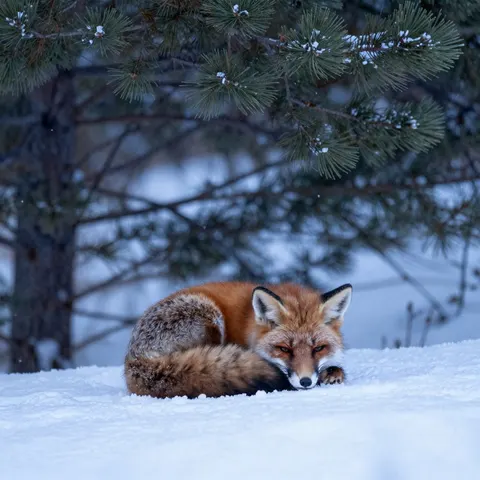
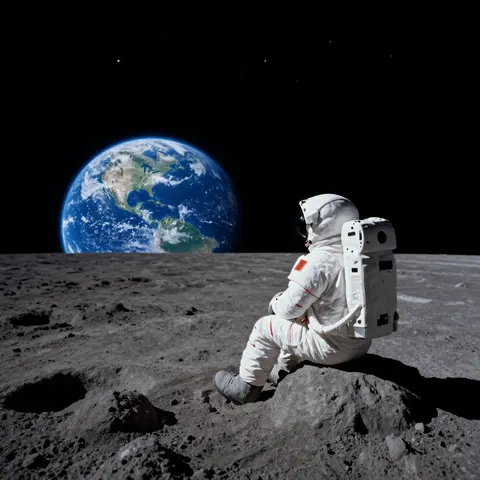
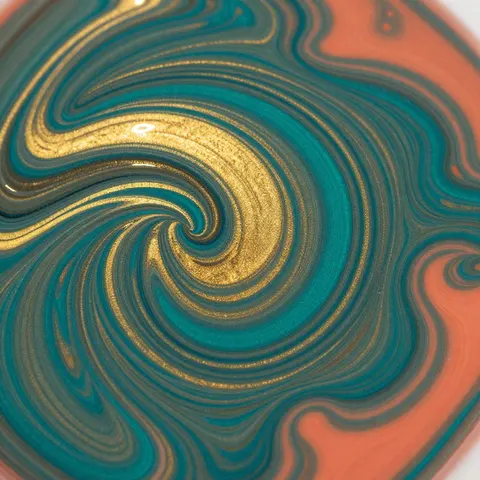
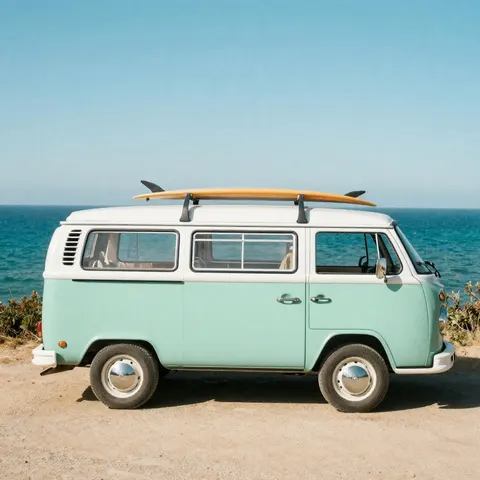
Eight prompts picked from the list below, one square 1024×1024 Kenerate Image Turbo run each, no retouching. Open any one to roll your own version.
How to
How to use the random image generator
- Time needed
- Steps
- 4 steps
Step 1
Open Image Studio
Press “Generate a random image”. Image Studio opens on Kenerate Image Turbo. Sign in free for starter credits.
Step 2
Pick a random prompt
Choose any prompt from the ideas below and paste it in. On an empty Image Studio page, “Surprise me” also fills in a random example prompt.
Step 3
Pick a shape and create
Choose square, portrait or landscape, then press Create. The seed is random, so you get a new picture each time.
Step 4
Roll again or keep it
Press Create again for a new take, or download the one you like with no watermark.
See it in the app

Open Image Studio and type what you want to see — subject, style, lighting and mood.


Watch the tour · 1:23
Prompts, styles, references, edit, Arena & chat
Chapters
Tips
Get a better random image
Random doesn't have to mean bland. A few habits that make every roll worth keeping.
Pick a category first, then a prompt — it's quicker than staring at an empty box.
Run the same prompt two or three times: the seed changes each run, so every take is different.
Add a style to any prompt — “watercolour”, “film photo”, “3D render” — to change the whole feel.
Got a short idea like “a cat in space”? Press Enhance prompt to have it expanded.
Change the shape: square for a feed, tall for a phone wallpaper, wide for a desktop.
Want repeatable results? Set a fixed seed in Advanced settings, then tweak the prompt.
Models
Fast models for random images
What each model is good at. Open any one straight in the generator.
Kenerate AI
Kenerate Image Turbo
- Reference images
- 1 (remix)
- Output
- 512 to 2048 px
Open Kenerate Image TurboBest for
Default here · ultra-fast · remix an image with a strength slider
- Free plan
Black Forest Labs
Flux 2 Flash
- Reference images
- Up to 4
- Output
- Up to 1536 px
Open Flux 2 FlashBest for
Free plan · fast Flux model
- Free plan

Alibaba
Qwen Image 3.0
- Reference images
- Up to 3
- Output
- 1K or 2K
Open Qwen Image 3.0Best for
Free plan · 15 shapes

ByteDance
Seedream 5.0 Pro
- Reference images
- Up to 10
- Output
- Up to 2K
Open Seedream 5.0 ProBest for
Richer detail when one random image becomes a keeper
FAQ
Random Image Generator questions
8 questions

What is a random image generator?
It gives you a picture you didn't plan. Some sites show a random existing photo from a library; Kenerate makes a brand-new image with AI from a prompt. You pick a prompt at random — from the list on this page, for example — and the model draws something that didn't exist before.
Link to this answerWill I get the same image twice?
Almost never. Image Studio's seed is random on each run by default, so the same prompt gives a different composition every time. If you want to repeat a result, set a fixed seed in Advanced settings.
Link to this answerIs the random image generator free?
Free to start. A new Kenerate account gets 25 free credits. Kenerate Image Turbo, the default here, costs 1.5 credits an image; Flux 2 Flash (7.5 credits) and Qwen Image 3.0 (9 credits) are free-plan models. Credits come in one-time packs with no subscription, and downloads have no watermark.
Link to this answerAre these real photos?
No. Everything here is generated, including the photo-style images. Use them as art, wallpapers, placeholders or inspiration, not as evidence of a real place or event.
Link to this answerCan I turn a short idea into a better prompt?
Yes. Type the idea — “a cat in space” — and press Enhance prompt in Image Studio; it rewrites it into a fuller prompt for 1 credit. Then press Create as usual.
Link to this answerCan I use random images for my project?
Yes. You can download and use what you make; Kenerate adds no watermark. Keep prompts original: leave out real people, celebrities, brand logos and characters you don't own.
Link to this answerWhat sizes can I make?
Kenerate Image Turbo makes square, portrait, landscape, wide and tall images from 512 to 2048 px. For a phone wallpaper pick Tall, for a desktop pick Wide, and upscale later if you need it bigger.
Link to this answerIn depth
Random Image Generator, explained
What works, what to avoid, and how to pick a model.
On this page
Random photo vs random AI image
“Random image” means two things online. A random photo site picks an existing picture from its library — handy for placeholders, but it's someone's photo with its own licence. A random AI image is generated on the spot: nobody has seen it before, and it's yours to download. This page is the second kind.
Where the randomness comes from
Two places:
- The prompt: you pick it at random — from the idea list, a category you haven't tried, or Surprise me on an empty Image Studio page.
- The seed: a random number the model starts from. Image Studio picks a new one every run, so one prompt gives endless different pictures.
Ways people use random images
Daily drawing references, writing prompts, phone and desktop wallpapers, placeholder art in a design mock-up, profile pictures, party games (“guess the prompt”) and plain curiosity.
By the Kenerate AI teamLast updated and reviewed
We build and run the Kenerate generator. Every example is a real output of the model named under it; models and presets were checked against the app's code.
Sources: Kenerate Image Studio
