

Photoreal · fantasy · sci-fi · painted
AI Landscape Generator — nature, fantasy and sci-fi scenery from a prompt
Describe a place — the mountains, the water, the light, the season — and get a landscape back in seconds: a photoreal lake at sunrise, a fantasy valley, an alien desert or an oil-painted countryside, at 16:9 for your desktop or 9:16 for your phone.
- Photoreal or painted
- 16:9, 9:16 or any ratio
- Up to 4K
- No watermark
Updated by the Kenerate AI team




Made with Kenerate
On this page
Quick answer

How do you make a landscape with AI?
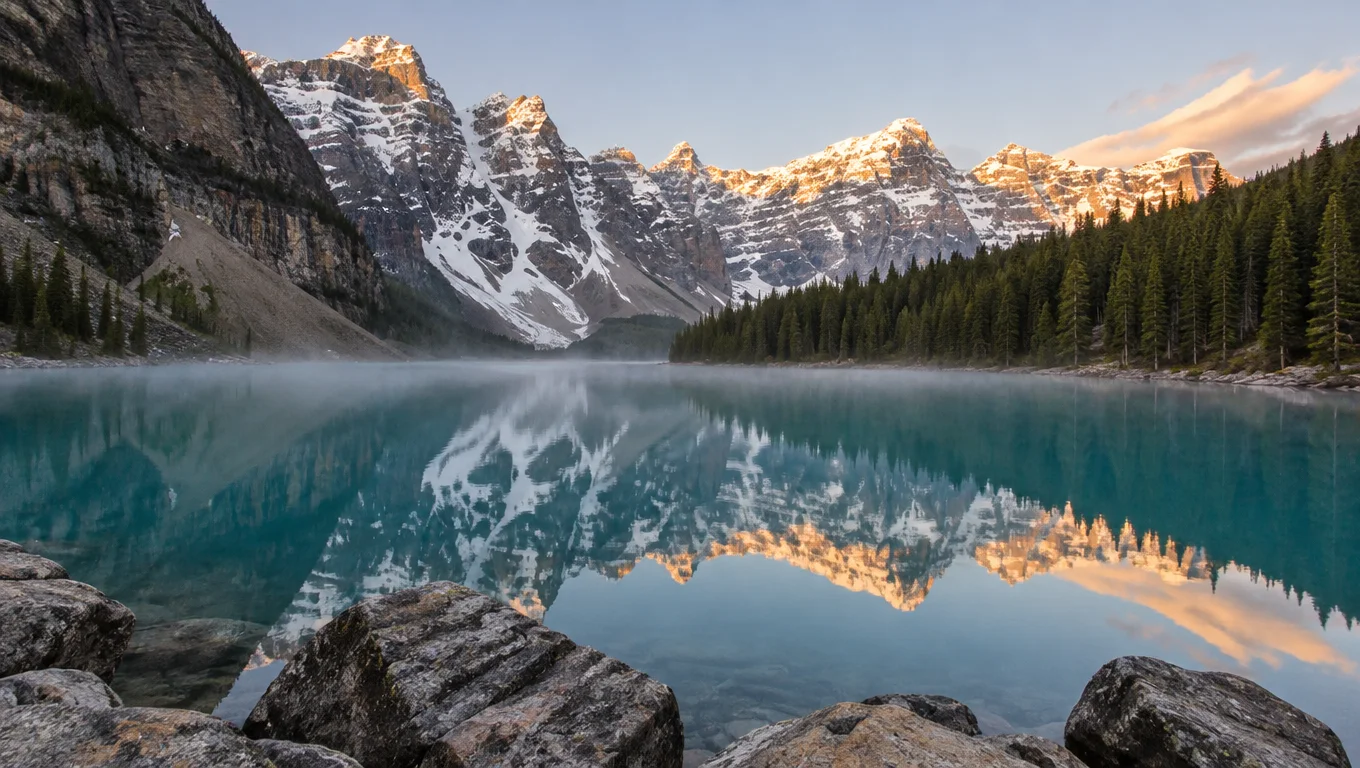
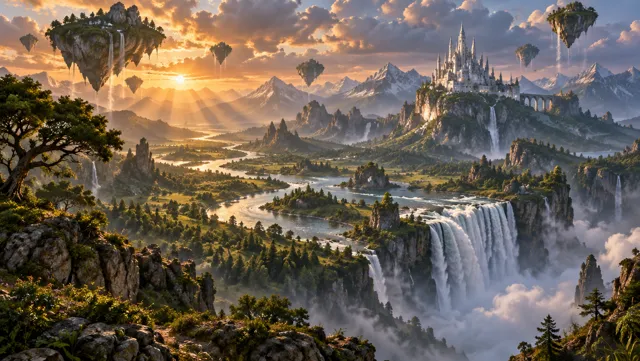
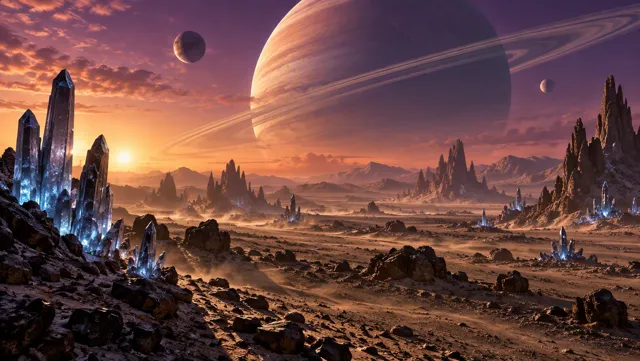
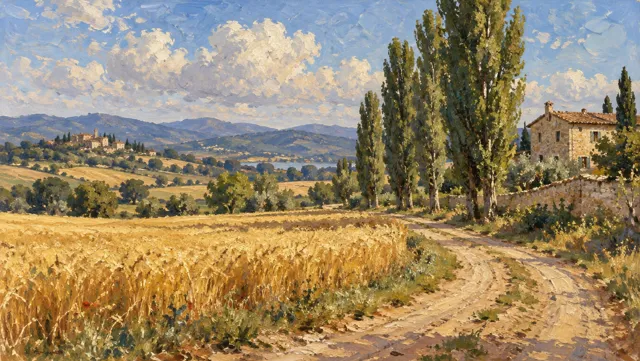
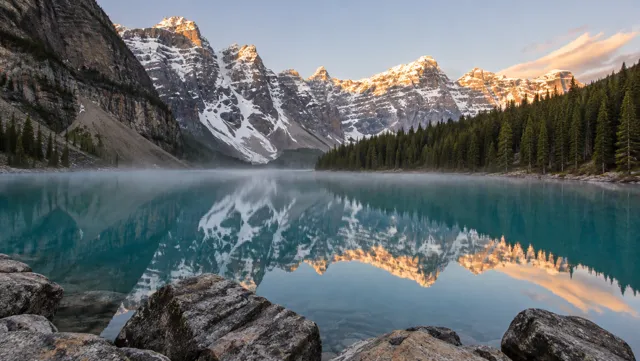
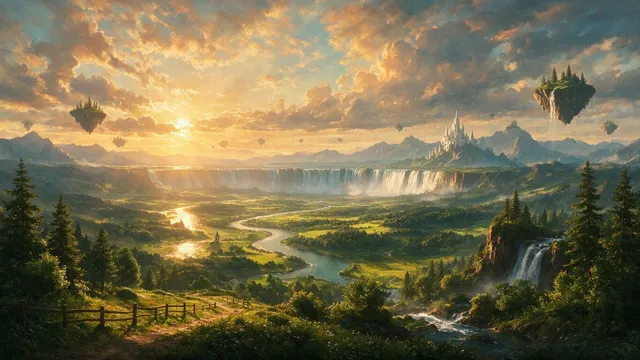
An AI landscape generator turns a text description of a place into a scenery image: you name the terrain, the water, the weather, the time of day and the style, and the image model paints it. On Kenerate AI, GPT Image 2.5 Sunburst made a photoreal glacial lake, a fantasy valley with floating islands, an alien desert under a ringed planet and an oil-painted countryside — one try each, 7.2 credits per image at 16:9.
Key facts
- Landscapes made
- 4 styles (photoreal · fantasy · sci-fi · oil painting)
- Tries needed
- 1 each, none retouched
- Sizes
- 1K–4K, 16:9 · 9:16 · 21:9 · 1:1 and more
- Watermark
- None
Gallery
Four kinds of landscape, one try each
Real outputs from Kenerate's Image Studio at 16:9, not retouched. Open any image to copy its full prompt.
Same prompt
Same fantasy prompt, two models
Both models drew the river, the waterfall, the floating islands and the castle. GPT Image 2.5 Sunburst kept to the prompt with crisp detail; Seedream 5.0 Pro went softer and more golden, and added a wooden fence and small floating shapes nobody asked for.
PromptEpic fantasy landscape matte painting: a vast green valley with a winding river leading to a giant waterfall pouring off a cliff, floating islands with trees drifting in the sky, a distant white castle on a mountain spur, dramatic sunset clouds with god rays, painterly digital concept art, rich warm and cool contrast, wide cinematic composition. No people, no text.
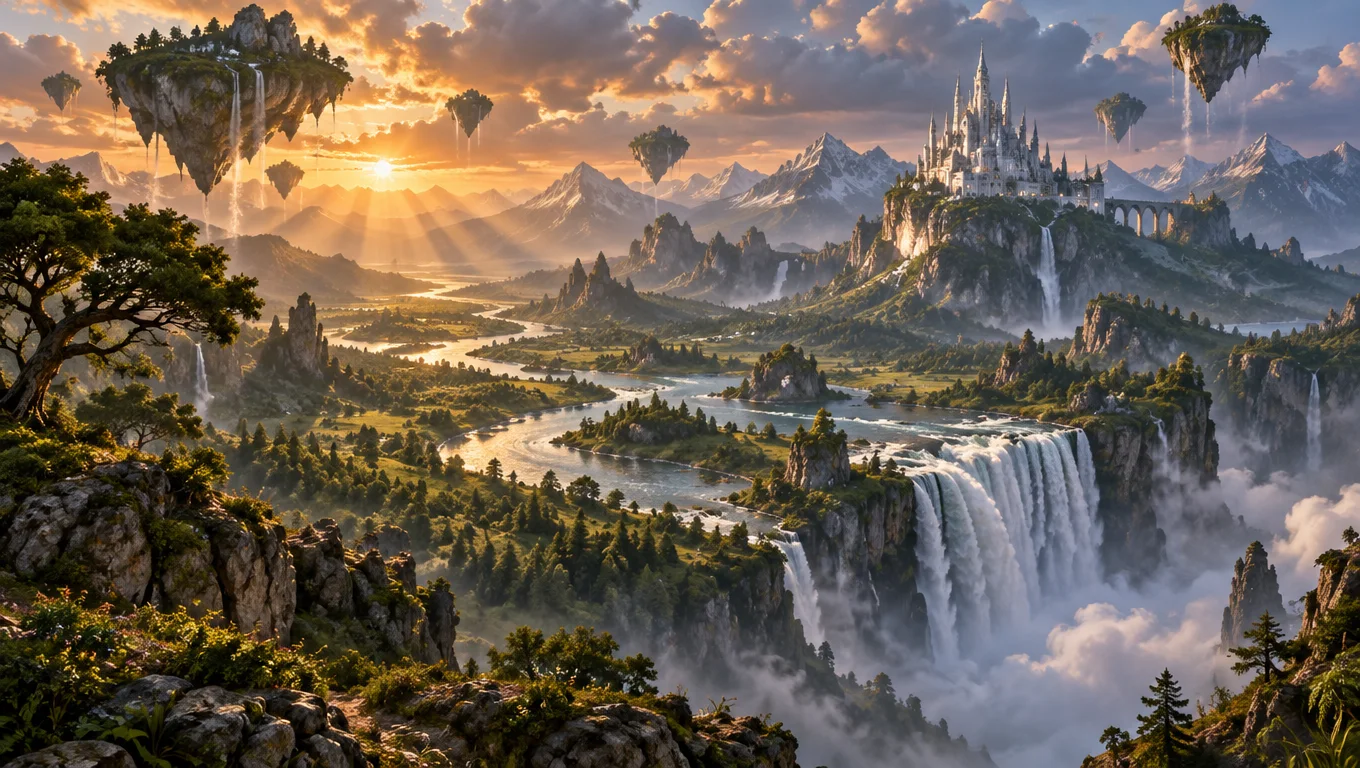 GPT Image 2.5 Sunburst7.2 credits · sharp, on-prompt
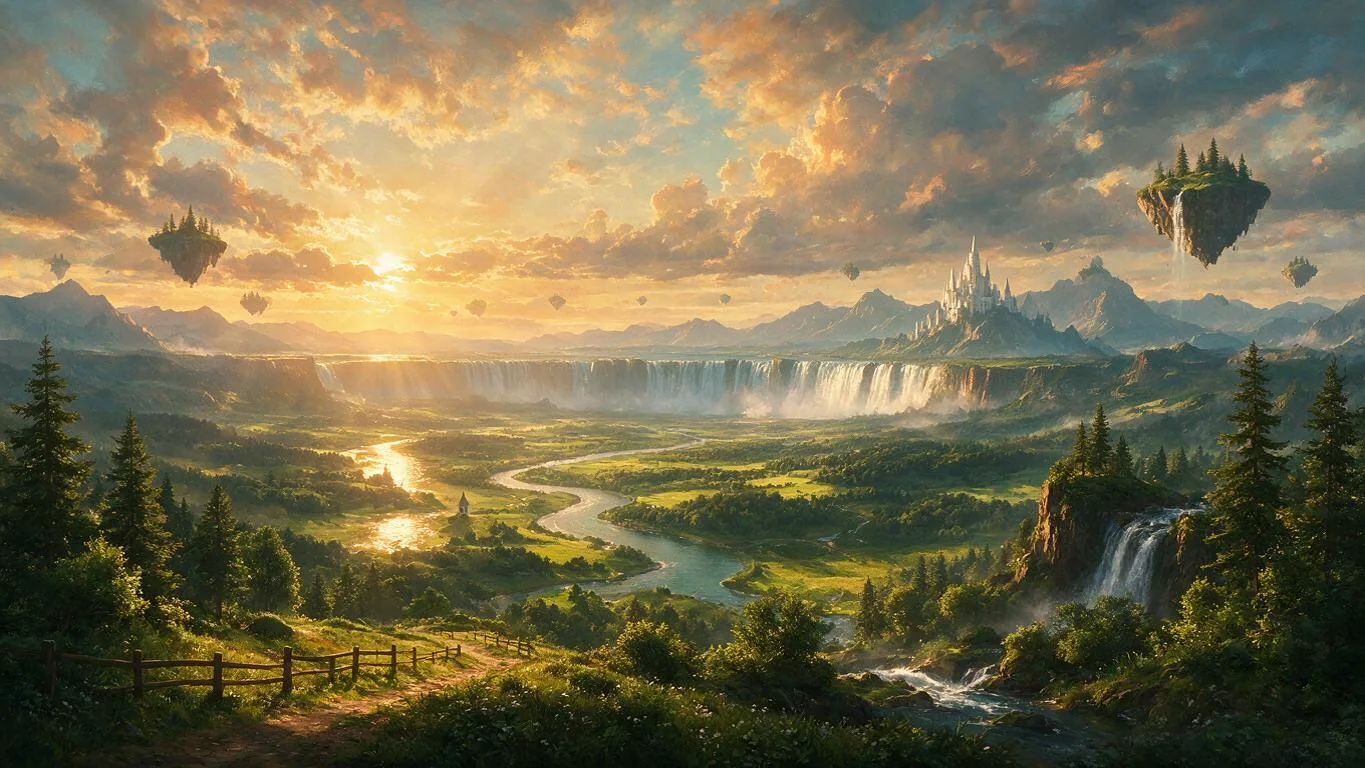 Seedream 5.0 Pro13.5 credits · softer, added extras
How to
How to use the AI landscape generator
- Time needed
- Steps
- 4 steps
Step 1
Open the Image Studio
Go to /app/image and pick GPT Image 2.5 Sunburst. Sign in free for starter credits.
Step 2
Describe the place
Terrain, water, season, light and style — foreground, middle ground and sky.
Step 3
Pick the shape
16:9 for desktop, 9:16 for phone or 21:9 for a banner, then generate.
Step 4
Fix and export
Change one detail with the image editor, upscale to 4K and download without a watermark.
See it in the app

Open Image Studio and type what you want to see — subject, style, lighting and mood.


Watch the tour · 1:23
Prompts, styles, references, edit, Arena & chat
Chapters
Tips
Prompt a landscape that looks like a place
What made the difference in our tests.
Build it front to back: a foreground detail (rocks, flowers, a path), a middle ground (lake, valley, fields) and a background (peaks, sky).
Name the light and time: sunrise, golden hour, blue hour, overcast, storm light or moonlight changes the whole mood.
For photoreal scenery, write it like a photo: lens (24mm), aperture (f/11), “sharp front to back”, “natural colours”.
For art, name the medium: matte painting, oil painting with impasto strokes, watercolour, ink, or cel-shaded anime background.
Add “no people, no text” — otherwise models sometimes add a hiker or a signature.
Pick the shape before you generate: 16:9 for desktop, 9:16 for phone, 21:9 for ultrawide banners; upscale the keeper to 4K.
Models
Models for AI landscapes
What each model is good at. Open any one straight in the generator.

OpenAI
GPT Image 2.5 Sunburst
- Reference images
- Up to 16
- Output
- 1K–4K
Open GPT Image 2.5 SunburstBest for
Made all four landscapes; follows the prompt closely

ByteDance
Seedream 5.0 Pro
- Reference images
- Up to 10
- Output
- 1K–2K
Open Seedream 5.0 ProBest for
Soft, golden, painterly; may add extras
- Free plan

FAQ
AI Landscape Generator questions
10 questions

How do I make a landscape with AI?
Open Kenerate's Image Studio, pick GPT Image 2.5 Sunburst and describe the place: terrain, water, season, time of day and style, e.g. “glacial lake at sunrise, snow-capped peaks reflected in turquoise water, pine forest, morning mist, 24mm photo”. Choose 16:9 and generate. All four landscapes on this page came out on the first try.
Link to this answerIs the AI landscape generator free?
Free to start: a new Kenerate account gets starter credits on sign-up, and Qwen Image 3.0 is on the free plan. GPT Image 2.5 Sunburst, which made the landscapes here, costs 7.2 credits per 1K image from one-time packs that never expire — no subscription. Downloads have no watermark.
Link to this answerWhich AI model is best for landscapes?
For photoreal scenery and prompts with many elements, GPT Image 2.5 Sunburst: it drew everything we asked for at 7.2 credits. Seedream 5.0 Pro (13.5 credits) gives a softer, golden, painterly look that suits fantasy art, but it added a fence and floating shapes we didn't ask for. Qwen Image 3.0 is the free-plan option.
Link to this answerCan AI make realistic landscape photos?
Yes. Write the prompt like a photographer: location type, light, lens and aperture, and “natural colours”. Our Rocky Mountain lake used “24mm lens, f/11, sharp front to back” and came back with a mirror reflection, mist and foreground rocks. It is an AI image, not a photo of a real place, so label it that way if you publish it.
Link to this answerCan I make fantasy or sci-fi landscapes?
Yes — name the impossible parts plainly: floating islands, a castle on a spur, a ringed planet on the horizon, glowing crystals. Add the medium (“matte painting”, “concept art”) and the light (“sunset god rays”). Our fantasy valley and alien desert on this page are both one-try outputs.
Link to this answerCan I use an AI landscape as a wallpaper?
Yes. Generate at 16:9 for a desktop or TV and 9:16 for a phone, then upscale to 4K with the AI image upscaler so it stays sharp on large screens. Leave empty sky at the top of a phone wallpaper so the clock and icons stay readable.
Link to this answerWhat size and aspect ratio should I use?
16:9 for desktops, YouTube and slides; 9:16 for phone wallpapers and stories; 21:9 for ultrawide monitors and website banners; 3:2 for prints. GPT Image 2.5 Sunburst renders 1K to 4K on its own, and any output can be upscaled to 4K.
Link to this answerCan I change part of a landscape?
Yes. Upload the image to the image editor and describe only the change — “turn the sky into a starry night, keep the lake and mountains the same”. GPT Image 2.5 Sunburst and Nano Banana 2.1 edit from reference images, so the rest of the scene stays put.
Link to this answerIs this a garden or yard design tool?
No — this page is about landscape art and scenery. For redesigning a yard, garden, patio or building, use the AI architecture generator, which is built around existing photos and floor plans.
Link to this answerCan I sell or print my AI landscapes?
Kenerate doesn't put a watermark on downloads. Copyright rules for AI-made images differ by country, so before selling prints or stock, read Kenerate's terms and check the rules where you sell.
Link to this answerIn depth
AI Landscape Generator, explained
What works, what to avoid, and how to pick a model.
On this page
Pick the kind of landscape first
“Landscape” covers very different images. Saying which one you want in the first line sets the camera, the detail and the colours:
- Photoreal nature: mountains, lakes, coasts, forests and deserts written like a photograph, with lens and light.
- Fantasy scenery: floating islands, giant waterfalls, castles and glowing forests as a matte painting or concept art.
- Sci-fi and alien worlds: other planets, ringed moons, crystal fields, ruined megacities.
- Painted landscapes: oil, watercolour, ink or anime backgrounds, named by medium and era.
AI scenery generator: building a scene that reads
Good landscape photos and paintings have depth: something close, something in the middle, something far away. Prompt in that order — “rocks in the foreground, a turquoise lake in the middle, snow-capped peaks behind” — and the model lays out the scene the same way.
Then set the mood with light and weather. The same valley reads calm at blue hour, warm at golden hour and dramatic under storm clouds with god rays.
Landscape AI art for wallpapers and prints
Most people want a landscape for a screen or a wall, so pick the shape before you generate rather than cropping later:
- Desktop and TV: 16:9, then upscale to 4K (3840×2160).
- Phone: 9:16, with open sky at the top for the clock.
- Ultrawide and website hero banners: 21:9.
- Framed prints: 3:2 or 4:3, upscaled before printing.
What we got
Four landscapes on GPT Image 2.5 Sunburst, one try each, plus one comparison:
- Mountain lake: turquoise water, mirror reflection of the peaks, mist and foreground rocks — reads like a real photo.
- Fantasy valley: river, cliff waterfall, floating islands with their own waterfalls, white castle, sunset rays.
- Alien desert: ringed gas giant, two moons, glowing blue crystals, rock spires and drifting dust.
- Oil countryside: wheat field, dirt lane, poplars and a stone farmhouse, with visible brush texture.
- Seedream 5.0 Pro, same fantasy prompt: every element there, softer light, plus an unrequested fence and floating shapes.
By the Kenerate AI teamLast updated and reviewed
We build and run the Kenerate generator. Every example is a real output of the model named under it; models and presets were checked against the app's code.
Sources: Kenerate Image Studio
