

People · pets · couples · trees · sunset silhouettes
Silhouette maker: turn a photo into a silhouette
Upload a photo of a person, a pet or a tree and get the subject back as one solid shape: pure black on white or transparent, a colour of your choice, or a black figure against a sunset.
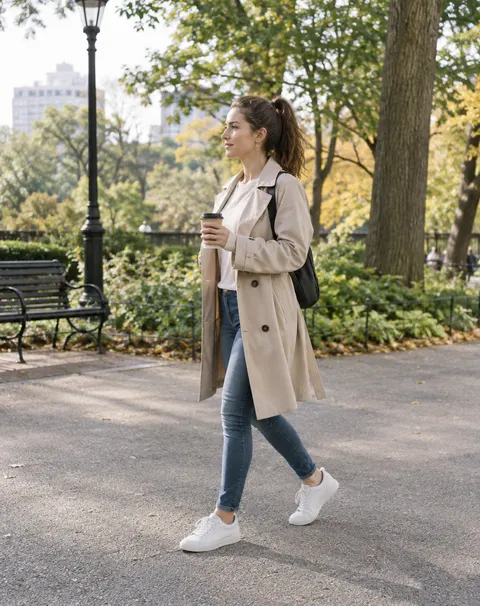
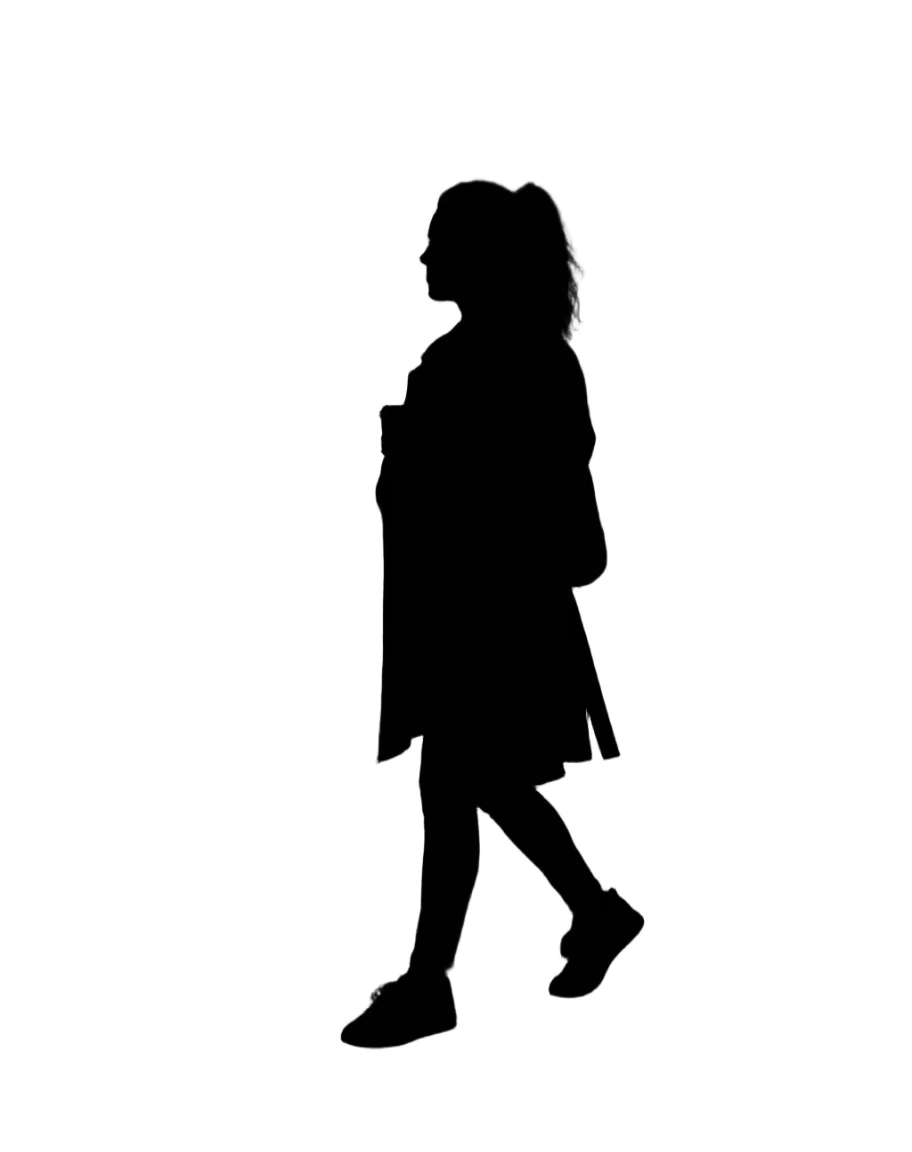
- Exact cut-out or AI redraw
- Black, colour or sunset
- Transparent PNG
- No watermark
Updated by the Kenerate AI team




Made with Kenerate
On this page
Quick answer

How do I make a silhouette from a photo?
To make a silhouette from a photo, cut the subject out with Remove BG in Kenerate Edit Studio, then set Adjust › Brightness to 0%: the cut-out turns solid black with exact edges, for 1.2 credits. For a coloured or sunset silhouette, upload the photo to Image Studio and let GPT Image 2.5 Sunburst redraw it, for 11.7 credits. Both download as PNG, no watermark.
Key facts
- Exact method
- Remove BG, then Adjust › Brightness 0% (Edit Studio)
- AI method
- Image Studio edit with a silhouette prompt
- Colours
- Black (exact method) · any colour or sunset (AI method)
- Output
- PNG, transparent or on a background
- Works on
- People, pets, couples, plants, objects
- Watermark
- None
Before / after
Photo to silhouette: real before and after
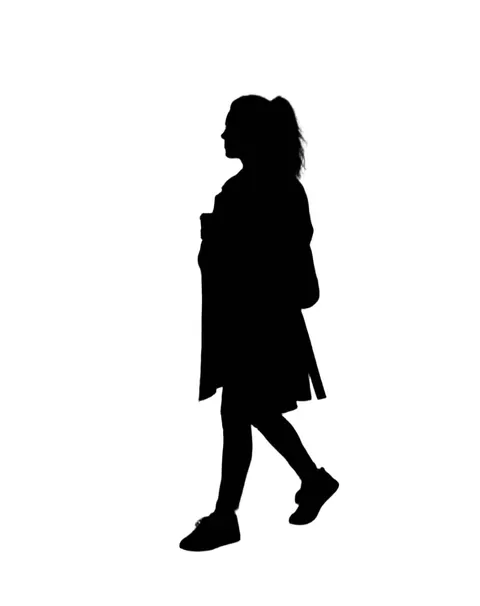
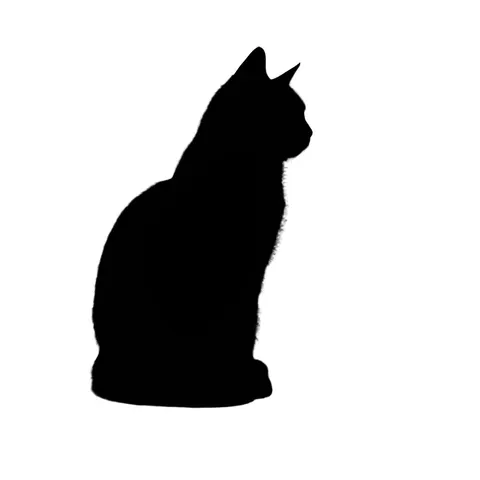
Six photos, one try each. The first three are cut-outs filled black in Edit Studio; the last three are Image Studio edits with the prompt shown. Drag the slider to compare.
Two methods
Exact cut-out or AI redraw: which silhouette method?
Both start from your own photo. Pick by the colour you want and how exact the outline has to be.
| Cut out + Brightness 0% (Edit Studio) | Silhouette prompt (Image Studio) | |
|---|---|---|
| Outline | Exactly the cut-out's edge | Redrawn by the model: very close, small details can shift |
| Colours | Black only | Any colour, gradient or a scene behind it |
| Background | Transparent, or a colour with AI Background | Whatever you describe: white, a sunset, a skyline |
| Hard subjects | Fur and hair fine with Cutout HD; trees with sky through the leaves are hard | Trees, groups and messy backgrounds |
| Steps | Two tools, about a minute | One prompt, about 30 seconds |
Prompts
Silhouette prompts to copy
Upload your photo in Image Studio, then use one of these. Each opens Image Studio with the prompt filled in.
- Subject
- Who or what becomes the shape
- Fill
- Solid black, a colour, or white
- Behind it
- Plain white, a sunset, a skyline
- Keep
- Exact outline, pose and framing
Black on white
Turn this photo into a silhouette: the main subject becomes one solid pure black shape with crisp edges, no inner detail, on a plain pure white background. Keep the exact outline, pose and proportions, including hair and fingers. Keep the same framing.
Person only, no ground
Turn this photo into a silhouette of the person only: one solid pure black shape on a flat pure white background, no shadow, no ground, no inner detail. Keep the exact outline, hair and fingers.
Sunset silhouette
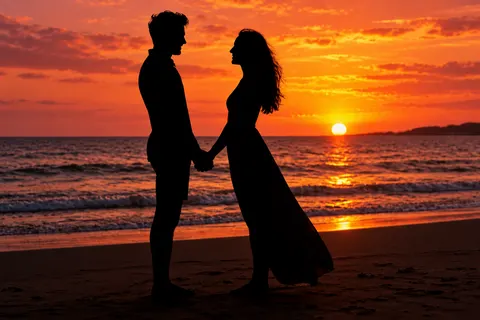
Turn this photo into a sunset silhouette: the couple becomes a solid pure black silhouette with crisp edges (no face, clothing or skin detail visible), keep their exact pose, outline, hair and the flowing dress shape. Replace the sky with a glowing orange, pink and gold sunset with the sun low on the horizon, the sea reflecting the sunset, and the beach in dark shadow. Keep the same framing.
Coloured silhouette
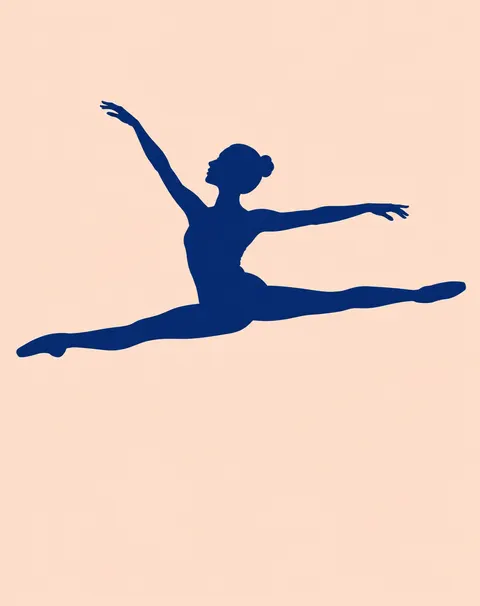
Turn this photo into a coloured silhouette: the dancer becomes one flat solid deep navy blue shape with crisp clean edges, no face, skin, leotard or shoe detail, keep the exact leap pose, the bun, fingers and pointed feet. Remove the studio completely and put her on a plain flat pale peach background, no floor, no shadow, no gradient. Keep the same framing.
More prompts (4)
Tree or plant
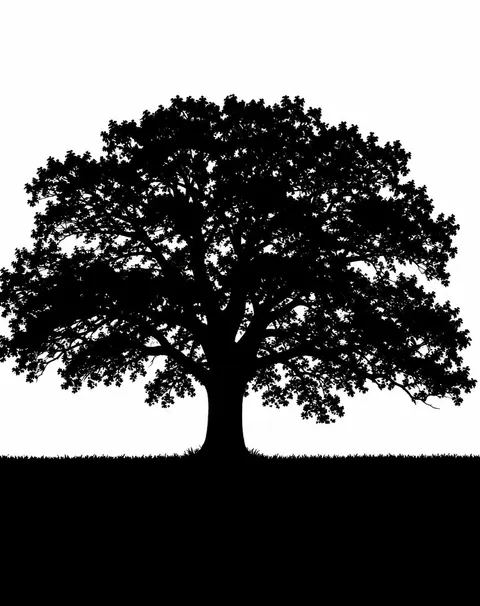
Turn this photo into a tree silhouette: the oak tree and the grass line become one solid pure black shape on a plain pure white background, no green, no bark or leaf texture, no grey, crisp edges. Keep the exact outline of the trunk, branches and leaf clusters, with small white gaps where the sky shows through the crown. Keep the same framing.
White silhouette on black
Turn this photo into an inverted silhouette: the subject becomes one solid pure white shape with crisp edges on a plain pure black background, no inner detail, same outline and pose.
Skyline at dusk
Turn this photo into a silhouette: the person becomes a solid black shape standing in front of a city skyline at dusk, the buildings also in black silhouette against a deep blue and orange sky. Keep the person's exact pose and outline.
Pet portrait for a mug
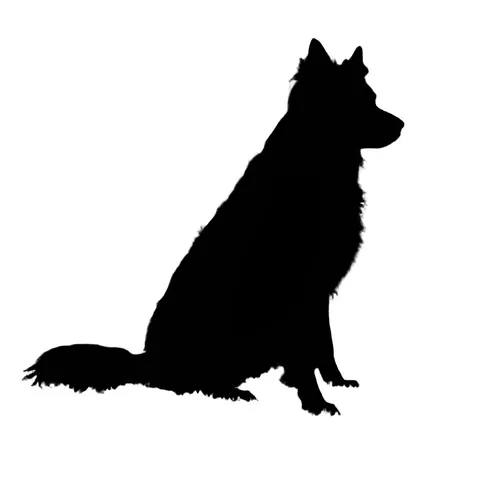
Turn this pet photo into a clean side-profile silhouette: one solid black shape on pure white, no fur texture inside, smooth but true outline of the ears, nose and tail, centred with a wide margin.
How to
How to use the silhouette maker
- Time needed
- Steps
- 4 steps
Step 1
Open a silhouette tool
For an exact black silhouette, open Edit Studio and add your photo. For a colour or a sunset, press “Make a silhouette” to open Image Studio with the silhouette prompt filled in.
Step 2
Cut out the subject (exact method)
In Edit Studio pick Remove BG. The background turns transparent and only the person, pet or object is left.
Step 3
Fill it black
Open Adjust and drag Brightness to 0%, then apply. The cut-out becomes one solid black shape with the same edges. Add AI Background › colour if you want white or another colour behind it.
Step 4
Or describe it (AI method)
In Image Studio, upload the photo, keep or edit the prompt (colour, sunset, white on black) and press Create.
See it in the app

Open Image Studio and type what you want to see — subject, style, lighting and mood.


Watch the tour · 1:23
Prompts, styles, references, edit, Arena & chat
Chapters
Tips
Get a silhouette people recognise
A silhouette is only an outline, so the outline has to tell the story.
Pick a side profile or an open pose: arms away from the body, legs apart, the face turned sideways.
Anything that overlaps the body (a cup, a bag, a crossed arm) merges into one shape. Move it or pick another photo.
For fur and loose hair, cut out with Cutout HD in the background remover before you fill it black.
Trees, fences and groups with gaps are easier with the AI method than with a cut-out.
Want a colour? Use the prompt method and name it: “flat navy blue”, “gold”, “white on black”.
Download the transparent PNG if the silhouette goes on a mug, a wall decal or a slide.
Models
Tools and models for silhouettes
What each model is good at. Open any one straight in the generator.
Edit Studio
Remove BG + Adjust
- Reference images
- 1 photo
- Output
- Keeps size
Open Remove BG + AdjustBest for
Exact outline, black only · Adjust runs in the browser
Background Remover
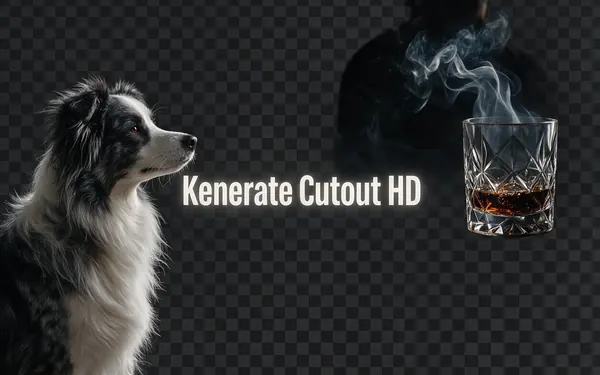
Kenerate Cutout HD
- Reference images
- 1 photo
- Output
- Keeps size
Open Kenerate Cutout HDBest for
Cleaner fur and hair edges before you fill

OpenAI
GPT Image 2.5 Sunburst
- Reference images
- Up to 16
- Output
- 1K to 4K
Open GPT Image 2.5 SunburstBest for
Default for AI silhouettes · colours, sunsets, trees
- Free plan

Alibaba
Qwen Image 3.0
- Reference images
- Up to 3
- Output
- 1K or 2K
Open Qwen Image 3.0Best for
Free plan model for the prompt method
FAQ
Silhouette Maker questions
8 questions

How do I make a silhouette from a photo?
Cut the subject out and fill it black. In Kenerate Edit Studio, add the photo, run Remove BG, then open Adjust and set Brightness to 0%; the cut-out turns solid black with the same outline. For a coloured or sunset silhouette, upload the photo to Image Studio with a silhouette prompt instead and the model redraws it.
Link to this answerIs the silhouette maker free?
Free to start. A new Kenerate account gets 25 free credits. The exact method costs 1.2 credits for Remove BG (3 credits if you use Cutout HD in the background remover) and the Brightness 0% step costs nothing because it runs in your browser. An AI silhouette costs 11.7 credits on GPT Image 2.5 Sunburst or 9.9 on Qwen Image 3.0, the free-plan model. No watermark.
Link to this answerCan I make a silhouette with a transparent background?
Yes. The exact method keeps the transparency from Remove BG, so the black shape downloads as a transparent PNG. The AI method returns a full image, so ask for a plain white background and run Remove BG on the result if you need transparency.
Link to this answerCan I make a coloured silhouette, not just black?
Yes, with the prompt method: name the colour, for example “one flat solid deep navy blue shape on a pale peach background”. The Brightness slider only goes to black. You can also add a coloured background behind a black silhouette with AI Background in Edit Studio.
Link to this answerHow do I make a sunset silhouette photo?
Upload the photo to Image Studio and ask for the subject as a solid black silhouette in front of an orange and pink sunset with the sun low on the horizon. The couple on the beach above was made that way in one run on GPT Image 2.5 Sunburst.
Link to this answerDoes it work on pets and trees?
Yes. Pets work well with Cutout HD and the Brightness 0% fill, which keeps fur edges soft. Trees are harder to cut out because sky shows through the leaves, so the AI method usually gives the better tree silhouette; it simplifies the crown into leaf clusters.
Link to this answerWhy does my silhouette look like a blob?
Because parts of the subject overlap. A hand in front of the chest or a bag against the hip becomes one shape when everything is black. Pick a photo in side profile with arms and legs apart.
Link to this answerCan I use the silhouette for Cricut, vinyl or a cake topper?
Yes, as a starting PNG. Cutting machines cut vector paths, so trace the transparent PNG in your cutting software or Inkscape first. Thin parts such as fingers and tails may need thickening so they don't tear.
Link to this answerIn depth
Silhouette Maker, explained
What works, what to avoid, and how to pick a model.
On this page
Why Brightness 0% makes a silhouette
Edit Studio's Adjust panel uses the browser's brightness() filter, which multiplies every colour channel. At 0% every red, green and blue value becomes 0, so each visible pixel turns black, while the transparency from Remove BG is untouched. The result is a black shape with exactly the cut-out's edge, including the soft fringe on fur and hair. It runs in your browser, so this step costs no credits.
When to use the AI method instead
A cut-out can only keep what the background remover finds. The prompt method redraws the photo, which helps when:
- You want a colour, a gradient or white on black rather than plain black.
- You want a scene behind the subject: a sunset, a skyline, a moon.
- The subject is a tree, a fence or a crowd with background showing through it.
- The photo is busy and a cut-out leaves bits of background attached.
What a silhouette can't show
Everything inside the outline is gone: faces, clothes, logos, fur colour. If the photo is front-on with arms by the sides, the result is a plain blob. A redraw can also slightly change small details such as fingers or the line of a face, so compare it with the original before you print or cut it.
By the Kenerate AI teamLast updated and reviewed
We build and run the Kenerate generator. Every example is a real output of the model named under it; models and presets were checked against the app's code.
Sources: Kenerate Edit Studio · Kenerate Background Remover · MDN — CSS filter brightness() · Inkscape — Tracing bitmaps tutorial
