4 sets × 8 covers · 1080 × 1920 JPG · icon centred for the circle · not affiliated with Meta
Instagram highlight covers — matching icon sets to download or make
Thirty-two story highlight covers in four matching sets — beige line icons, bold white-on-terracotta, black and gold, soft boho pastels — for travel, food, shop, about, reviews, FAQ, behind the scenes and contact. Download a set, or describe your own style and get eight icons that match.

- 32 covers to download, 4 styles
- 1080 × 1920 JPG, icon centred
- One prompt makes a matching set of 8
- No Instagram logos — your own icons
Updated by the Kenerate AI team




Made with Kenerate
On this page
Quick answer

How do I make Instagram highlight covers?
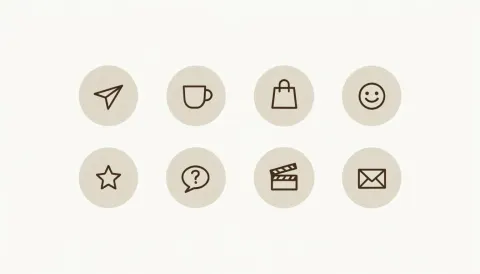
To make Instagram highlight covers, describe one style and eight icons in a single prompt — “8 minimal line icons in a 4 × 2 grid, each in a beige circle” — so they match, then crop each icon onto a 9:16 frame with the icon in the centre. On Kenerate, Recraft V4.1 (12 credits) drew the four sets below; each cover is a 1080 × 1920 JPG.
Key facts
- Covers to download
- 32 — 4 sets of 8 (travel, food, shop, about, reviews, FAQ, behind the scenes, contact)
- File
- 1080 × 1920 JPG (9:16), icon 640 px wide in the centre
- Made with
- Recraft V4.1 — one 16:9 sheet of 8 icons per set, upscaled to 4K, then cut and centred
- In the app
- Recraft V4.1 sizes: 1:1, 3:4, Story 9:16, 4:3, 16:9
- Story ad spec
- 9:16, JPG or PNG, at least 1440 × 2560 (Meta Ads Guide)
- Affiliation
- Kenerate is not affiliated with Instagram or Meta
Highlight cover styles
Highlight cover styles: the look, who it suits and the prompt words
Put the style words and all eight icons in one prompt so the set matches. End with “no text, no letters, no labels”.
| Style | Looks like | Suits | Prompt words |
|---|---|---|---|
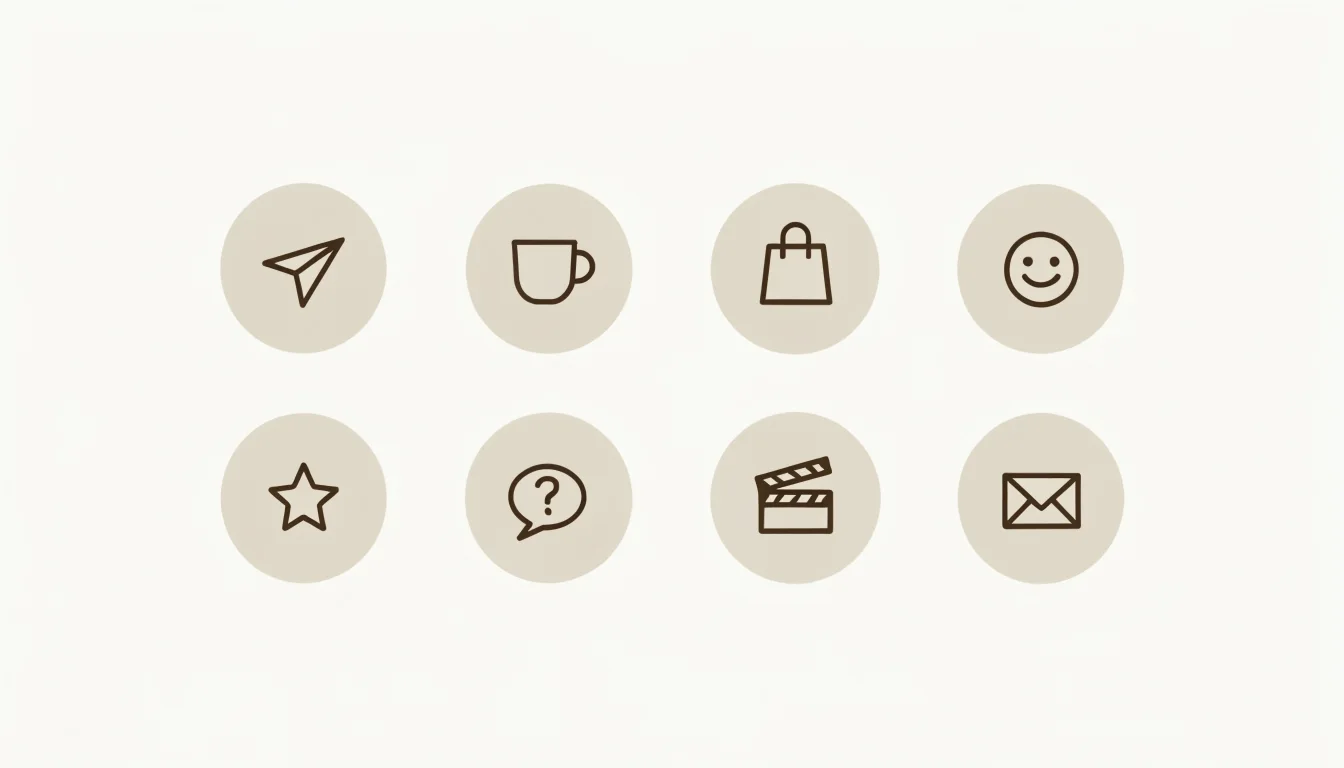
| Beige minimal | Thin dark brown line icons in warm beige circles on cream | Lifestyle, cafés, neutral feeds | minimal line icons, thin even dark brown strokes, each in a plain warm beige circle, flat cream background |
| Bold colour | Solid white glyphs on one strong colour | Shops, restaurants, brands with one colour | bold solid white glyph icons, each centred on a flat terracotta orange circle, simple rounded style |
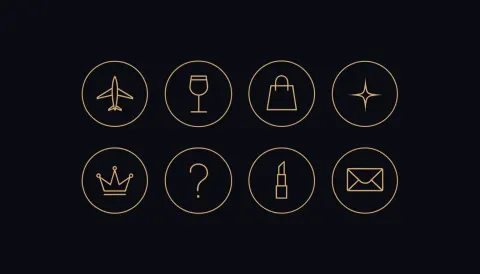
| Black and gold | Fine gold lines in black circles with a gold ring | Beauty, fashion, luxury | elegant thin gold line icons, each in a matte black circle with a thin gold ring, soft black background |
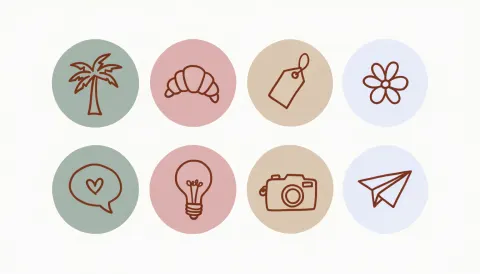
| Boho pastel | Hand-drawn terracotta lines on sage, pink, sand and blue circles | Creators, travel, handmade | soft hand-drawn boho icons, muted terracotta line, circles alternating sage green, dusty pink, sand beige and pale blue |
| Pastel gradient | White icons on soft gradient circles (not made here) | Beauty, wellness | white line icons, each on a soft peach-to-lilac gradient circle, plain white background |
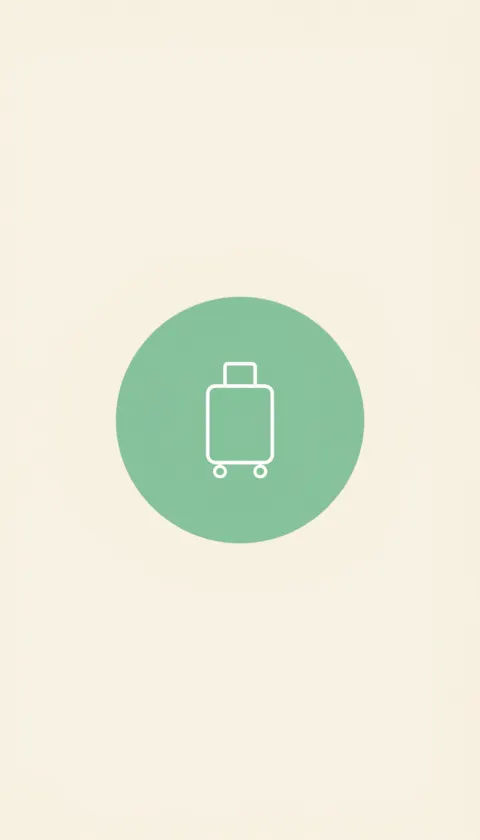
| Single cover, 9:16 | One icon centred on a 9:16 frame, straight from the model | One new highlight that must match | one simple white line icon of a suitcase centred exactly in the middle on a large sage green circle, flat cream background |
Gallery
Highlight cover sets as Recraft V4.1 made them
Four matching sets of 8 Instagram highlight cover icons, each from one prompt, plus one cover made straight at 9:16. Open one to see its prompt; the 32 cut-out covers are in the downloads below.
Download
Download the highlight covers: beige minimal highlight covers
Each cover is a 1080 × 1920 JPG with the icon (640 px wide) in the centre, so it sits inside the highlight circle. Made with Recraft V4.1 as a sheet of 8 icons, upscaled to 4K with the Image Upscaler, then cut and centred. No watermark, no text. Thin dark brown line icons in warm beige circles on cream. Cut from the first sheet above.
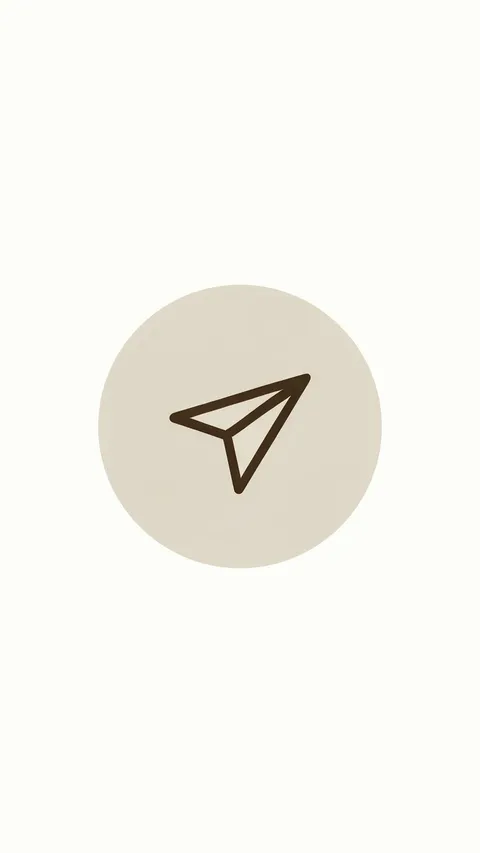 Travel — Beige minimalCover 9:16 · 1080 × 1920 JPG · Recraft V4.1Download
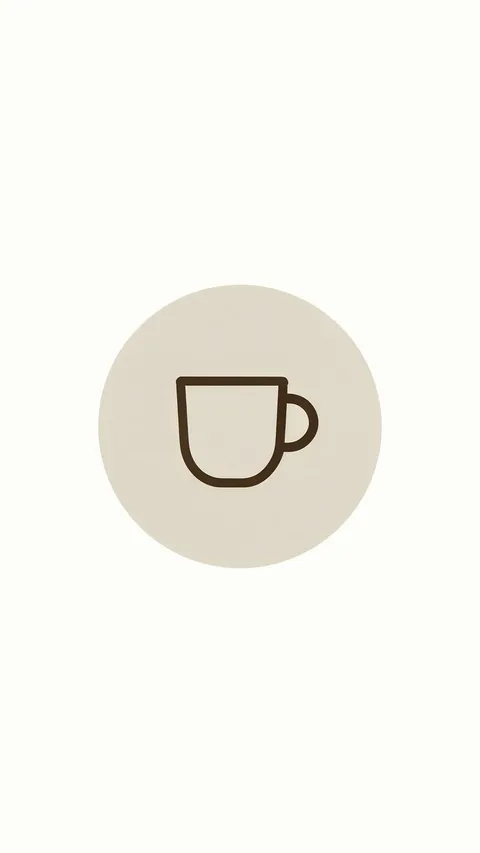 Food — Beige minimalCover 9:16 · 1080 × 1920 JPG · Recraft V4.1Download
 Shop — Beige minimalCover 9:16 · 1080 × 1920 JPG · Recraft V4.1Download
 About — Beige minimalCover 9:16 · 1080 × 1920 JPG · Recraft V4.1Download
 Reviews — Beige minimalCover 9:16 · 1080 × 1920 JPG · Recraft V4.1Download
 FAQ — Beige minimalCover 9:16 · 1080 × 1920 JPG · Recraft V4.1Download
 Behind the scenes — Beige minimalCover 9:16 · 1080 × 1920 JPG · Recraft V4.1Download
 Contact — Beige minimalCover 9:16 · 1080 × 1920 JPG · Recraft V4.1Download
Download · set 2 of 4
Bold terracotta highlight covers
Solid white glyphs on terracotta orange circles, on near-white. Cut from the second sheet above.
 Travel — Bold terracottaCover 9:16 · 1080 × 1920 JPG · Recraft V4.1Download
 Food — Bold terracottaCover 9:16 · 1080 × 1920 JPG · Recraft V4.1Download
 Shop — Bold terracottaCover 9:16 · 1080 × 1920 JPG · Recraft V4.1Download
 About — Bold terracottaCover 9:16 · 1080 × 1920 JPG · Recraft V4.1Download
 Favourites — Bold terracottaCover 9:16 · 1080 × 1920 JPG · Recraft V4.1Download
 FAQ — Bold terracottaCover 9:16 · 1080 × 1920 JPG · Recraft V4.1Download
 Behind the scenes — Bold terracottaCover 9:16 · 1080 × 1920 JPG · Recraft V4.1Download
 Contact — Bold terracottaCover 9:16 · 1080 × 1920 JPG · Recraft V4.1Download
Download · set 3 of 4
Black and gold highlight covers
Fine gold line icons in gold-ringed circles on soft black. Cut from the third sheet above.
 Travel — Black and goldCover 9:16 · 1080 × 1920 JPG · Recraft V4.1Download
 Dining — Black and goldCover 9:16 · 1080 × 1920 JPG · Recraft V4.1Download
 Shop — Black and goldCover 9:16 · 1080 × 1920 JPG · Recraft V4.1Download
 New — Black and goldCover 9:16 · 1080 × 1920 JPG · Recraft V4.1Download
 VIP — Black and goldCover 9:16 · 1080 × 1920 JPG · Recraft V4.1Download
 FAQ — Black and goldCover 9:16 · 1080 × 1920 JPG · Recraft V4.1Download
 Beauty — Black and goldCover 9:16 · 1080 × 1920 JPG · Recraft V4.1Download
 Contact — Black and goldCover 9:16 · 1080 × 1920 JPG · Recraft V4.1Download
Download · set 4 of 4
Boho pastel highlight covers
Hand-drawn terracotta line icons on sage, dusty pink, sand and pale blue circles. Cut from the fourth sheet above.
 Travel — Boho pastelCover 9:16 · 1080 × 1920 JPG · Recraft V4.1Download
 Food — Boho pastelCover 9:16 · 1080 × 1920 JPG · Recraft V4.1Download
 Shop — Boho pastelCover 9:16 · 1080 × 1920 JPG · Recraft V4.1Download
 About — Boho pastelCover 9:16 · 1080 × 1920 JPG · Recraft V4.1Download
 Reviews — Boho pastelCover 9:16 · 1080 × 1920 JPG · Recraft V4.1Download
 Tips — Boho pastelCover 9:16 · 1080 × 1920 JPG · Recraft V4.1Download
 Behind the scenes — Boho pastelCover 9:16 · 1080 × 1920 JPG · Recraft V4.1Download
 Contact — Boho pastelCover 9:16 · 1080 × 1920 JPG · Recraft V4.1Download
How to
How to use the Instagram highlight cover maker
- Time needed
- Steps
- 4 steps
Step 1
Download a set, or open the generator
Download a set below, or press “Make my highlight covers”. Image Studio opens on Recraft V4.1 with the beige minimal prompt. Set the size to Widescreen 16:9 for a sheet of 8.
Step 2
Describe your style and eight icons
Change the colours and the eight icons to your highlights — travel, menu, shop, reviews, FAQ — and keep “a matching set of 8 … in a 4 × 2 grid” and “no text”.
Step 3
Upscale and crop each icon
Run the sheet through the Image Upscaler at 4K, then crop each icon square in your phone's photo editor. For one cover, pick Story 9:16 and ask for one icon centred.
Step 4
Set it as the highlight cover
On your profile, press and hold a highlight, choose Edit highlight, then Edit cover, pick the image from your camera roll and centre it in the circle.
See it in the app

Open Image Studio and type what you want to see — subject, style, lighting and mood.


Watch the tour · 1:23
Prompts, styles, references, edit, Arena & chat
Chapters
Tips
Get highlight covers that match and fit the circle
A highlight set fails in two places: icons that don't match, and icons cut off by the circle.
Ask for all eight icons in one prompt — “a matching set of 8 … in a 4 × 2 grid” — so the stroke, colours and size match. Recraft V4.1 takes no reference image, so a second prompt won't copy the first set's look exactly.
Put each icon in its own circle in the prompt; the circle shows where to crop and keeps the set even.
Keep the icon in the middle third of the 9:16 frame: the profile shows a circle cut from the centre.
End with “no text, no letters, no labels” — icon sheets often come back with captions under each icon.
Name icons by object (“a fork and knife”, “a paper plane”), not by topic (“food”, “travel”), so the model draws one clear symbol.
Don't ask for the Instagram glyph or any brand logo; use your own symbols and colours.
Models
Models for highlight covers
What each model is good at. Open any one straight in the generator.
Recraft
Recraft V4.1
- Output
- 1:1, 3:4, Story 9:16, 4:3, 16:9
Open Recraft V4.1Best for
Default here · made all four sets and the 9:16 cover · text prompt only
- Free plan

Alibaba
Qwen Image 3.0
- Reference images
- Up to 3
- Output
- 1K or 2K · 15 ratios incl. 9:16
Open Qwen Image 3.0Best for
Free plan · simple flat icons; upload your first icon as a reference for the next
FAQ
Instagram Highlight Cover Maker questions
8 questions

What size should an Instagram highlight cover be?
Use a 9:16 image; 1080 × 1920 is the usual size and is what the 32 covers here are. The profile shows a circle cut from the middle, so keep the icon in the centre — on these covers it is 640 px wide in the middle of the frame.
Link to this answerHow do I make Instagram highlight covers that match?
Describe the style once and list all eight icons in the same prompt: “a matching set of 8 minimal line icons in a 4 × 2 grid, each in a beige circle … Icons in order: a paper plane, a coffee cup …”. One image gives eight icons with the same stroke and colours; then crop each one.
Link to this answerCan I download Instagram highlight covers for free?
Yes. The 32 covers on this page download as 1080 × 1920 JPGs with no account and no watermark. Making your own uses credits: Recraft V4.1 costs 12 credits a sheet and the Image Upscaler 3 credits a run. New accounts get 25 credits; Recraft V4.1 is not on the free plan, so it needs a pack (the Starter pack is $15 for 1,300 credits), while Qwen Image 3.0 at 9 credits is.
Link to this answerHow do I change a highlight cover on Instagram?
On your profile, press and hold the highlight, tap Edit highlight, then Edit cover, choose the image from your camera roll and move it so the icon sits in the circle. Save the cover to your phone first.
Link to this answerDoes Kenerate make the 1080 × 1920 file for me?
Not as one click. Recraft V4.1 can make a single cover straight at Story 9:16 (768 × 1344 as made); upscale it for a larger file. The 32 covers here were cut from 16:9 sheets and centred on 1080 × 1920 after generation.
Link to this answerCan I use the Instagram logo on my highlight covers?
Not from here: none of these covers uses the Instagram glyph or any brand mark, and the prompts ask for your own symbols. Kenerate is not affiliated with Instagram or Meta; “Instagram” on this page only describes where the covers are used.
Link to this answerWhich icons do I need for highlight covers?
Most profiles use six to eight: travel or about, food or menu, shop, reviews or favourites, FAQ, behind the scenes, and contact. Each set here covers eight of those; swap any icon in the prompt for your own topic.
Link to this answerCan I make highlight covers with text instead of icons?
Yes — Recraft V4.1 is a design model that handles short words. Ask for one word per cover in quotes, such as “SHOP”, and check the spelling before you use it. The covers on this page have no text.
Link to this answerIn depth
Instagram Highlight Cover Maker, explained
What works, what to avoid, and how to pick a model.
On this page
How the 32 covers were made
Every cover traces back to one Recraft V4.1 image. The steps, with the real sizes:
- Prompt: one style, eight icons in order, “a 4 × 2 grid”, “each in its own circle”, “no text”. Size: Widescreen 16:9 — the sheet came back at 1344 × 768.
- Upscale: the Image Upscaler at 4K made each sheet 5418 × 3096, so each icon is several hundred pixels across before cropping.
- Cut: the empty margin was trimmed, the grid split into 4 × 2 cells and each icon trimmed to its circle.
- Centre: each icon was scaled to 640 × 640 and placed in the middle of a 1080 × 1920 frame filled with the sheet's own background colour, then saved as JPG.
Why one prompt for the whole set
Recraft V4.1 takes no reference images, so two separate prompts give two slightly different line weights, colours and circle sizes. Drawing all eight icons in one image keeps them consistent — every set here matched on the first try.
To add a ninth icon later, either run the whole prompt again with the new icon in the list, or use Qwen Image 3.0 with one of your covers uploaded as a reference.
The circle and the safe area
A highlight cover is shown as a small circle on the profile, cut from the middle of a 9:16 image. Anything near the top or bottom of the frame is never seen, so the covers here leave 640 of the 1080 pixels across for the icon and plain colour everywhere else.
Meta's ads guide asks for at least 1440 × 2560 for story ads; for a cover that is only ever shown as a small circle, 1080 × 1920 is plenty.
By the Kenerate AI teamLast updated and reviewed
We build and run the Kenerate generator. Every example is a real output of the model named under it; models and presets were checked against the app's code.
Sources: Meta Ads Guide — Instagram Stories image specs (9:16, JPG or PNG, at least 1440 × 2560) · Kenerate Image Studio — Recraft V4.1 · Kenerate Image Upscaler (2K, 4K, 8K) · Kenerate AI — Terms of Service