

ByteDance UXO team; paper "USO: Unified Style and Subject-Driven Generation via Disentangled and Reward Learning"
USO
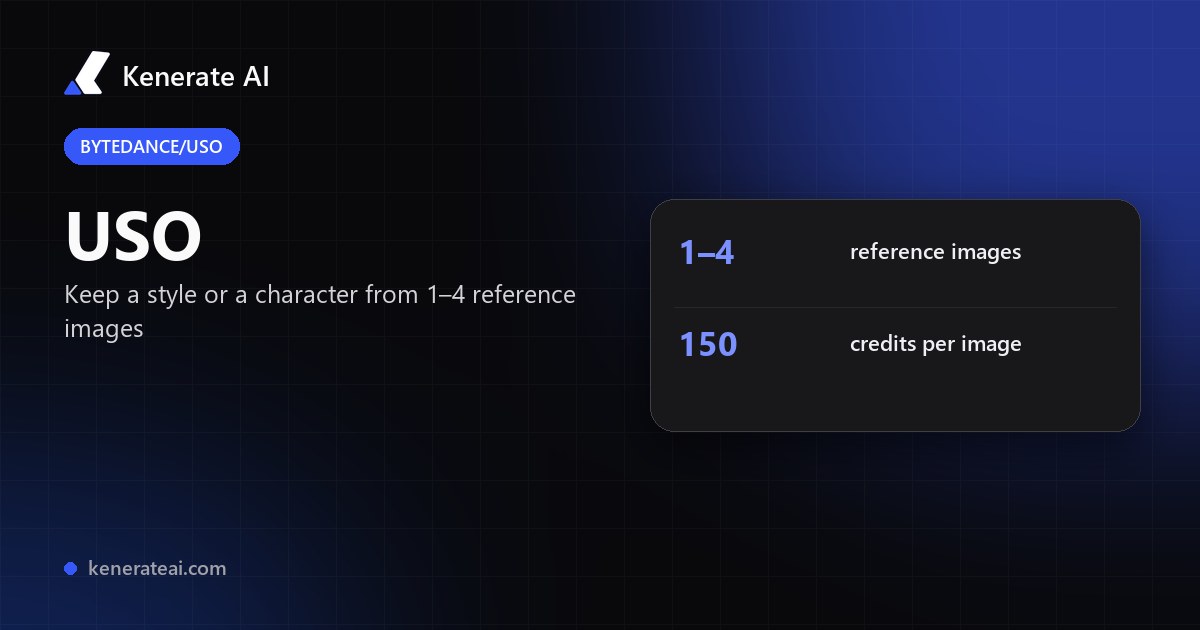
ByteDance's USO in your browser: upload one to four reference images — a style, a character or both — and describe the new scene. USO keeps the look of the style and the face or subject of the reference. No GPU, no install.
- What it does
- Generates a new image that keeps the look of a style reference, the identity of a subject reference, or both at once
- How it was trained
- A triplet dataset of content images, style images and stylised results, with disentangled learning (content and style pulled apart) and a style reward-learning step (SRL)
- Modes
- Subject / identity-driven, style-driven, style + subject, and multi-style (several style references)
- Inputs
- 1 to 4 reference images (JPG or PNG) and a text prompt that describes the scene
- Tools
- Kenerate image studio (USO Style). ComfyUI also runs USO natively, per the project
- Open-source status
- Code and inference weights released under Apache-2.0; training code and dataset listed by the authors as planned releases
- Real specs
- Official sources
- Free to start
- No watermark
Updated by the Kenerate AI team




On this page
What is USO?

What is USO?
USO (Unified Style and Subject-Driven Generation) is ByteDance's open image model, described in the paper arXiv 2508.18966 (26 August 2025). It handles two jobs that are usually separate tools: copying a style from a reference image, and keeping a subject (a person, a character, an object) consistent while placing it in a new scene. On Kenerate AI it runs as USO Style in the image studio: 1 to 4 reference images plus a text prompt, at 150 credits per image.
Key facts
- Official name
- USO (Unified Style and Subject-Driven Generation)
- Maker
- ByteDance (UXO team, Intelligent Creation)
- Paper
- arXiv 2508.18966, 26 August 2025
- Licence of the code
- Apache-2.0 (github.com/bytedance/USO)
- Modes
- Subject-driven, style-driven, style + subject, multi-style
- Inputs on Kenerate
- 1 to 4 reference images + a prompt
- Size and aspect
- Set by the studio, no picker
Models
USO on Kenerate
Every version in the generator, and what each is good at.
ByteDance USO on Kenerate
USO Style
- Reference images
- 1–4 images + prompt
- Output
- Set by the studio
Open USO StyleBest for
Keeps a style or a character from your references in a new scene
From our tests
Strengths and limits
Good at

- Two jobs in one model: copy a style, keep a character, or do both from the same set of references.
- Reference-based, so you can use your own character or product photo instead of describing it in words.
- Works with one reference when you only want a style, and with up to four for multi-style or identity mixes.
- Open research model with a published paper, so the approach is documented rather than a black box.
Limits
- No USO outputs are shown on this page yet — run a test with your own references first.
- 150 credits per image is among the pricier image options; text-only models cost less for plain prompts.
- Our studio sets the output size and has no seed or negative-prompt field for USO.
- Use it on images you have the right to use. Do not use it to copy a real person's face without their consent.
How to
How to use USO on Kenerate
Step 1
Open the image studio
Go to /app/image and choose USO Style from the model list (the button on this page selects it).
Step 2
Add references
Upload one to four images: a style reference, a subject or character reference, or both. Clear, well-lit images give USO the most to copy.
Step 3
Describe the scene
Write the new scene in plain words — what the subject is doing and where. Keep style words short; the style comes from the reference.
Step 4
Generate
Check the cost (150 credits per image) and generate. The result lands in your library.
See it in the app

Open Video Studio in Text to Video mode and write the shot — subject, action, camera move and light.


Watch the tour · 1:19
Text, image & reference to video, models, edit, extend & chat
Chapters
FAQ
USO questions
9 questions

What is ByteDance USO?
USO is an image generation model from ByteDance's UXO team, described in the paper "USO: Unified Style and Subject-Driven Generation via Disentangled and Reward Learning" (arXiv 2508.18966, 26 August 2025). It is built to do style-driven and subject-driven generation in one model, so a single set of references can give you a look, a character, or both.
Link to this answerWhat is the difference between USO and a normal text-to-image model?
A text-to-image model only sees your prompt. USO also takes one to four reference images, so the look of a style image or the identity of a subject image carries into the new picture. You describe what changes; the references set what stays.
Link to this answerHow much does USO cost on Kenerate?
150 credits per image in the image studio, with one to four reference images. The exact cost is shown before you generate.
Link to this answerCan USO keep a character consistent across images?
Yes, that is one of its modes. Use the same character reference in each run and change only the scene in the prompt. Results vary between runs, so generate a few and keep the best.
Link to this answerIs USO open source?
The inference code is on GitHub under the Apache-2.0 licence, and the paper is on arXiv. The authors list training code and the dataset as planned releases. On Kenerate you use USO hosted in the studio, with no install.
Link to this answerCan I run USO in ComfyUI?
Yes. The project says USO has native ComfyUI support, and ComfyUI has published workflows for it. Running it yourself needs a capable GPU; the project lists about 16 GB of peak memory with a low-memory setup.
Link to this answerDoes USO work for styles as well as characters?
Yes. A style-driven run uses a style image with a prompt, and a style + subject run stylises a content reference with a style reference. Multi-style mode takes more than one style image.
Link to this answerWhich base model does USO use?
The paper does not name the base model. The project's inference flags point to FLUX.1-dev weights, so USO is best thought of as a FLUX-based model with its own training for style and subject.
Link to this answerUSO vs other reference models — which should I use?
Use USO when you need a style and a subject to stay put across a scene. For text-only prompts, a general model in the same studio is cheaper. For faces and characters from one photo, compare against the other reference-image models in the image studio on the same references.
Link to this answerIn depth
USO, in depth
Background, how to prompt it, and when to pick something else.
On this page
What a USO image costs
Price is per image, not per second:
- 1 image — 150 credits. One style or one subject reference.
- Each extra run — another 150 credits. Generate a few variations and keep the best.
How USO works
Most style tools blend a look over the whole picture, and most subject tools lock a face but ignore the style. USO treats both as one problem: separate the content from the style, then recombine them. The authors build a triplet dataset of content images, style images and stylised results, train with two objectives that align style features and pull content and style apart, and add a style reward-learning step that scores how well the style is copied [1][2].
The paper also releases USO-Bench, which scores style similarity and subject fidelity together, and reports results that lead among open-source models on both [2].
Getting good results
Use a clean style reference with one dominant look, and a subject reference where the face or object is clear and not cropped. Keep the prompt about the scene, not the style, because the style comes from the reference. If a result copies too much of the reference layout, shorten the prompt or try a different reference.
By the Kenerate AI teamLast updated and reviewed
We run these models in the Kenerate generator. Model facts come from the makers' own pages; specs and limits were checked against our code; the examples are our own outputs.
Sources: bytedance/USO — GitHub repository · USO: Unified Style and Subject-Driven Generation via Disentangled and Reward Learning — arXiv 2508.18966 · USO in ComfyUI — ComfyUI blog
