

PixAI alternative · anime studio
PixAI Alternative
PixAI is a community anime platform: 1.8M+ shared models and LoRAs, its own Tsubaki models and daily credits. Kenerate is a curated anime-capable studio: Neta Lumina, Prefect Pony XL and Seedream 5.0 Pro, reference images for consistent characters, and image-to-video up to 30 seconds — with one-time credit packs, no subscription.
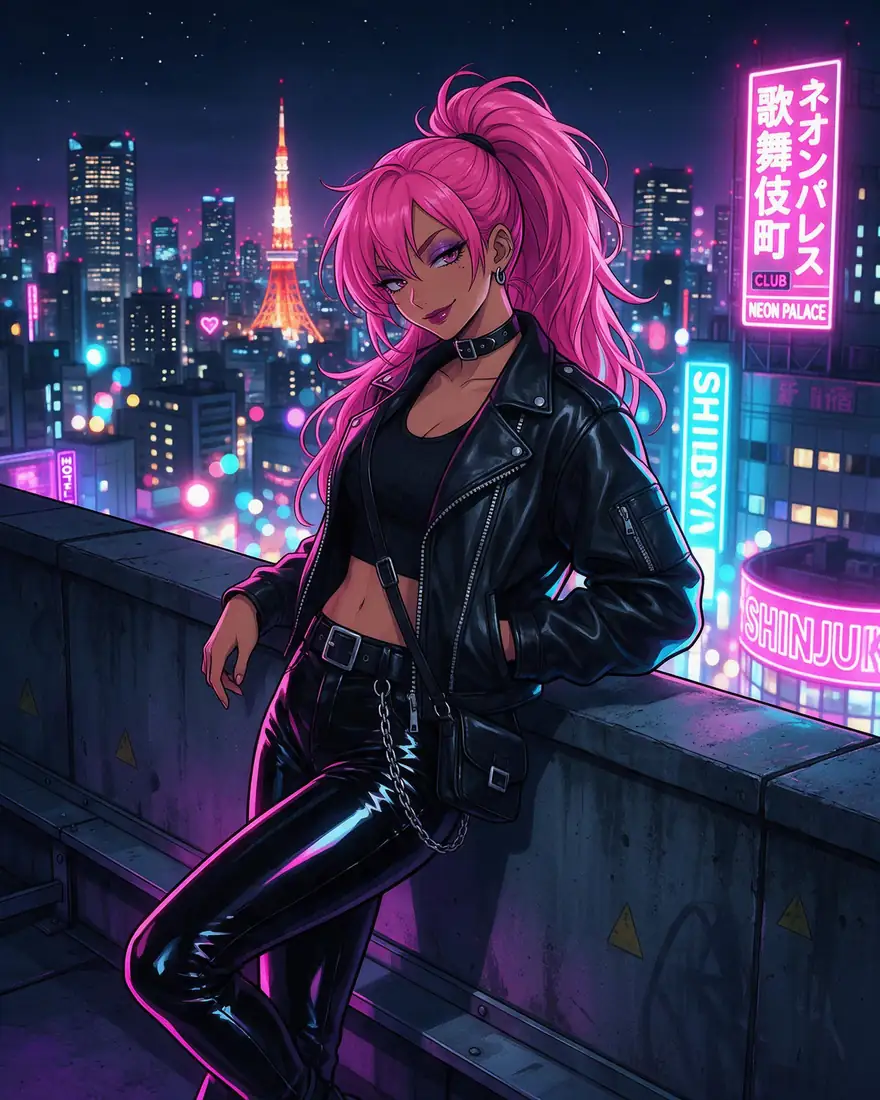

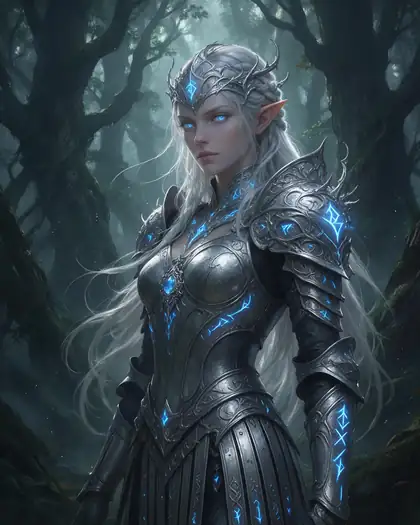
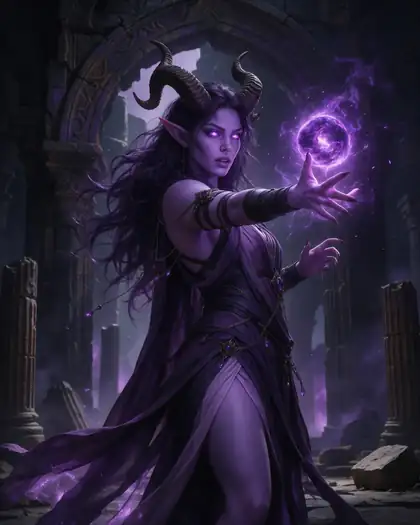
- Free to start
- 80+ models
- No subscription required
- No watermark
Checked
Made with Kenerate



On this page
Quick answer

What is the best PixAI alternative?
The best PixAI alternative if you want anime art without a membership is Kenerate AI: anime models Neta Lumina (3 credits an image) and Prefect Pony XL, plus Seedream 5.0 Pro for detailed illustration, up to 14 reference images on Nano Banana 2.1 to keep a character consistent, and image-to-video up to 30 seconds with Seedance 2.5 or Wan 3.0 (paid plan). New accounts get 25 credits; packs start at $15 for 1,300 credits. PixAI is still the better pick if you want community LoRAs, LoRA training or free daily credits.
Key facts
- PixAI library
- 1.8M+ community models and LoRAs
- PixAI video
- Image or text to video, up to 10 s
- Kenerate anime models
- Neta Lumina, Pony XL, Seedream 5.0 Pro
- Consistent characters
- Up to 14 refs (Nano Banana 2.1)
- Kenerate video
- Up to 30 s (paid plan)
- Free start
- 25 sign-up credits
- Checked
- 31 Oct 2026
Side by side
PixAI vs Kenerate
What each offers, from PixAI's own pages and Kenerate's code.
| PixAI | Kenerate | |
|---|---|---|
| What it is | Community anime platform: Model Market, generator, Studio, contests | Curated image and video studio with anime models and editing tools |
| Free option | 10,000 credits on sign-up, plus free daily credits | 25 credits on sign-up for Flux 2 and Qwen Image |
| Paid | Memberships with monthly bonus credits and extra daily credits | One-time credit packs from $15 for 1,300 credits; no subscription required |
| Anime models | Own Tsubaki.3 model plus 1.8M+ community models and LoRAs | Neta Lumina, Prefect Pony XL (Pony tags), Seedream 5.0 Pro, Flux 2 and more |
| LoRAs | 5–15 LoRAs per generation; 3–10 training slots a month (members) | No LoRA upload or training — curated models only |
| Consistent characters | OC Maker, Anime Character Creator, Reference Pro (members) | Reference images: Seedream 5.0 Pro takes 10, Nano Banana 2.1 takes 14, GPT Image 2 takes 16; OC maker |
| Video | Image-to-video and text-to-video up to 10 s | Seedance 2.0 (4–15 s), Seedance 2.5 and Wan 3.0 up to 30 s, plus video-to-anime restyle (paid plan) |
| Ownership | — | Terms claim no ownership of your outputs; commercial use allowed |
PixAI facts checked 31 October 2026. Plans change; confirm on their site.
Sources: PixAI
Honest verdict
Kenerate or PixAI: which should you pick?
PixAI is a good product. Here is when each one is the better choice.
Pick Kenerate if…
- Anime models without the hunt
- The same character, scene after scene
- Anime art into short video
- Credits without a membership
When to pick PixAI
- You want PixAI's 1.8M+ community models and LoRAs, or to stack LoRAs in one generation.
- You train your own LoRAs — Kenerate has no LoRA training.
- You rely on free daily credits rather than a one-time pack.
- You like PixAI's community features: contests, recipes and shared models.
Why people switch
Why try Kenerate instead of PixAI
Anime models without the hunt
Neta Lumina for clean anime character art, Prefect Pony XL for Pony-style tag prompts, Seedream 5.0 Pro for detailed illustration — a short list you can learn, not a library to sort.
The same character, scene after scene
Upload your character art as references — Seedream 5.0 Pro reads 10, Nano Banana 2.1 reads 14 — and place them in new outfits, poses and backgrounds.
Anime art into short video
Animate a finished illustration with Seedance 2.0 (4–15 s) or go up to 30 seconds with Seedance 2.5 or Wan 3.0 on a paid plan.
Credits without a membership
One-time packs from $15 for 1,300 credits; Neta Lumina costs 3 credits an image, and every cost is shown before you generate.
Gallery
What Kenerate makes
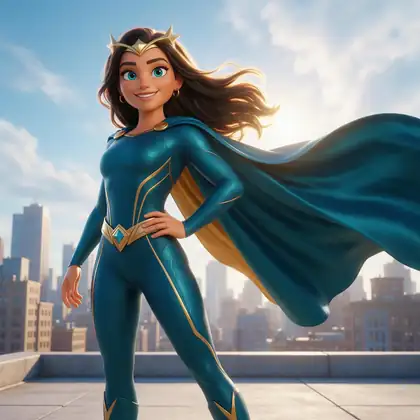
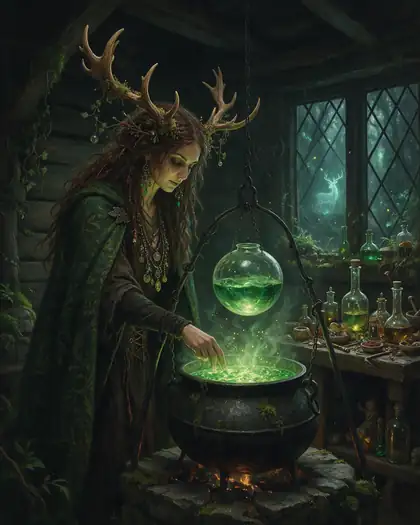
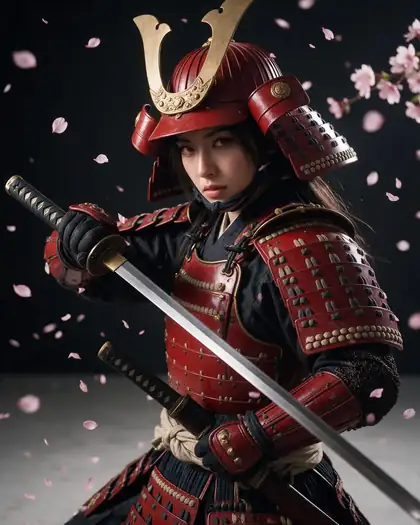
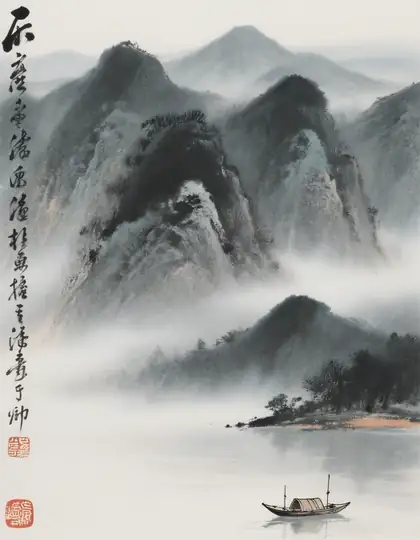
Real, SFW outputs from Kenerate. Open any image to copy its prompt and run it yourself.
Switching
How to switch from PixAI
Bring your prompts and start free.
Step 1
Sign in free
One click with Google, GitHub or Discord — 25 credits are added.
Step 2
Pick an anime model
Neta Lumina or Prefect Pony XL for tag-style anime prompts, Seedream 5.0 Pro for natural sentences and detailed scenes.
Step 3
Keep your character
Upload your character sheet or best images as references and describe the new scene; the model keeps face, hair and outfit.
Step 4
Animate it
Open the image in the video studio and turn it into a short clip with Seedance 2.0, Seedance 2.5 or Wan 3.0 (paid plan).
See it in the app

Open Image Studio and type what you want to see — subject, style, lighting and mood.


Watch the tour · 1:23
Prompts, styles, references, edit, Arena & chat
Chapters
FAQ
PixAI alternative questions
8 questions

What is the best PixAI alternative?
For anime art without a membership, Kenerate AI. It has the anime models Neta Lumina and Prefect Pony XL, Seedream 5.0 Pro for detailed illustration, reference images for consistent characters and image-to-video up to 30 seconds, with one-time credit packs from $15. If you depend on community LoRAs or LoRA training, PixAI is still the stronger fit.
Link to this answerIs PixAI free?
Partly. PixAI's homepage offers 10,000 credits on sign-up, and its membership page mentions free daily credits for all users, with members getting monthly bonus credits and extra daily credits (checked 31 Oct 2026). Kenerate gives 25 credits once on sign-up for its free-plan models, then one-time credit packs with no subscription.
Link to this answerWhich Kenerate model is best for anime?
Neta Lumina for clean anime character art and manga styles (3 credits an image), Prefect Pony XL if you write Pony-style tag prompts (4.5 credits), and Seedream 5.0 Pro for detailed illustration, full scenes and edits. All three run in the same image studio.
Link to this answerCan I keep the same anime character across images?
Yes. Upload your character art as reference images and describe the new scene: Seedream 5.0 Pro reads up to 10 references, Nano Banana 2.1 up to 14 and GPT Image 2 up to 16, so the face, hair and outfit carry over. The OC maker helps you design the character first.
Link to this answerCan Kenerate turn anime art into video?
Yes, on a paid plan. Open a finished image in the video studio and animate it with Seedance 2.0 (4–15 seconds), Seedance 2.5 or Wan 3.0 (up to 30 seconds). PixAI's own video runs up to 10 seconds per clip.
Link to this answerCan I use my PixAI prompts on Kenerate?
Yes. Tag prompts written for SDXL or Pony checkpoints work on Prefect Pony XL and Neta Lumina; descriptive sentences work best on Seedream 5.0 Pro. LoRA trigger words won't do anything, because Kenerate doesn't load custom LoRAs.
Link to this answerDoes Kenerate support LoRAs like PixAI?
No. Kenerate runs a curated set of models and has no LoRA upload or training. To get a specific character or look, use reference images instead. If LoRAs are central to your workflow, PixAI fits better.
Link to this answerCan I use Kenerate anime art commercially?
Yes. Kenerate's Terms claim no ownership of what you generate and allow commercial use, subject to the Terms and the law.
Link to this answerIn depth
PixAI vs Kenerate, in depth
How we compared, and what matters when you choose.
On this page
Community model library vs curated anime studio
PixAI is built around its community: 1.8M+ shared models and LoRAs, a Model Market, contests and recipes, with its own Tsubaki.3 model on top. That breadth is its strength — and the reason it takes time to find the right checkpoint and LoRA mix.
Kenerate goes the other way: a short list of named models you can learn quickly. Neta Lumina and Prefect Pony XL cover tag-style anime prompts, Seedream 5.0 Pro covers detailed illustration and edits, and the same account has upscaling, background removal and video.
Character consistency: LoRAs vs reference images
On PixAI, a recurring character usually means a LoRA — trained or picked from the community — plus tools such as OC Maker and Reference Pro. On Kenerate you skip training: upload a few images of your character and the model uses them as references for each new scene.
- Seedream 5.0 Pro: up to 10 reference images
- Nano Banana 2.1: up to 14 reference images
- GPT Image 2: up to 16 reference images
From anime art to a short clip
PixAI's video turns an image or prompt into a clip of up to 10 seconds. Kenerate's video studio animates your illustration with Seedance 2.0 (4–15 seconds) or Seedance 2.5 and Wan 3.0 (up to 30 seconds) on a paid plan, and Restyle Video can redraw a filmed clip in an anime or hand-drawn anime look.



By the Kenerate AI teamLast updated and reviewed
We build Kenerate, so we're not neutral — which is why every PixAI fact here links to PixAI's own site, and we list when PixAI is the better choice.
Sources: PixAI — homepage · PixAI — membership plans · PixAI — Tsubaki.3
