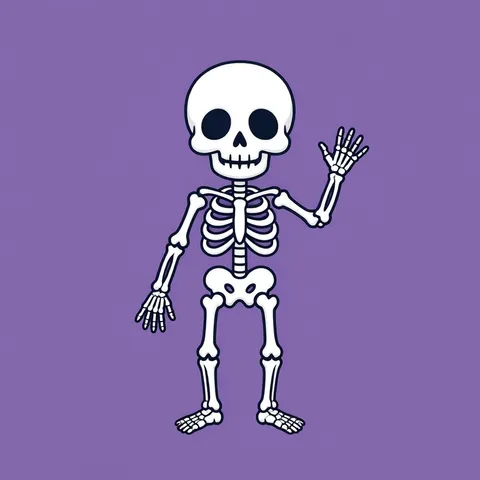
Cute skeleton · dancing skeleton · skeleton on a pumpkin · anatomical model · skeleton hand · outline
Skeleton PNG spooky-cute skeletons with a transparent background
Describe the skeleton — a cute waving one, a dancing one, an anatomical model, a skeleton hand — and get an original image of white bones on a plain colour. Remove BG cuts it out as a skeleton PNG with an alpha channel for Halloween flyers, party invitations, stickers and thumbnails. Each cut-out below is shown as it came out.
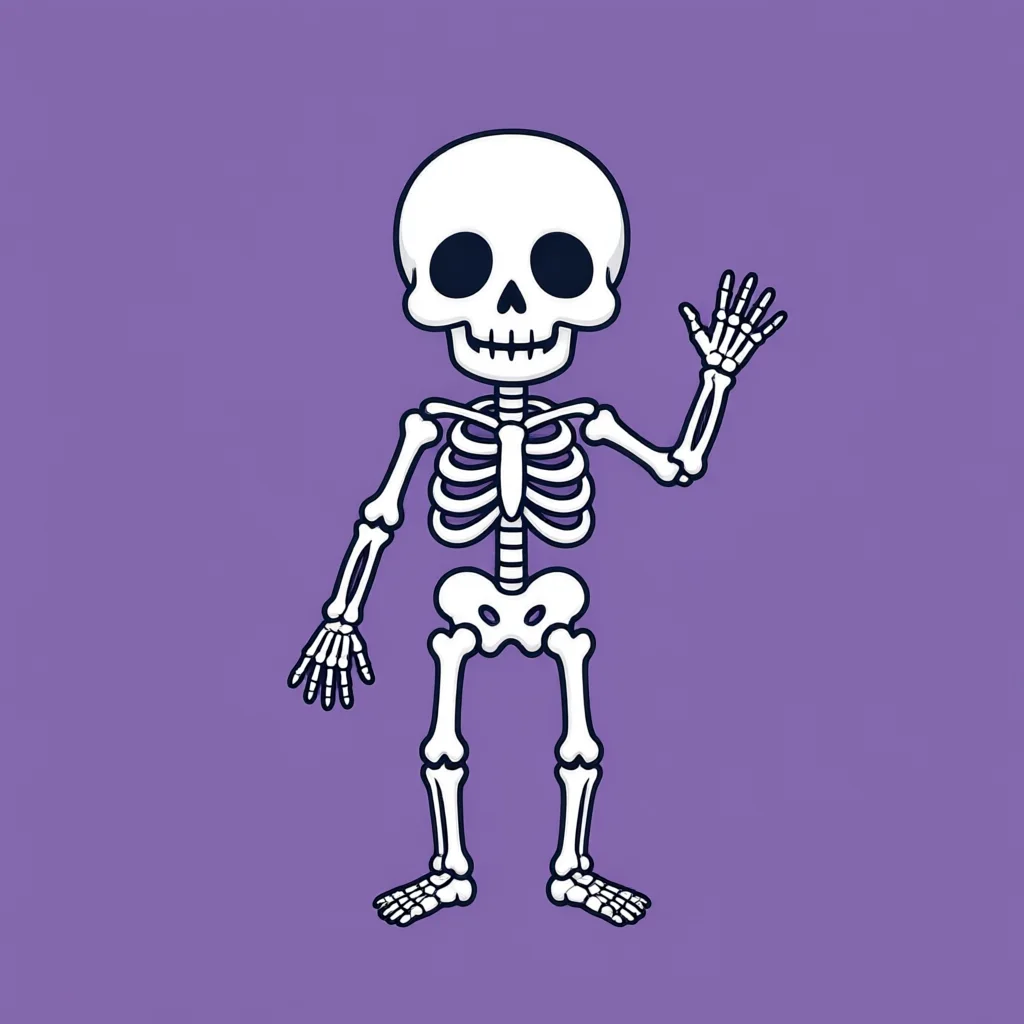
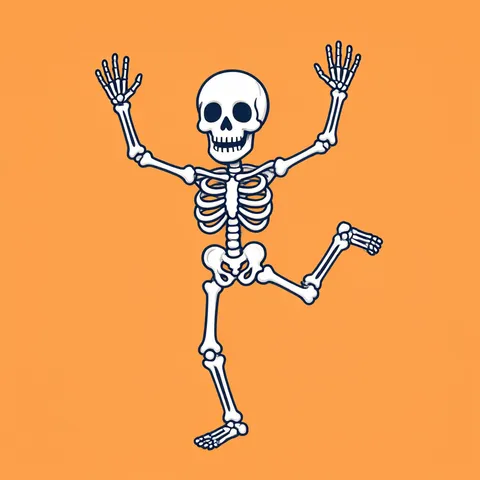
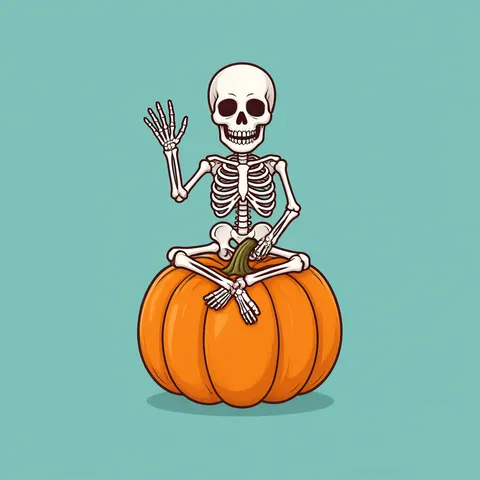
- 6 real skeleton PNGs, each cut out
- White bones drawn on colour, not white
- Checked on a dark checkerboard
- Free-plan model, starter credits on sign-up
Updated by the Kenerate AI team




Made with Kenerate
{throw Error("Attempted to call IG_BASE() from the server but IG_BASE is on the client. It's not possible to invoke a client function from the server, it can only be rendered as a Component or passed to props of a Client Component.")}/skeletonpng-cute-cut-chk-sm.webp)
{throw Error("Attempted to call IG_BASE() from the server but IG_BASE is on the client. It's not possible to invoke a client function from the server, it can only be rendered as a Component or passed to props of a Client Component.")}/skeletonpng-dance-cut-chk-sm.webp)
{throw Error("Attempted to call IG_BASE() from the server but IG_BASE is on the client. It's not possible to invoke a client function from the server, it can only be rendered as a Component or passed to props of a Client Component.")}/skeletonpng-pumpkin-cut-chk-sm.webp)
{throw Error("Attempted to call IG_BASE() from the server but IG_BASE is on the client. It's not possible to invoke a client function from the server, it can only be rendered as a Component or passed to props of a Client Component.")}/skeletonpng-model-cut-chk-sm.webp)
{throw Error("Attempted to call IG_BASE() from the server but IG_BASE is on the client. It's not possible to invoke a client function from the server, it can only be rendered as a Component or passed to props of a Client Component.")}/skeletonpng-hand-cut-chk-sm.webp)
{throw Error("Attempted to call IG_BASE() from the server but IG_BASE is on the client. It's not possible to invoke a client function from the server, it can only be rendered as a Component or passed to props of a Client Component.")}/skeletonpng-outline-cut-chk-sm.webp)
On this page
Quick answer

How do I get a skeleton PNG with a transparent background?
To get a skeleton PNG, describe the skeleton in Kenerate Image Studio with white bones on a plain colour (purple, orange, teal), then run Remove BG — Kenerate Cutout (1.2 credits) for cartoon skeletons, Cutout HD (3 credits) when the gaps between ribs must come out clean. Qwen Image 3.0 (free plan, 9 credits) and Seedream 5.5 (6 credits) made the six 1024 px examples below.
Key facts
- Examples on this page
- 6 — cute, dancing, on a pumpkin, anatomical model, hand, outline
- Made with
- Qwen Image 3.0 (4 cartoon) · Seedream 5.5 (2 photo-style)
- Transparent PNG
- Remove BG · Kenerate Cutout for cartoons, Cutout HD for ribcages and photos
- Rib gaps
- Cutout HD cleared them on the model; Kenerate Cutout left small colour patches in cartoons
- Background to draw on
- A plain colour — white bones on white have no edge to find
- Style
- Spooky-cute and anatomical only; no gore
- Size
- 1024 × 1024
Skeleton PNG ideas
More skeleton PNG ideas: the prompt, the style and a tip
Copy a prompt into Image Studio. White bones go on a plain colour; then cut it out in Remove BG — Cutout HD if there's a ribcage.
| Skeleton PNG | Style | Prompt | Tip |
|---|---|---|---|
| Skeleton with sunglasses | Cartoon | Skeleton PNG clipart of a cool cartoon skeleton wearing black sunglasses and lounging with arms behind its head, spooky-cute, flat vector, bold clean dark outlines, isolated on a plain solid purple background, no shadow, no text | Good for party flyers and reaction stickers |
| Skeleton playing guitar | Cartoon | Skeleton PNG clipart of a cartoon skeleton playing a red electric guitar, grinning skull, flat vector illustration, bold clean dark outlines, centred with space around it, isolated on a plain solid teal background, no shadow, no text | Fits Halloween gig and playlist covers |
| Skeleton cat | Cartoon | Skeleton PNG clipart of a cute cartoon cat skeleton sitting with its tail curled, spooky-cute, white bones, flat vector, bold clean dark outlines, isolated on a plain solid orange background, no shadow, no text | Pets work as well as people |
| Skeleton in a witch hat | Cartoon | Skeleton PNG clipart of a cartoon skeleton wearing a tall purple witch hat and holding a broom, spooky-cute, flat vector, bold clean dark outlines, isolated on a plain solid green background, no shadow, no text | Pick a background colour the hat doesn't share |
| Skeleton silhouette | Silhouette | Skeleton PNG of a white skeleton silhouette walking, flat white shape with black gaps between the ribs, isolated on a plain solid black background, no text | White-on-black for Screen blending on dark designs |
| Hanging skeleton decoration | Realistic | Skeleton PNG of a plastic Halloween skeleton decoration hanging from a string, arms loose, photorealistic product photo, centred with space around it, isolated on a plain solid dark blue background, no text | Cutout HD keeps the thin string |
| Skeleton thumbs up | 3D | Skeleton PNG of a glossy 3D cartoon skeleton giving a thumbs up, rounded toy-like bones, soft studio lighting, centred with space around it, isolated on a plain solid pink background, no shadow, no text | Icon-style skeletons have fewer gaps to clean |
| Pirate skeleton | Cartoon | Skeleton PNG clipart of a friendly cartoon pirate skeleton with a black tricorn hat and an eye patch, flat vector illustration, bold clean dark outlines, isolated on a plain solid teal background, no shadow, no text | Spooky-cute — no weapons needed |
Gallery
Skeleton PNGs: 6 real examples, cut out
Each skeleton PNG pair is the image as the model made it and the transparent PNG after Remove BG, shown on a checkerboard. The white bones were drawn on purple, orange, teal and green; open the cartoon ones to see the small patches of background left inside the ribcage.
How to
How to use the skeleton PNG
- Time needed
- Steps
- 4 steps
Step 1
Open the generator
Press “Make my skeleton PNG”. Image Studio opens with Qwen Image 3.0 and the cute waving skeleton on purple. Sign in with Google, GitHub or Discord for starter credits.
Step 2
Pick the skeleton
Keep the waving skeleton or paste a prompt from the table. For an anatomical model or a hand pick Seedream 5.5; keep the plain coloured background.
Step 3
Create and check it
Press Create. Check the hands and feet aren't cropped and count the fingers; run it again if a stand, floor or text crept in.
Step 4
Make it a transparent PNG
Open the image in Remove BG and run Cutout HD for ribcages and photos or Kenerate Cutout for simple cartoons, then download the PNG and check the rib gaps on your design's colour.
See it in the app

Open Image Studio and type what you want to see — subject, style, lighting and mood.


Watch the tour · 1:23
Prompts, styles, references, edit, Arena & chat
Chapters
Tips
Get skeleton PNGs that cut out clean
A skeleton is mostly gaps — between ribs, inside the pelvis, between fingers. Those gaps decide how clean the PNG is.
Draw white bones on “a plain solid purple background” (or orange, teal, dark green). White bones on white have no edge for the remover to find.
Use Cutout HD when there is a ribcage. It cleared the gaps between the anatomical model's ribs; Kenerate Cutout left small purple and orange patches inside the cartoon ribcages and pelvis.
If you keep a cartoon cut-out with patches, pick a background colour close to your design's colour so they blend in, or erase them in your editor.
Leave space around the whole skeleton: our skeleton hand's forearm ran off the bottom edge, so the PNG ends in a flat cut there.
Ask for “no shadow” and check anyway. The pumpkin seat came with a floor shadow; the cut-out removed it.
Line art comes out as lines only — the white inside the bones is removed too (2.1 % of the outline PNG is fully opaque).
Keep it spooky-cute: friendly grins, dancing poses, hats and props. This page stays clear of gore.
Models
Models for skeleton PNGs
What each model is good at. Open any one straight in the generator.
- Free plan

Alibaba
Qwen Image 3.0
- Reference images
- Up to 3
- Output
- 1K or 2K · 1:1, 16:9 and more
Open Qwen Image 3.0Best for
Made the cute, dancing, pumpkin and outline skeletons · free plan
ByteDance
Seedream 5.5
- Reference images
- Up to 10
- Output
- 1K · 1.5K · 2K · 15 ratios
Open Seedream 5.5Best for
Made the anatomical model and the hand · Transparent background switch in Image Studio
- Free plan

Black Forest Labs
Flux 2 Dev
- Reference images
- Up to 3
- Output
- Up to 2048 px
Open Flux 2 DevBest for
Free plan · cheapest drafts

OpenAI
GPT Image 1.5
- Reference images
- Up to 10
- Output
- 1024 × 1024 · 1024 × 1536 · 1536 × 1024
Open GPT Image 1.5Best for
Transparent background option · PNG straight out of the model
FAQ
Skeleton PNG questions
7 questions

How do I make a skeleton PNG with a transparent background?
Draw the skeleton on a plain colour, then cut it out. Make white bones on purple or orange with Qwen Image 3.0 (9 credits) or an anatomical model with Seedream 5.5 (6 credits), open it in Remove BG and run Cutout HD (3 credits) or Kenerate Cutout (1.2 credits). Download the PNG; every example on this page was made that way.
Link to this answerWhy is there colour left between the ribs of my skeleton PNG?
Because small enclosed gaps are hard for the fast remover. Kenerate Cutout left purple and orange patches inside our cartoon ribcages and pelvis; Cutout HD cleared the rib gaps on the anatomical model. Use Cutout HD for ribcages, or erase the patches in your editor.
Link to this answerCan I get a realistic human skeleton PNG?
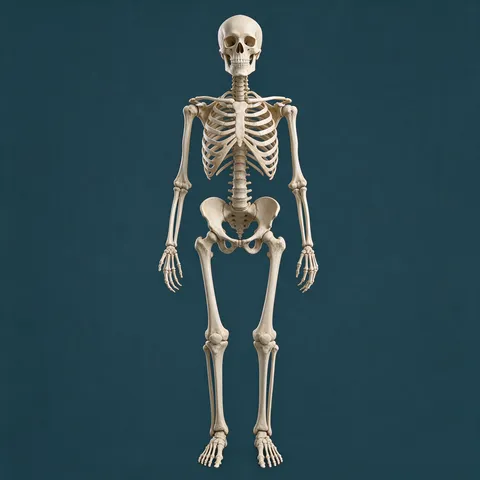
Yes — ask for an anatomical model. Our “full-body anatomical human skeleton model … educational museum display model” from Seedream 5.5 cut out with Cutout HD at 1.3 % partly transparent pixels, ribs and finger bones separated cleanly.
Link to this answerHow do I get a skeleton hand PNG?
Prompt the hand on its own on a dark plain colour and leave room around it. Our skeleton hand on dark green cut out cleanly with Cutout HD, but its forearm ran off the bottom edge, so add “with space around it, wrist fully in frame” to avoid a flat cut.
Link to this answerIs it free to make a skeleton PNG?
Free to start. Sign in with Google, GitHub or Discord — no card — and a new account gets 25 credits. Qwen Image 3.0 is on the free plan at 9 credits and a Kenerate Cutout costs 1.2 credits, so the starter credits cover two cartoon skeleton PNGs.
Link to this answerCan the AI make a skeleton with a transparent background directly?
Seedream 5.5 and GPT Image 1.5 have a Transparent background switch under Advanced in Image Studio that returns a PNG with an alpha channel. Our examples were cut out in Remove BG instead, because the tool we used to make them has no background switch, so we can't show native-alpha skeletons here.
Link to this answerCan I use these skeleton PNGs commercially?
Kenerate's Terms say Kenerate claims no ownership of what you generate and you may use it commercially, subject to the Terms and the law. The US Copyright Office's 2025 report ties copyright to human authorship, so a picture made only from a prompt may not be protected.
Link to this answerIn depth
Skeleton PNG, explained
What works, what to avoid, and how to pick a model.
How we made the six skeleton PNGs — and what the cut-out kept
Each example is a first try. Four came from Qwen Image 3.0 (9 credits each): the waving skeleton on purple, the dancing one on orange, the skeleton on a pumpkin on teal and the outline on white. Two came from Seedream 5.5 (6 credits each): the anatomical model on dark teal and the hand on dark green. Those two were cut out with Cutout HD (3 credits), the rest with Kenerate Cutout (1.2 credits) — 58.8 credits for all six.
We checked each cut-out on a dark checkerboard and counted pixels: 0.7–1.3 % partly transparent for the filled skeletons, 5.4 % for the thin outline. Honest limits: Kenerate Cutout left small patches of background colour inside the cartoon ribcages and pelvis, the hand's forearm is cropped by the frame edge, and the pumpkin seat came with a floor shadow that the cut-out removed.
Which skeleton PNG for which job?
Pick by where the skeleton goes:
- Party invitations, stickers, Halloween menus — a cute or dancing skeleton (check the ribcage patches).
- Science slides, posters, escape-room props — the anatomical model with Cutout HD.
- Thumbnails and memes — the skeleton hand or the skeleton on a pumpkin.
- Colouring sheets and cutting machines — the outline PNG (lines only).
- Printing — PNG; JPG has no transparency and fills the empty area with white.
By the Kenerate AI teamLast updated and reviewed
We build and run Kenerate Image Studio and Remove BG. Every skeleton PNG here is a real first-try output of the model named under it, cut out with the Remove BG mode named in its caption (18 November 2026). Models, modes and limits were checked against the app's code.
Sources: W3C — Portable Network Graphics (PNG) Specification, Third Edition · US Copyright Office — Copyright and Artificial Intelligence (Part 2: Copyrightability, 29 January 2025) · Kenerate AI — Terms of Service · Kenerate Remove BG