Phone 9:16 · desktop 16:9 up to 5461 × 3072 · square 1:1 · screen wallpapers, no text
Sunset wallpaper — golden-hour skies for your phone and desktop
Eight original sunset screen wallpapers made on Kenerate — the sun on a calm sea, misty mountain ridges, a city skyline, a lavender field, pastel clouds, an anime hill town, a synthwave grid and a desert — to download in phone, desktop and square sizes. Or describe your own sky and pick your screen's shape.
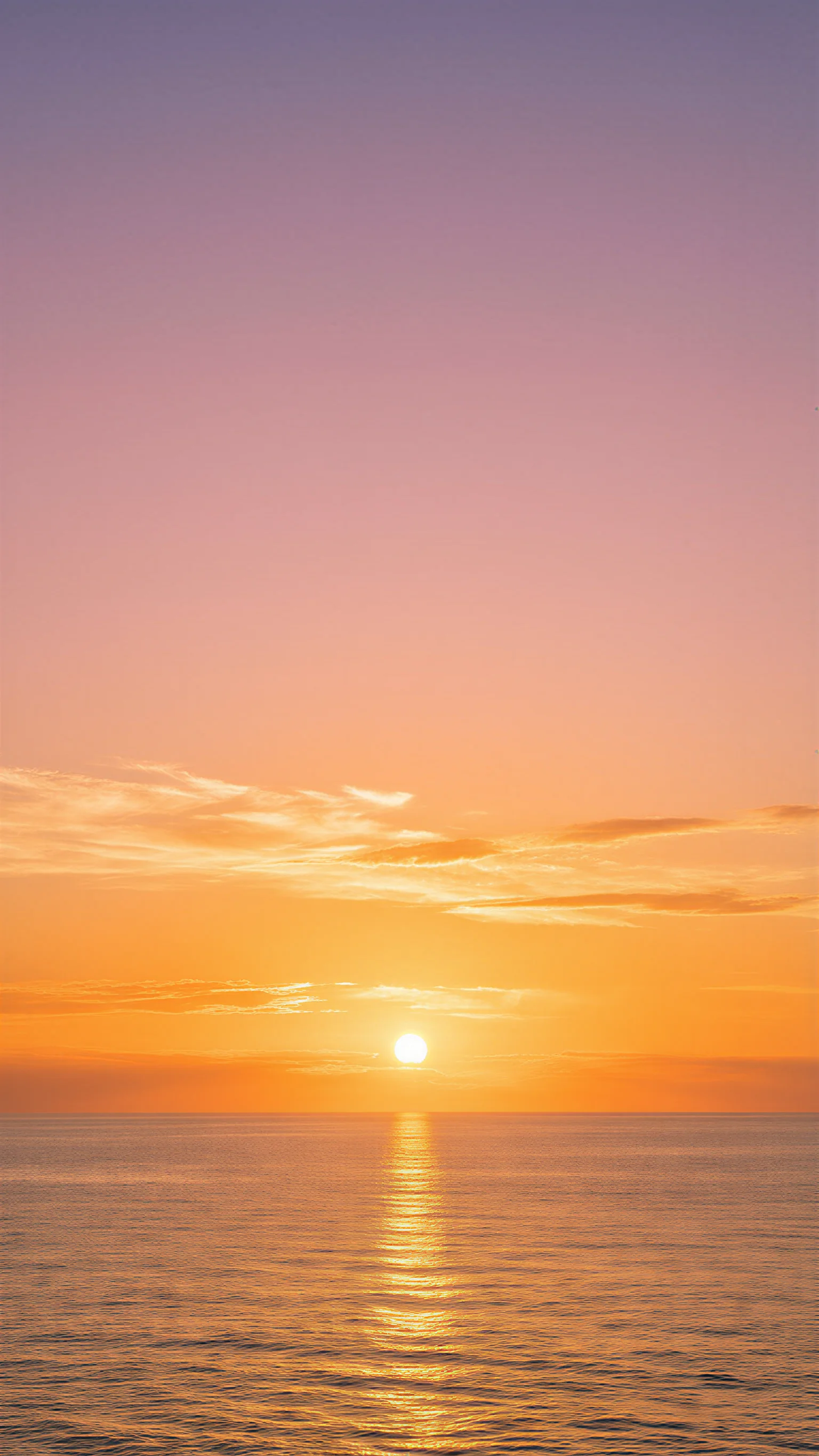
- 8 real wallpapers to download
- Phone 1536 × 2730 · desktop 5461 × 3072
- Every prompt to copy
- Make your own at 9:16, 16:9 or 1:1
Updated by the Kenerate AI team




Made with Kenerate
On this page
Quick answer

How do I make a sunset wallpaper for my phone?
To make a sunset wallpaper for your phone or desktop, describe the sky and what's under it — a calm sea, mountain ridges, a city skyline, a lavender field — pick 9:16 for a phone or 16:9 for a desktop and press Create. Image Studio opens on Qwen Image 3.0, a free-plan model at 9 credits. The eight below were upscaled with the Image Upscaler (3 credits) to phone, 5461 × 3072 desktop and 2048 × 2048 JPGs.
Key facts
- Wallpapers to download
- 8 — 4 phone (9:16), 3 desktop (16:9), 1 square (1:1), JPG
- Download sizes
- Phone 1536 × 2730 · desktop 5461 × 3072 · square 2048 × 2048
- Made with
- Qwen Image 3.0 (5) · Seedream 5.5 (2) · Seedream 5.0 Pro (1)
- Phone shapes
- 9:16 · extra-tall 9:21 on Qwen Image 3.0 and Seedream
- Desktop shapes
- 16:9 · 21:9 ultrawide
More sunset wallpaper ideas
More sunset wallpaper ideas: the prompt, the size and a tip
Not made on this page — prompts to try. Set the size in Image Studio before you press Create, and keep “no text” at the end.
| Wallpaper | Size · model | Prompt | Tip |
|---|---|---|---|
| Palm silhouettes, beach sunset | 9:16 · Qwen Image 3.0 | Phone wallpaper: black silhouettes of two palm trees on the right against a glowing orange and pink sunset over a calm sea, the top third smooth sky, photographic, no people, no text | Silhouettes stay crisp at any size and leave the sky clear |
| Minimal gradient sunset | 9:16 · Seedream 5.5 | Minimal flat sunset, a soft half sun on a low horizon, smooth bands of peach, coral and lilac, lots of empty space, no objects, no text | Gradients sit well behind a full grid of app icons |
| Sunset over lake, ultrawide | 21:9 · Qwen Image 3.0 | Ultrawide panorama of a still mountain lake at sunset, pine forest silhouettes, the sky and its mirror reflection in orange and violet, calm, no people, no text | Keep the brightest part near the middle so a taskbar doesn't hide it |
| Pink sunset clouds, desktop | 16:9 · Seedream 5.5 | Soft painterly sky full of pink and gold sunset clouds, no ground visible, dreamy and airy, landscape, no text | A sky with no ground has no horizon to crop |
| Sunset through the window | 9:16 · Seedream 5.0 Pro | Anime-style room interior at sunset, warm orange light through a large window falling across the floor, a potted plant, a city skyline outside, cosy and quiet, no people, no text | Write “no people” — anime rooms often come back with a character |
| Autumn road at sunset | 16:9 · Qwen Image 3.0 | A country road lined with autumn trees glowing in low golden sunset light, long shadows, warm haze, landscape photograph, no people, no cars, no text | “Low golden light” gives warm colour without an orange cast |
Gallery
Sunset wallpaper examples
Eight real sunset wallpapers for phone and desktop screens — four phone, three desktop, one square. Open one to see its prompt and the model that made it; the full-size files are in the downloads below.
Download
Download the sunset wallpapers
Each file is the wallpaper above, upscaled with Kenerate's Image Upscaler: phone wallpapers at 1536 × 2730, desktop wallpapers at 5461 × 3072 (larger than a 3840 × 2160 4K screen), the square one at 2048 × 2048. JPG, no watermark.
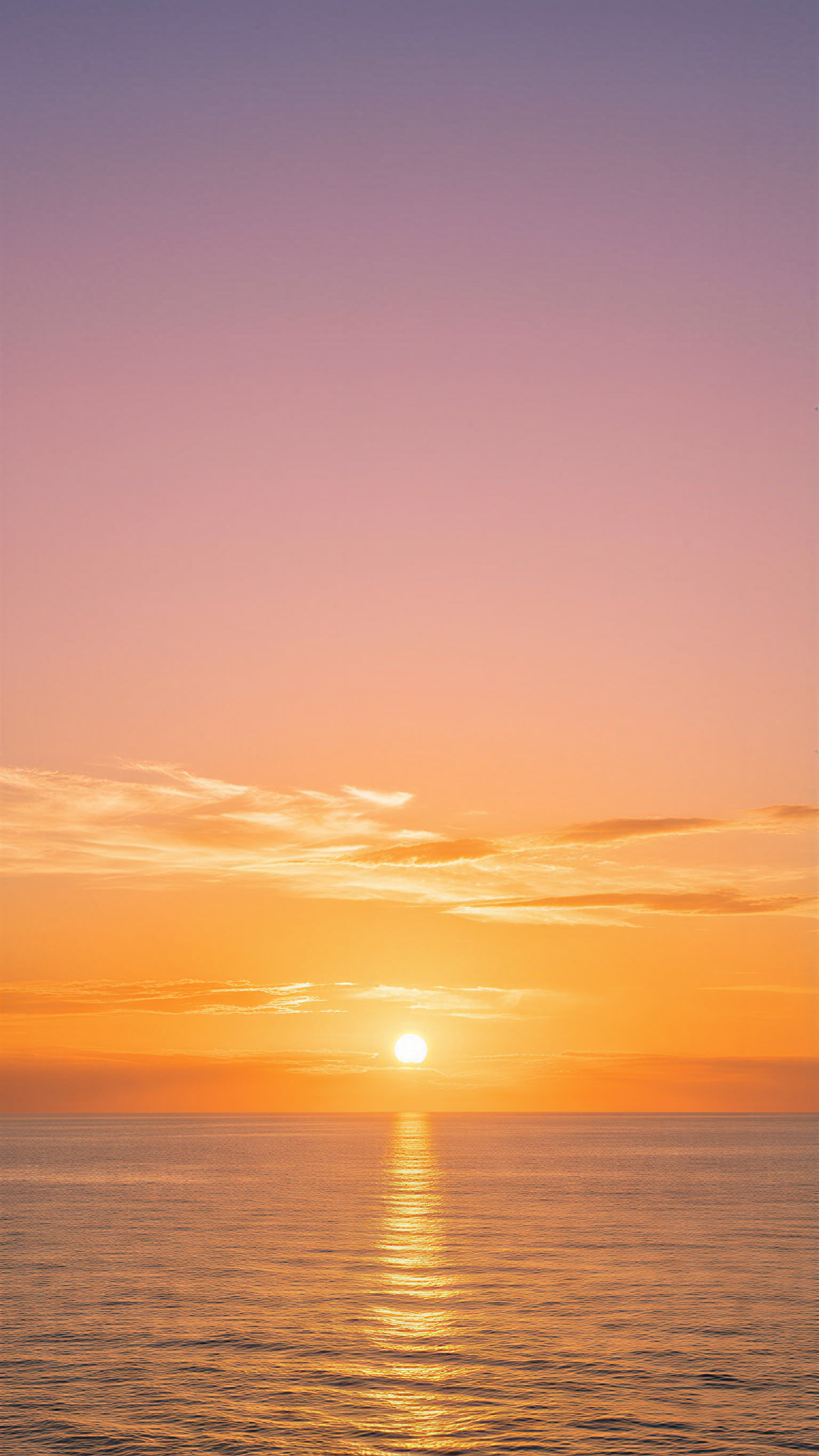
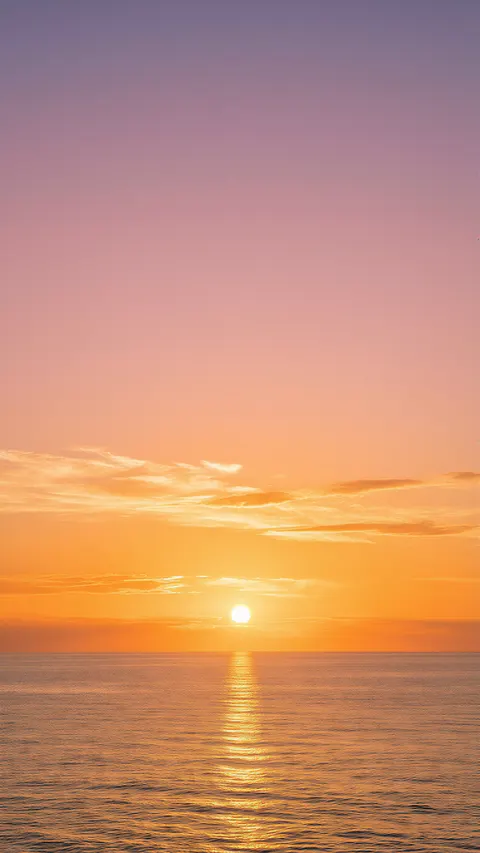 Sun on a calm seaPhone · 1536 × 2730 JPG · Qwen Image 3.0Download
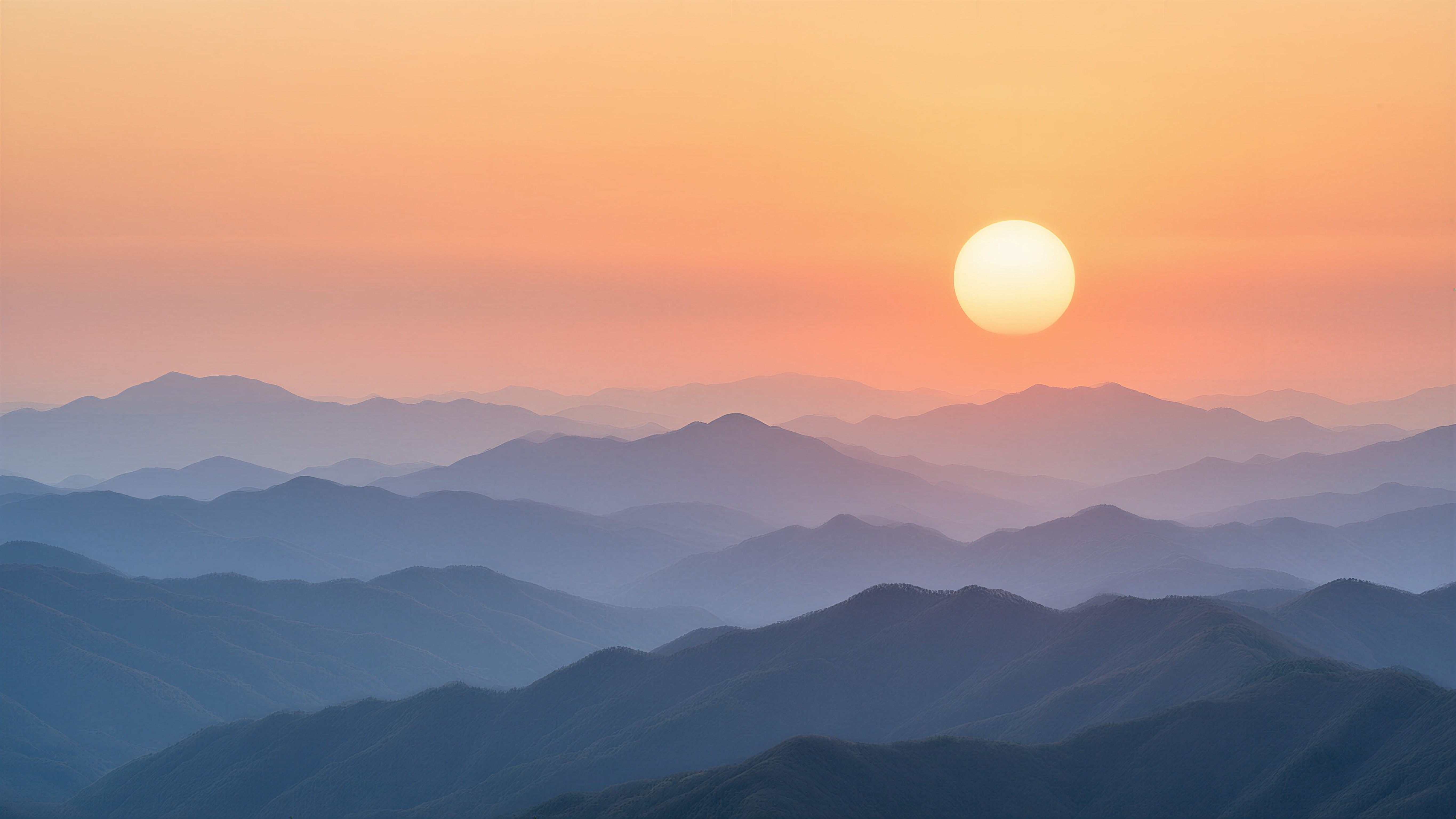
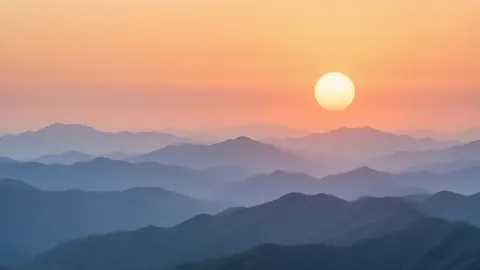 Misty mountain ridgesDesktop · 5461 × 3072 JPG · Qwen Image 3.0Download
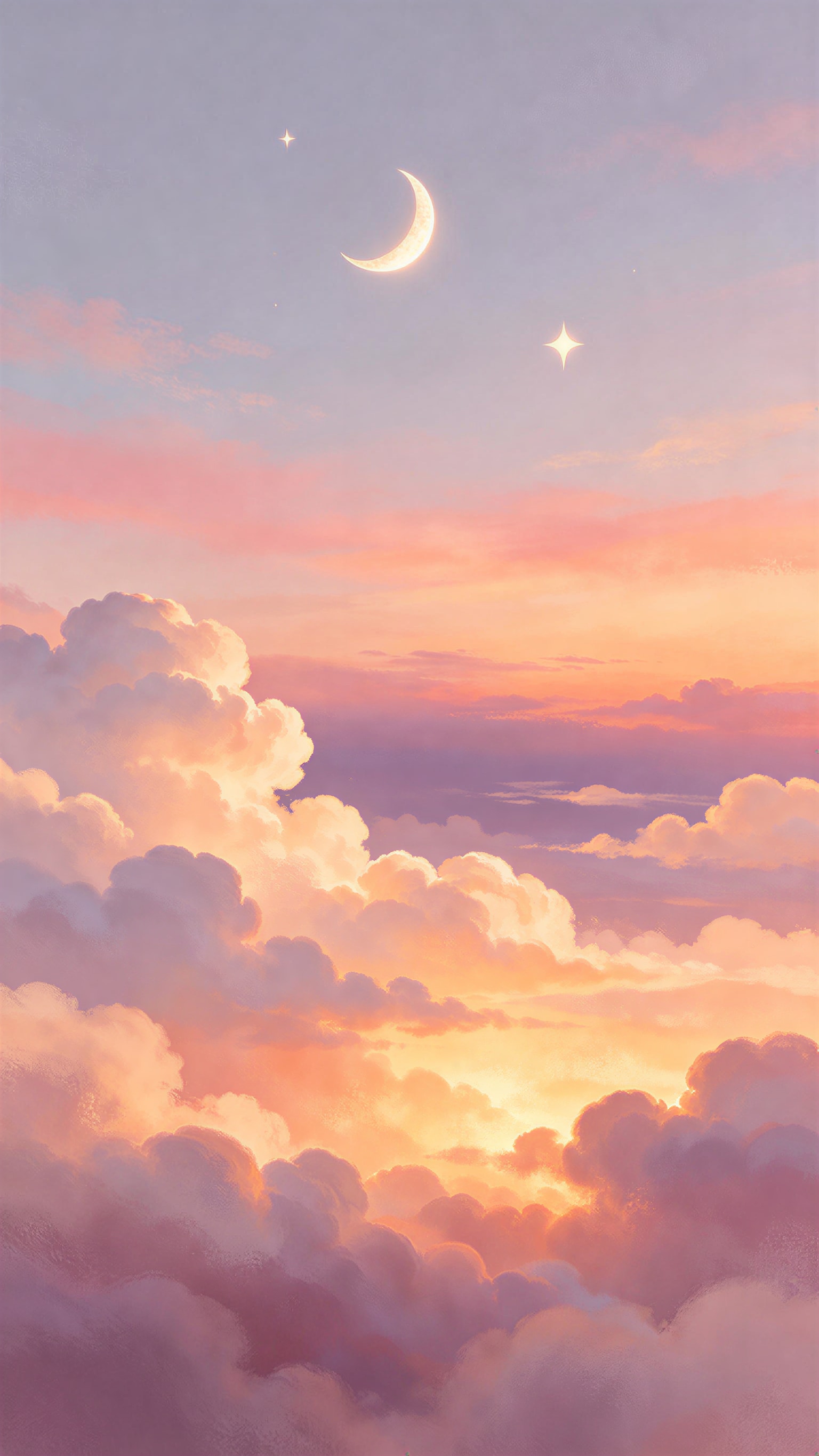
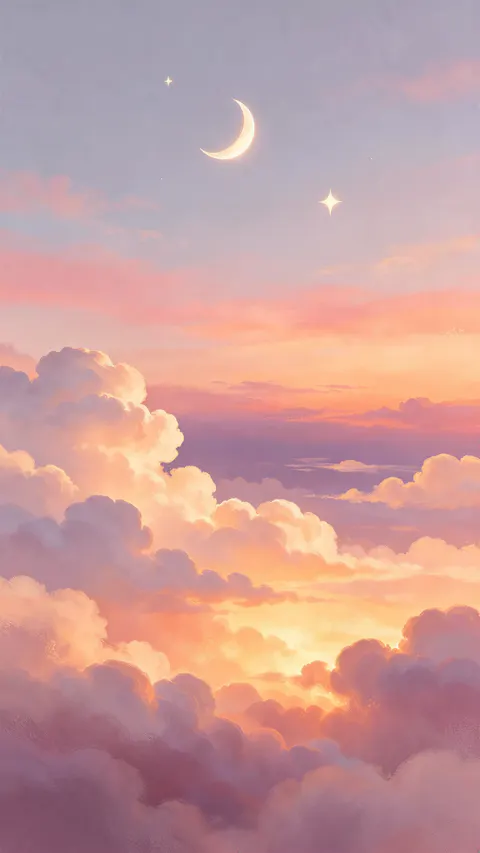 Pastel clouds and crescent moonPhone · 1536 × 2730 JPG · Seedream 5.5Download
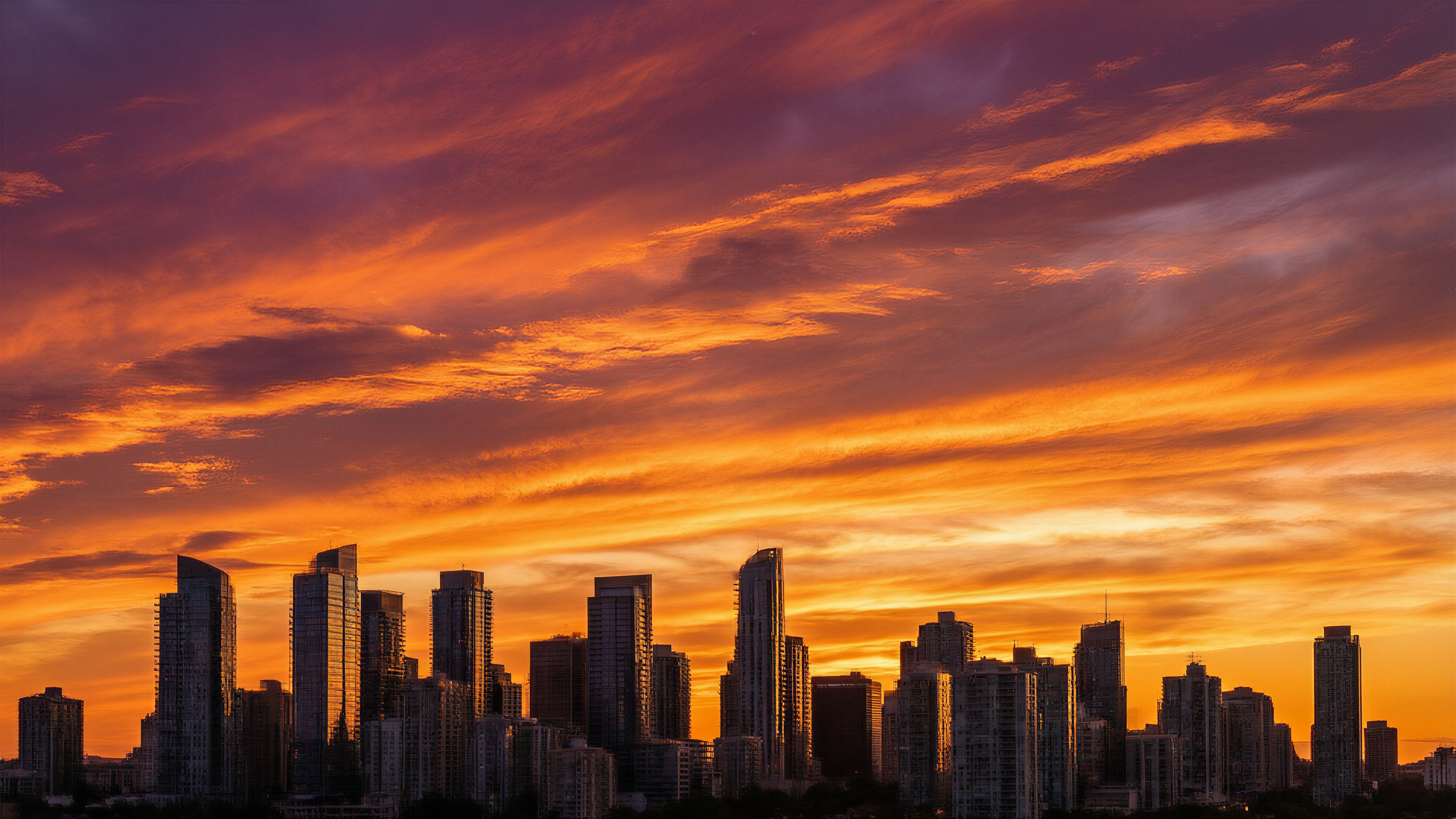
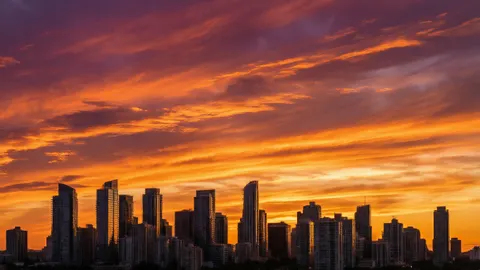 City skyline at sunsetDesktop · 5461 × 3072 JPG · Qwen Image 3.0Download
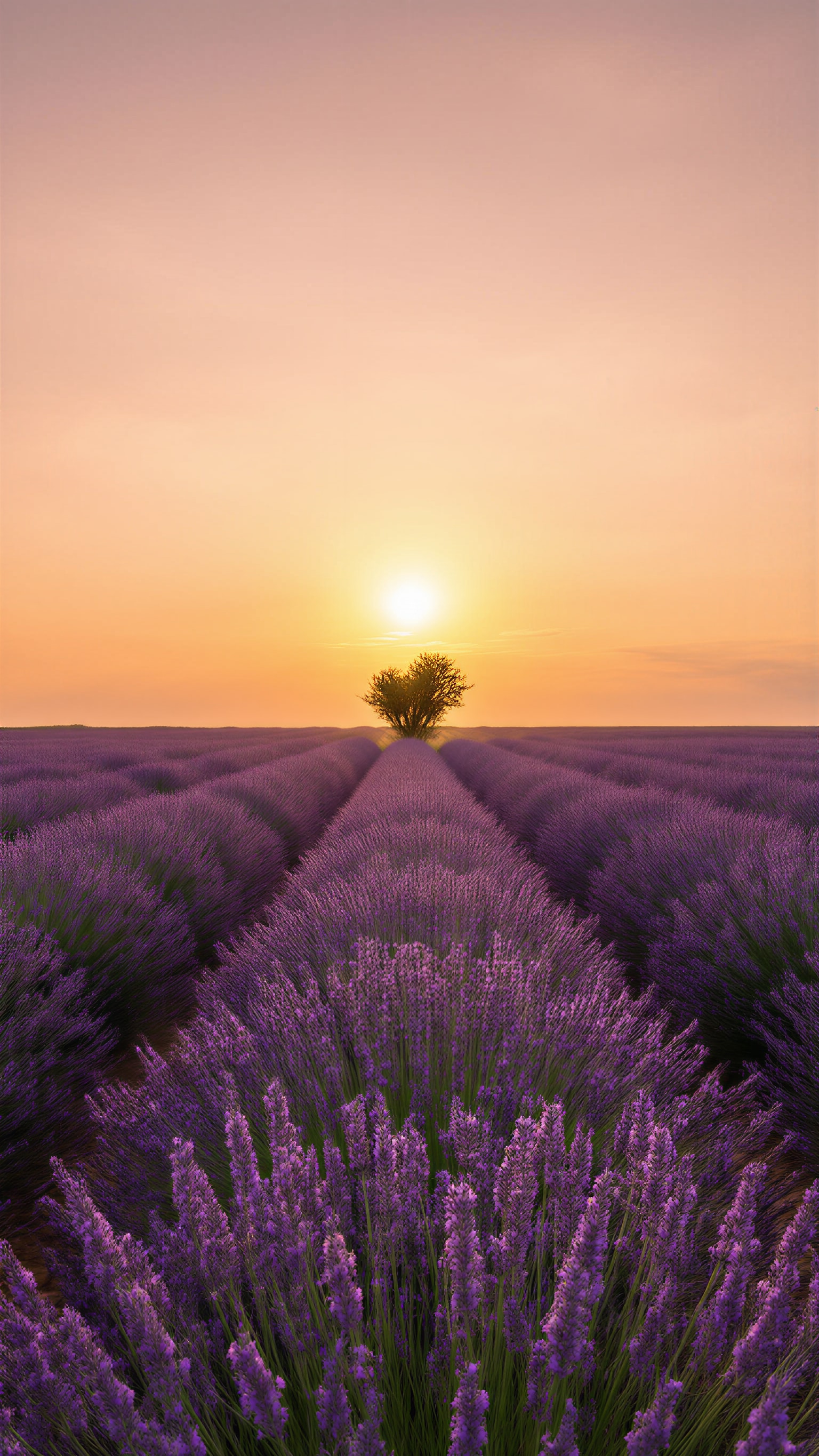
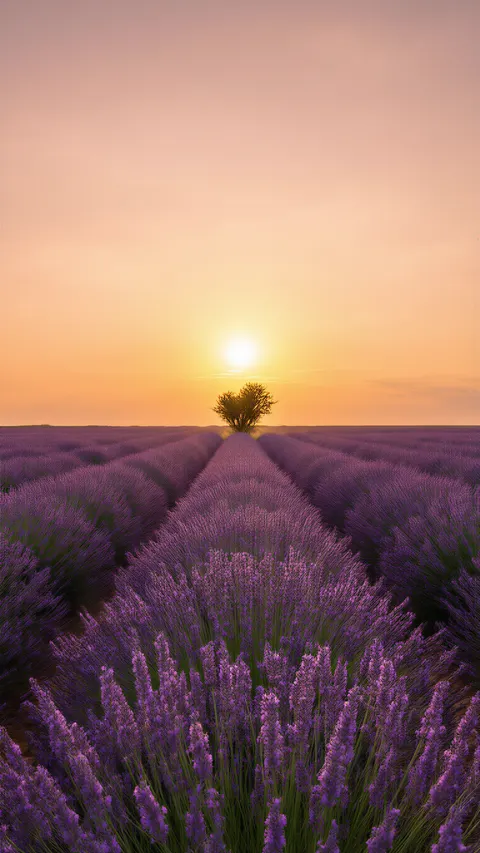 Lavender field at sunsetPhone · 1536 × 2730 JPG · Qwen Image 3.0Download
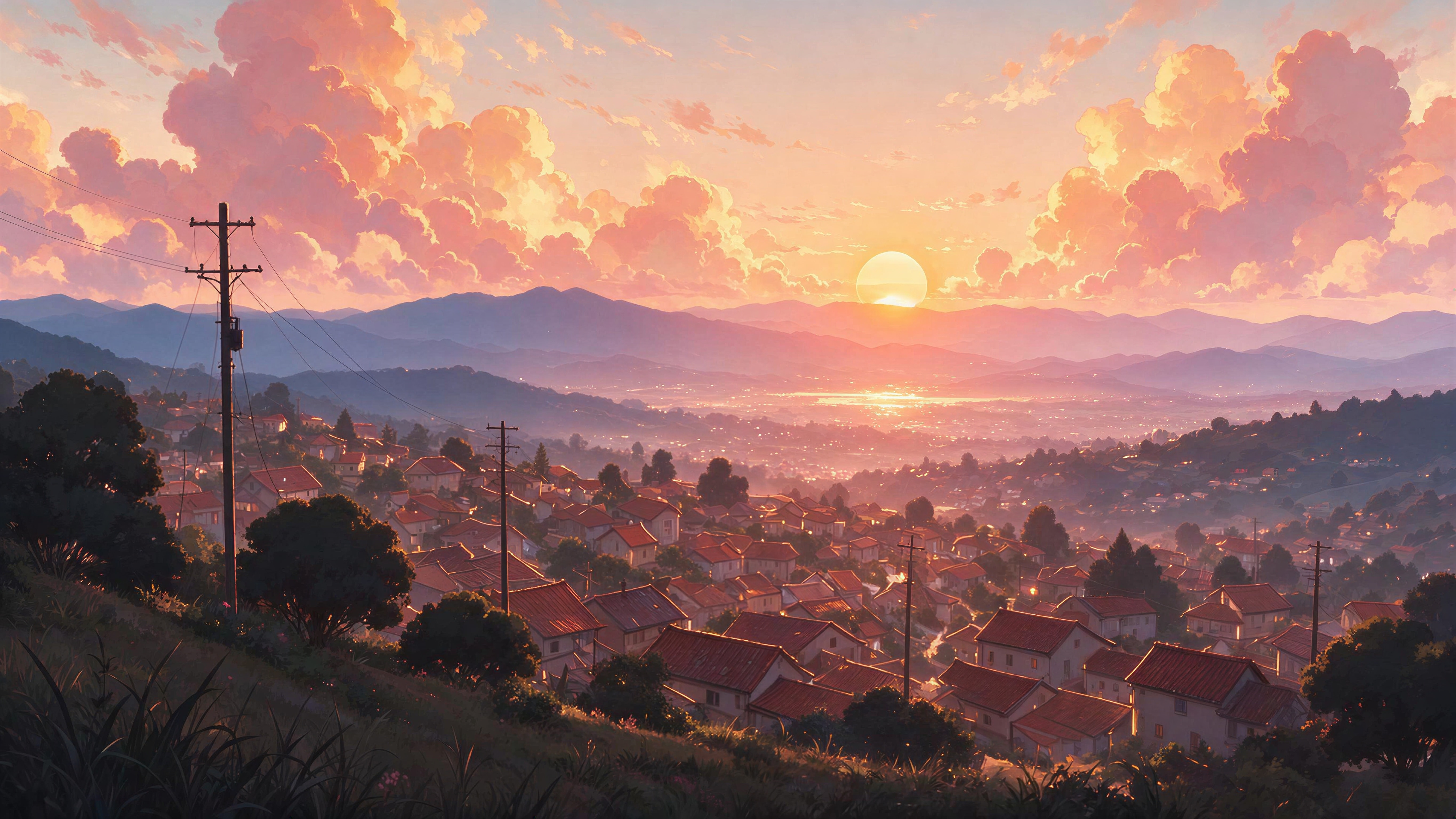
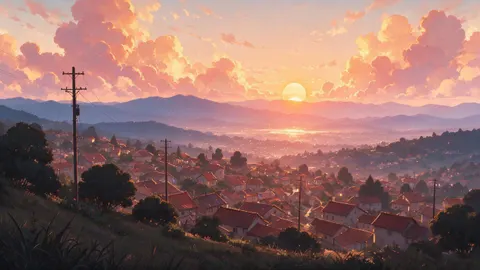 Anime hill town at sunsetDesktop · 5461 × 3072 JPG · Seedream 5.0 ProDownload
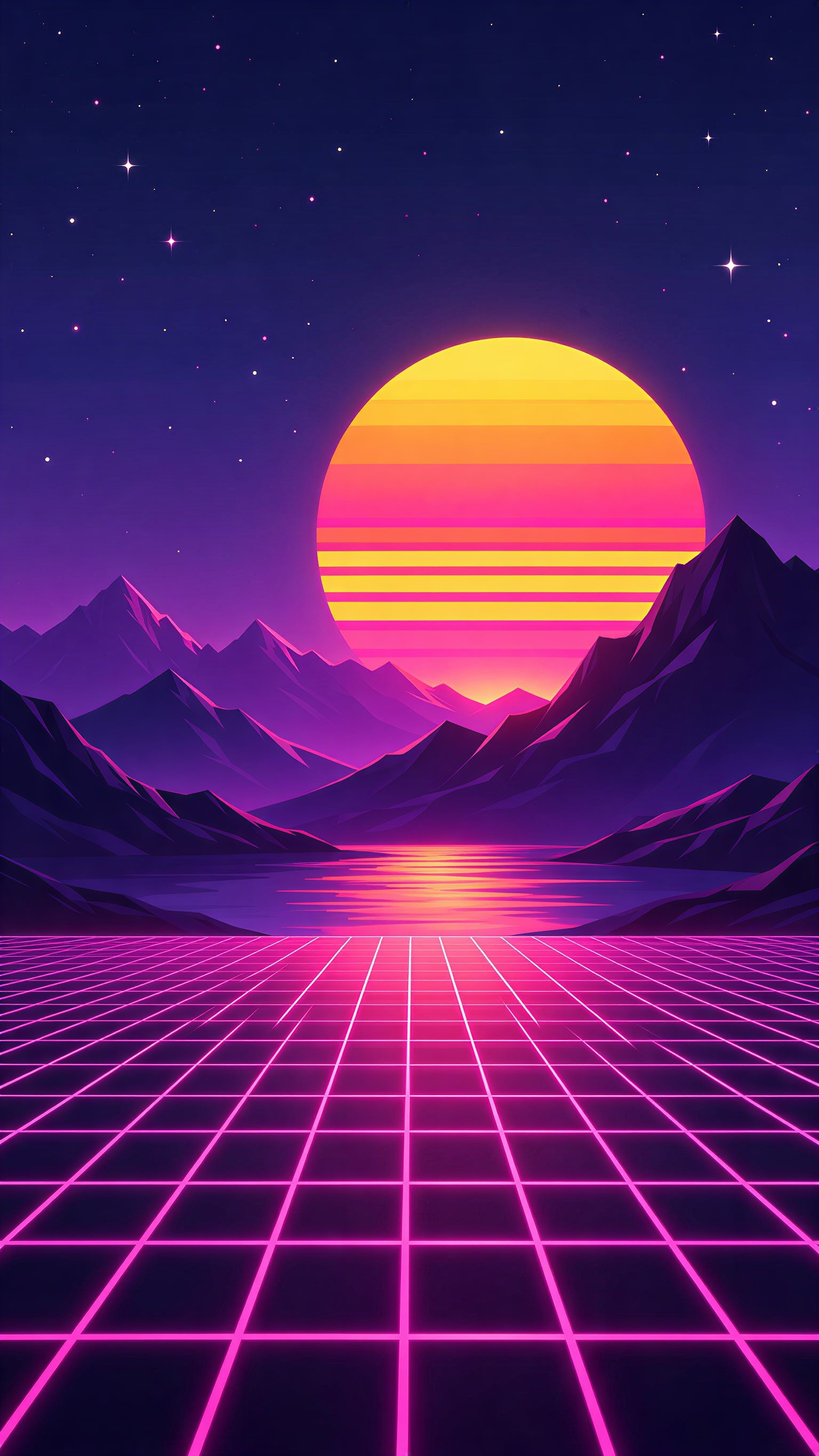
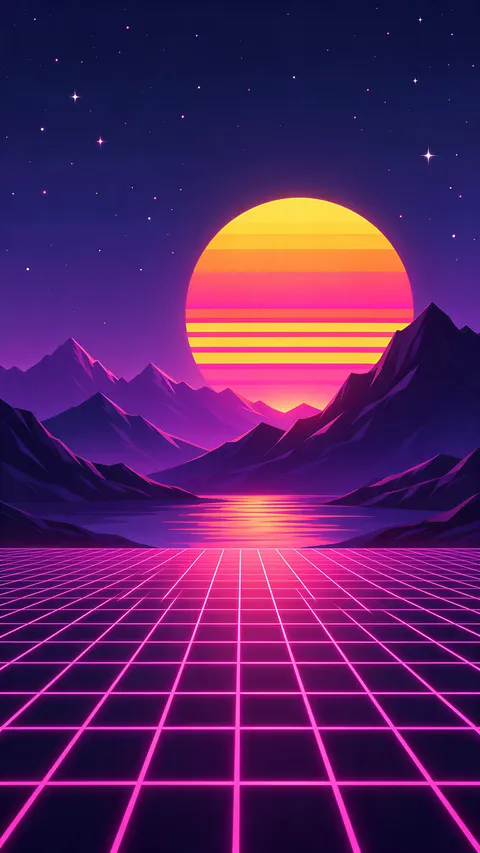 Synthwave sun and neon gridPhone · 1536 × 2730 JPG · Seedream 5.5Download
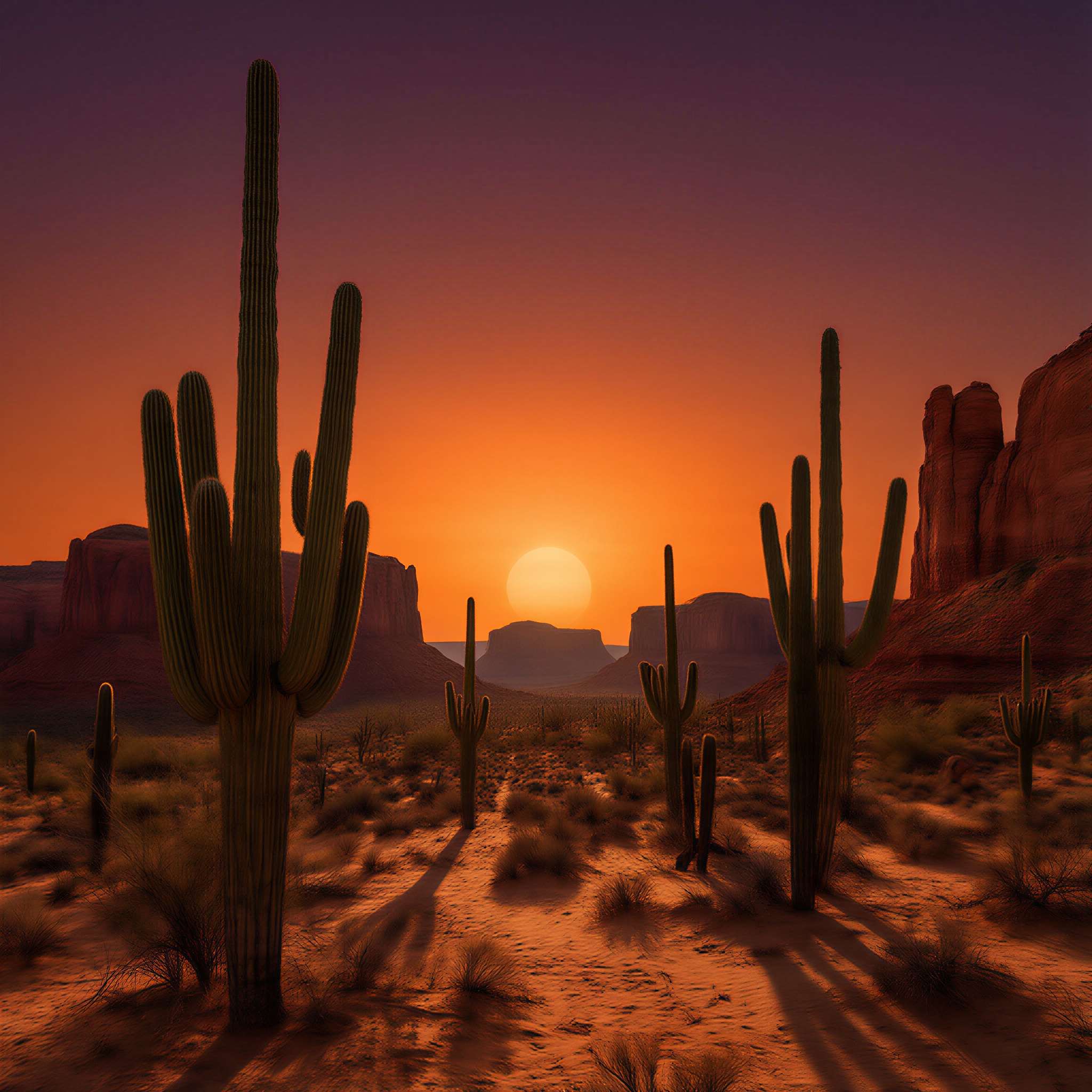
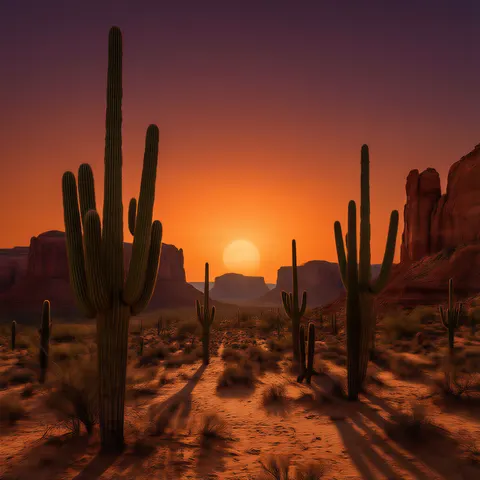 Desert sunset, squareSquare · 2048 × 2048 JPG · Qwen Image 3.0Download
How to
How to use the sunset wallpaper
- Time needed
- Steps
- 4 steps
Step 1
Download one, or open the generator
Download a wallpaper above, or press “Make my sunset wallpaper”. Image Studio opens with Qwen Image 3.0 and the sea sunset prompt. Sign in with Google, GitHub or Discord for starter credits.
Step 2
Pick a sky and your screen's size
Keep the sea or paste a prompt from the gallery or the ideas table. Set the size: 9:16 or 9:21 for a phone, 16:9 for a desktop, 21:9 for an ultrawide, 1:1 for a tablet.
Step 3
Create and check the clock area
Press Create. Check that the top of a lock screen is calm and the sun sits clear of the icons; if not, say where it goes and run it again.
Step 4
Upscale and set it
For a sharp phone or a 4K monitor, open it in the Image Upscaler (2K, 4K or 8K). Download it and set it as your lock screen, home screen or desktop.
See it in the app

Open Image Studio and type what you want to see — subject, style, lighting and mood.


Watch the tour · 1:23
Prompts, styles, references, edit, Arena & chat
Chapters
Tips
Get a sunset wallpaper that fits your screen
A wallpaper fails in three places: the shape, the clock, and the icons.
Pick the size before you press Create — Image Studio opens on Square 1:1. 9:16 or 9:21 for phones, 16:9 or 21:9 for desktops, 1:1 for a tablet that turns.
Put the sun low — “touching the horizon in the lower third” — so the smooth upper sky holds the clock and widgets.
Name the colours from the horizon up: “orange near the horizon to pink and soft violet at the top” gave the smooth gradient on the sea sunset.
Silhouettes (skyline, cacti, poles) stay sharp at any size and keep the busy part along one edge.
Add “no signs” and “no recognisable landmarks” for city and town scenes, so no lettering or real place turns up.
End with “no text”. The filter blocks child words such as “baby” even in “baby pink” — write “pale pink”.
Models
Models for sunset wallpapers
What each model is good at. Open any one straight in the generator.
- Free plan

Alibaba
Qwen Image 3.0
- Reference images
- Up to 3
- Output
- 1K or 2K · 15 ratios incl. 9:21, 21:9
Open Qwen Image 3.0Best for
Default here · free plan · photo sunsets (sea, ridges, city, lavender, desert)
ByteDance
Seedream 5.5
- Reference images
- Up to 10
- Output
- 1K / 1.5K / 2K · 15 ratios incl. 9:21
Open Seedream 5.5Best for
Pastel and retro illustrated sunsets

ByteDance
Seedream 5.0 Pro
- Reference images
- Up to 10
- Output
- 1K / 1.5K / 2K · 15 ratios
Open Seedream 5.0 ProBest for
Anime-style background art
FAQ
Sunset Wallpaper questions
8 questions

Where can I download a sunset wallpaper for my phone?
Right on this page. The downloads section has eight sunset wallpapers made with Kenerate — four phone wallpapers at 1536 × 2730, three desktop wallpapers at 5461 × 3072 and one square at 2048 × 2048, as JPG files. Downloading them costs nothing and needs no account; making your own in Image Studio uses credits.
Link to this answerHow do I make my own sunset wallpaper?
Describe the sky and what's under it in Image Studio — a calm sea, mountain ridges, a city skyline, a lavender field — put the sun low, pick your screen's size and press Create. The button on this page opens Qwen Image 3.0 with the sea sunset prompt filled in; every wallpaper in the gallery opens with its own prompt.
Link to this answerIs it free to make a sunset wallpaper?
Free to start. Sign in with Google, GitHub or Discord — no card — and a new account gets 25 credits. Qwen Image 3.0 is on the free plan at 9 credits an image at 1K or 2K, so the starter credits make two wallpapers. Seedream 5.5 (6 credits), Seedream 5.0 Pro (13.5) and the Image Upscaler (3 credits a run) use credits from one-time packs; the Starter pack is $15 for 1,300 credits.
Link to this answerWhat size is a sunset wallpaper for iPhone?
Pick 9:16, or the extra-tall 9:21 on Qwen Image 3.0, Seedream 5.5 or Seedream 5.0 Pro. Recent iPhones are taller than 9:16, so iOS crops the sides of a 9:16 picture to fill the screen — keep the sun near the centre and the top third calm for the clock. The phone downloads here are 1536 × 2730 (9:16).
Link to this answerCan I get a sunset wallpaper in 4K?
Yes. The three desktop wallpapers here are 5461 × 3072, larger than a 3840 × 2160 4K screen; they were made at 1365 × 768 and upscaled with the Image Upscaler at its 4K setting. For your own, upscale any wallpaper to 2K, 4K or 8K for 3 credits a run.
Link to this answerHow do I get an aesthetic sunset wallpaper?
Name the palette and the style: “pastel clouds glowing peach, pink and lilac, gentle grain” for the cloud wallpaper here; “striped sun, neon magenta grid, 1980s style” for synthwave; “anime-style background art, pink and gold clouds” for the hill town. Keep one subject and lots of calm sky.
Link to this answerHow do I get an anime sunset wallpaper?
Ask for “anime-style illustration” plus the scene and “detailed background art”, and add “no people” — the hill town here was made that way on Seedream 5.0 Pro. Don't name a studio, a film or a character; describe the light, the clouds and the setting instead.
Link to this answerIs this sunset wallpaper for walls or for screens?
For screens. Everything here is a digital wallpaper for a phone, tablet or computer, delivered as a JPG. Kenerate doesn't sell printed wallpaper or wall murals; for a room you would need a wallpaper shop or a print service.
Link to this answerIn depth
Sunset Wallpaper, explained
What works, what to avoid, and how to pick a model.
On this page
Which size and model for each screen?
Every model here starts on a square, so the size is the first thing to set. These are the shapes each model offers in Image Studio:
- iPhone and tall Android phones: 9:21 on Qwen Image 3.0, Seedream 5.5 and Seedream 5.0 Pro; 9:16 on all three.
- Laptop or monitor: 16:9 on all three. Qwen Image 3.0 makes up to 2K for 9 credits.
- Ultrawide monitor: 21:9 on all three. Tablet that turns between portrait and landscape: 1:1, so neither way crops the middle.
- Bigger than the model makes: the Image Upscaler takes any wallpaper to 2K, 4K or 8K for 3 credits a run. The 2K setting turned 768 × 1365 into 1536 × 2730 and 1024 × 1024 into 2048 × 2048; the 4K setting turned 1365 × 768 into 5461 × 3072.
Sunset wallpaper styles and the words that make them
A style is a palette plus a few mood words. The ones used in the gallery:
- Calm photo: “smooth gradient from orange near the horizon to pink and soft violet at the top” (sea).
- Layered haze: “each ridge a lighter shade of blue and purple, warm haze” (mountain ridges).
- Silhouette: “generic skyscrapers along the bottom quarter, no recognisable landmarks” (city) or “saguaro cactus silhouettes” (desert).
- Aesthetic: “fluffy pastel clouds glowing peach, pink and lilac, gentle grain” (clouds).
- Anime: “anime-style illustration, detailed background art, warm cinematic light” (hill town).
- Retro: “big striped sun, neon magenta grid floor, 1980s style digital illustration” (synthwave).
Keep the clock and icons clear
On a lock screen the clock, date and widgets sit across the top third; on a home screen icons cover almost everything; on a desktop, icons line the left edge on Windows and the right edge on a Mac.
A sunset is easy to lay out: put the sun and the land low and let the sky be the calm area — “the top third calm smooth sky”, “the upper two thirds open sky”, “the top half calm sky” — as in the sea, city and lavender wallpapers here.
Screen wallpaper, not wall covering
“Sunset wallpaper” also brings up shops selling printed wallpaper and murals for rooms. This page is only about digital wallpapers for phones, tablets and computers. The eight here are original Kenerate outputs at real screen sizes; Kenerate's Terms say you own what you generate.
One caveat: the US Copyright Office's 2025 report ties copyright to human authorship, so a picture made entirely from a prompt may not be protected against others copying it.
By the Kenerate AI teamLast updated and reviewed
We build and run the Kenerate generator. Every example is a real output of the model named under it; models and presets were checked against the app's code.
Sources: US Copyright Office — Copyright and Artificial Intelligence (Part 2: Copyrightability, 29 January 2025) · Kenerate AI — Terms of Service · Kenerate Image Upscaler (2K, 4K, 8K)