Phone 9:16 · desktop 16:9 up to 5461 × 3072 · square 1:1 · screen wallpapers, no text
Ocean wallpaper — waves, whales and deep blue for your phone and desktop
Eight original ocean screen wallpapers made on Kenerate — a breaking turquoise wave, sun rays underwater, a humpback whale, glowing jellyfish, a woodblock-style wave pattern, a stormy coast — to download in phone, desktop and square sizes. Or describe your own sea and pick your screen's shape.
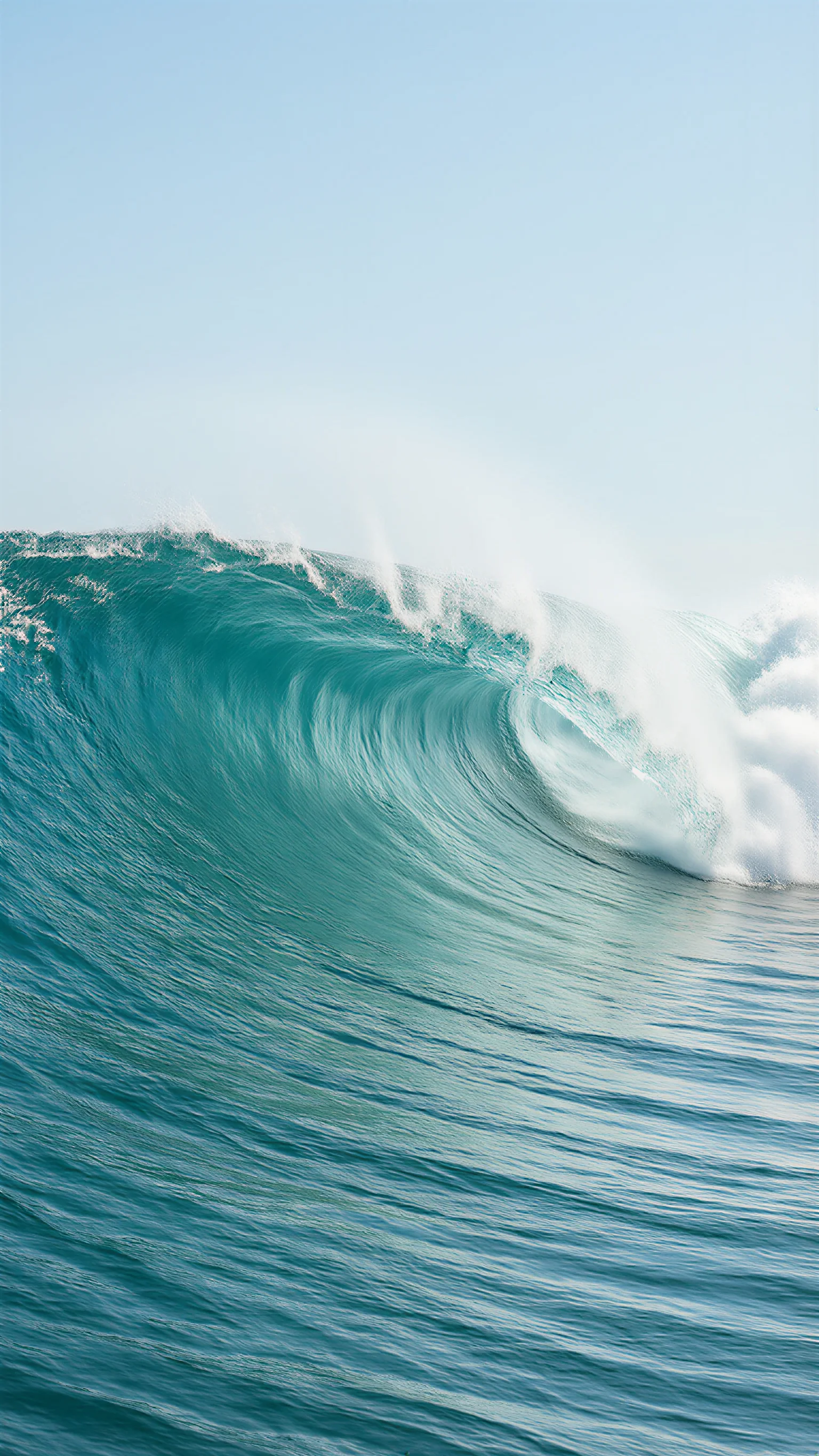
- 8 real wallpapers to download
- Phone 1536 × 2730 · desktop 5461 × 3072
- Every prompt to copy
- Make your own at 9:16, 16:9 or 1:1
Updated by the Kenerate AI team




Made with Kenerate
On this page
Quick answer

How do I make an ocean wallpaper for my phone?
To make an ocean wallpaper for your phone or desktop, describe the sea — a breaking wave, sun rays underwater, a whale, jellyfish — say which part stays calm, pick 9:16 for a phone or 16:9 for a desktop and press Create. Image Studio opens on Qwen Image 3.0, a free-plan model at 9 credits. The eight below were upscaled with the Image Upscaler (3 credits) to phone, 5461 × 3072 and 2048 × 2048 JPGs.
Key facts
- Wallpapers to download
- 8 — 4 phone (9:16), 3 desktop (16:9), 1 square (1:1), JPG
- Download sizes
- Phone 1536 × 2730 · desktop 5461 × 3072 · square 2048 × 2048
- Made with
- Qwen Image 3.0 (5) · Seedream 5.5 (2) · Seedream 5.0 Pro (1)
- Phone shapes
- 9:16 · extra-tall 9:21 on Qwen Image 3.0 and Seedream
- Desktop shapes
- 16:9 · 21:9 ultrawide
- Text
- None in any of the eight
More ocean wallpaper ideas
More ocean wallpaper ideas: the prompt, the size and a tip
Not made on this page — prompts to try. Set the size in Image Studio before you press Create, and keep “no text” at the end.
| Wallpaper | Size · model | Prompt | Tip |
|---|---|---|---|
| Bioluminescent shore at night | 9:16 · Qwen Image 3.0 | Night beach where gentle waves glow electric blue with bioluminescence along the shoreline in the lower third, dark starry sky above, long exposure, calm, vertical phone wallpaper, photographic, no people, no text | Put the glow in the lower third so the dark sky holds the clock |
| Minimal sea horizon | 9:16 · Qwen Image 3.0 | Minimal phone wallpaper, a calm sea meeting a pale sky on a low horizon line, soft blue-grey gradient, a tiny sailboat far away, lots of empty space, no text | Minimal wallpapers sit well behind a full grid of app icons |
| Coral reef panorama | 21:9 · Seedream 5.5 | Ultrawide underwater panorama of a colourful coral reef, schools of small orange and blue fish, sun rays from the surface, clear turquoise water, no people, no text | Keep the busiest coral low so desktop icons stay readable |
| Ocean waves line art | 9:16 · Seedream 5.5 | Minimal line-art phone wallpaper, thin white single-line drawings of rolling waves on a deep navy background, lots of empty space, elegant, no text | Thin white lines stay readable behind light or dark app labels |
| Iceberg from below | 16:9 · Seedream 5.0 Pro | Painterly view of a huge iceberg seen half above and half below the waterline, glowing pale blue ice, deep blue water below, soft light, no people, no text | “Half above and half below the waterline” gets the split view |
| Seashells on wet sand | 1:1 · Qwen Image 3.0 | Top-down photo of a few pale seashells on smooth wet sand with a thin sheet of sea foam washing over, soft daylight, minimal, no text | Square works for a tablet that turns, so neither way crops the shells |
Gallery
Ocean wallpaper examples
Eight real ocean wallpapers for phone and desktop screens — four phone, three desktop, one square. Open one to see its prompt and the model that made it; the full-size files are in the downloads below.
Download
Download the ocean wallpapers
Each file is the wallpaper above, upscaled with Kenerate's Image Upscaler: phone wallpapers at 1536 × 2730 (the woodblock pattern 1535 × 2732), desktop wallpapers at 5461 × 3072 (larger than a 3840 × 2160 4K screen), the square one at 2048 × 2048. JPG, no watermark.
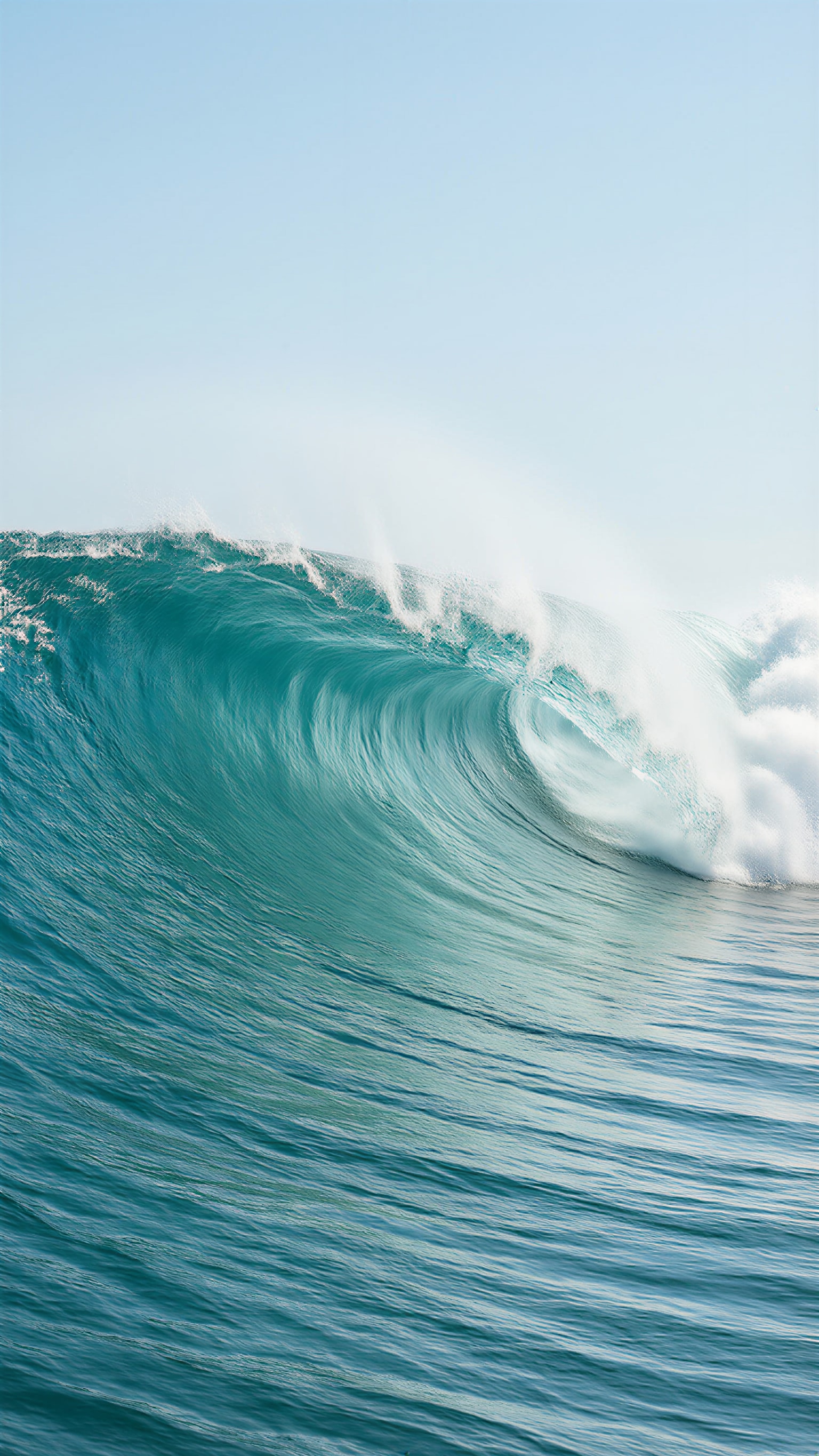
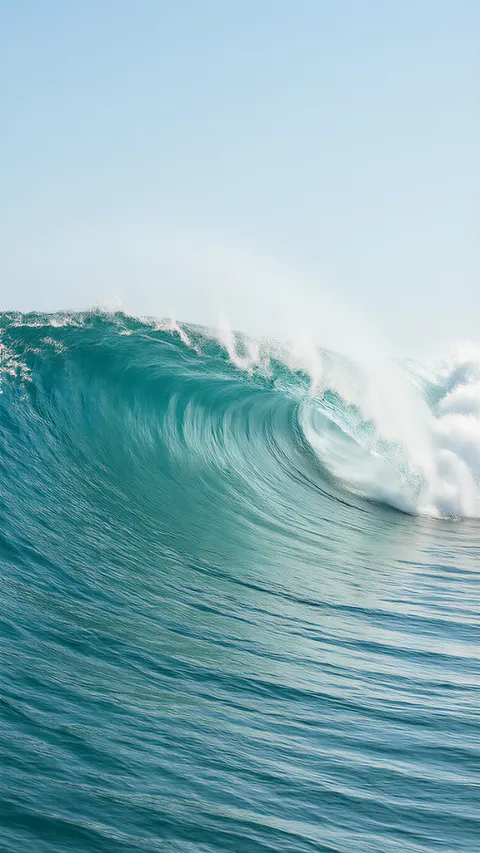 Breaking turquoise wavePhone · 1536 × 2730 JPG · Qwen Image 3.0Download
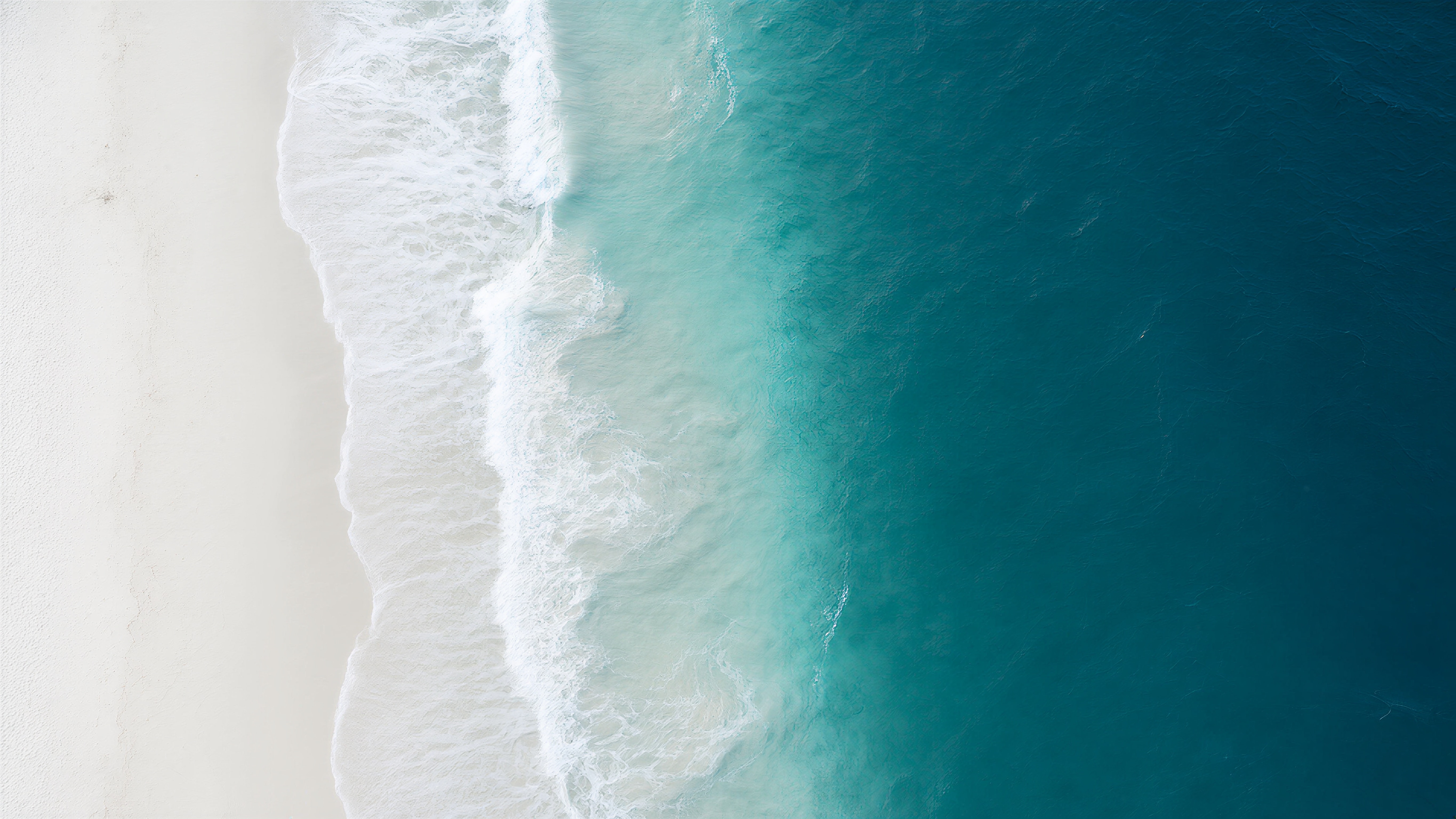
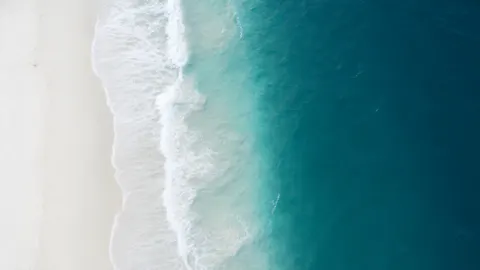 Shoreline from aboveDesktop · 5461 × 3072 JPG · Qwen Image 3.0Download
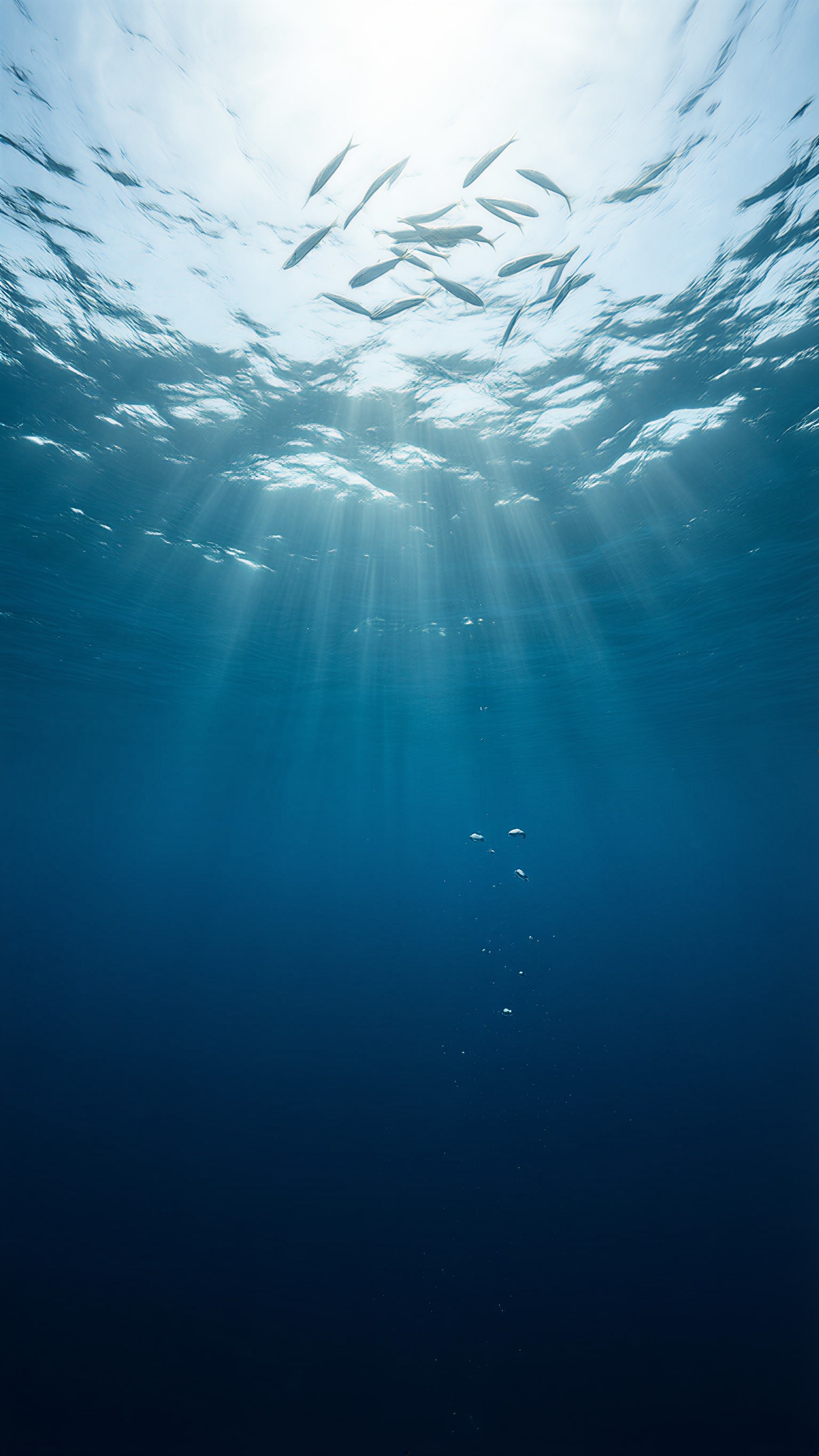
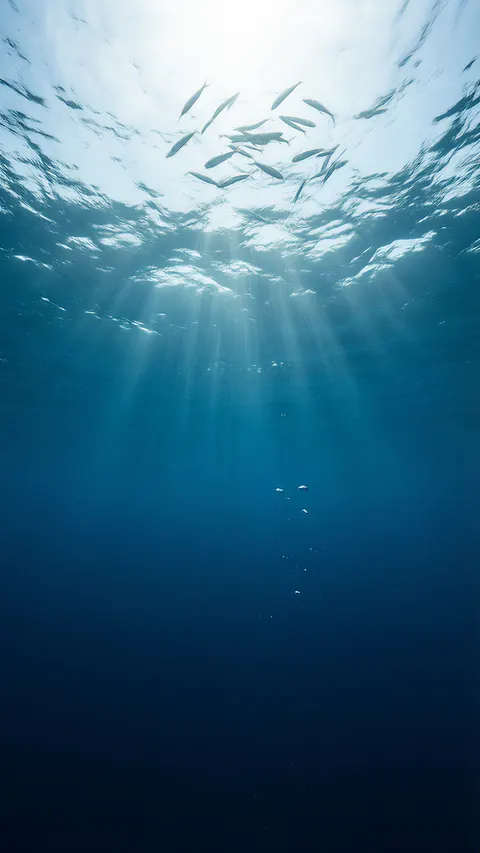 Sun rays underwaterPhone · 1536 × 2730 JPG · Qwen Image 3.0Download
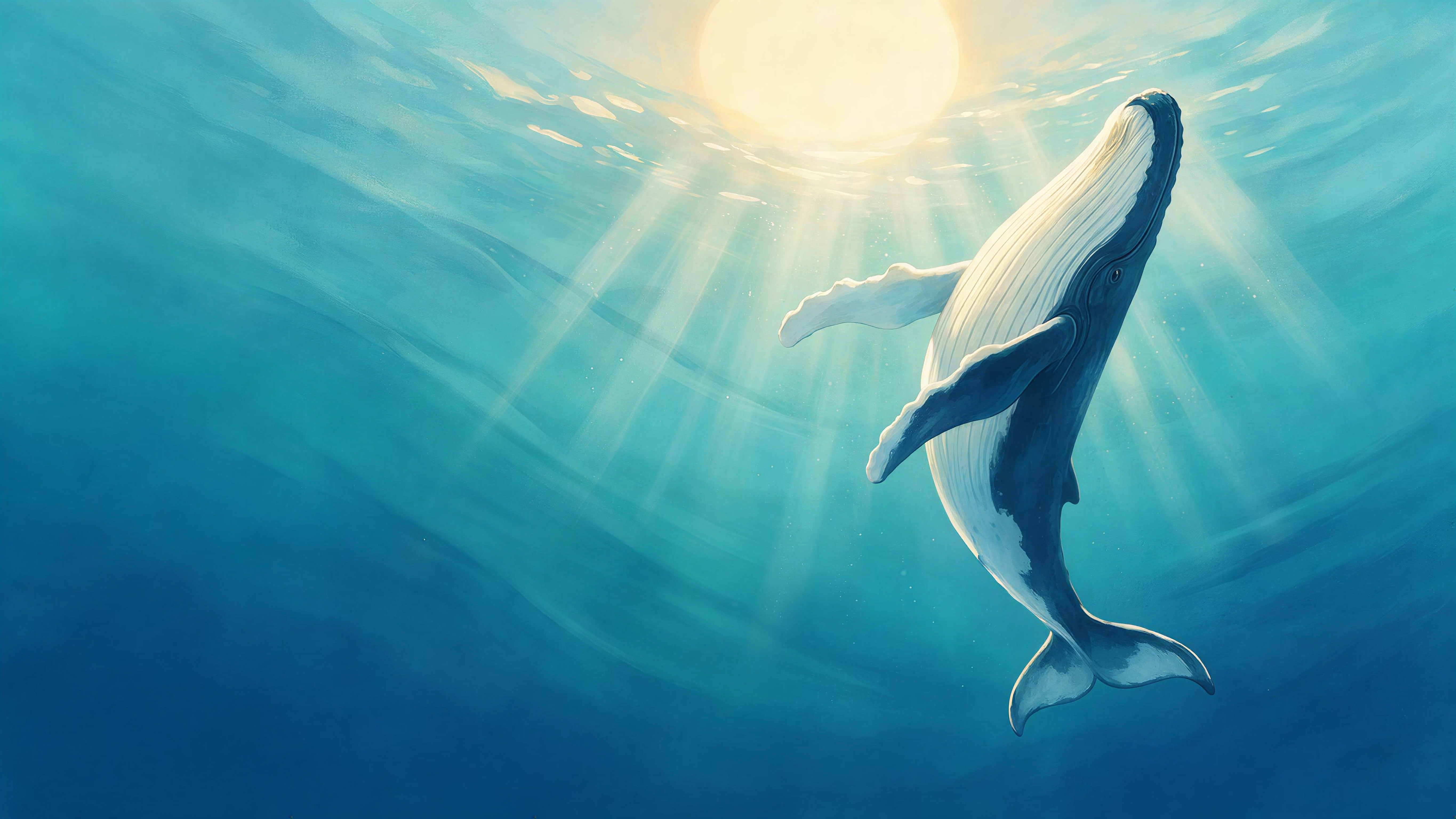
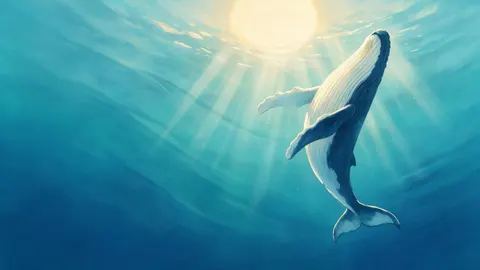 Humpback whale in sunlight, painterlyDesktop · 5461 × 3072 JPG · Seedream 5.0 ProDownload
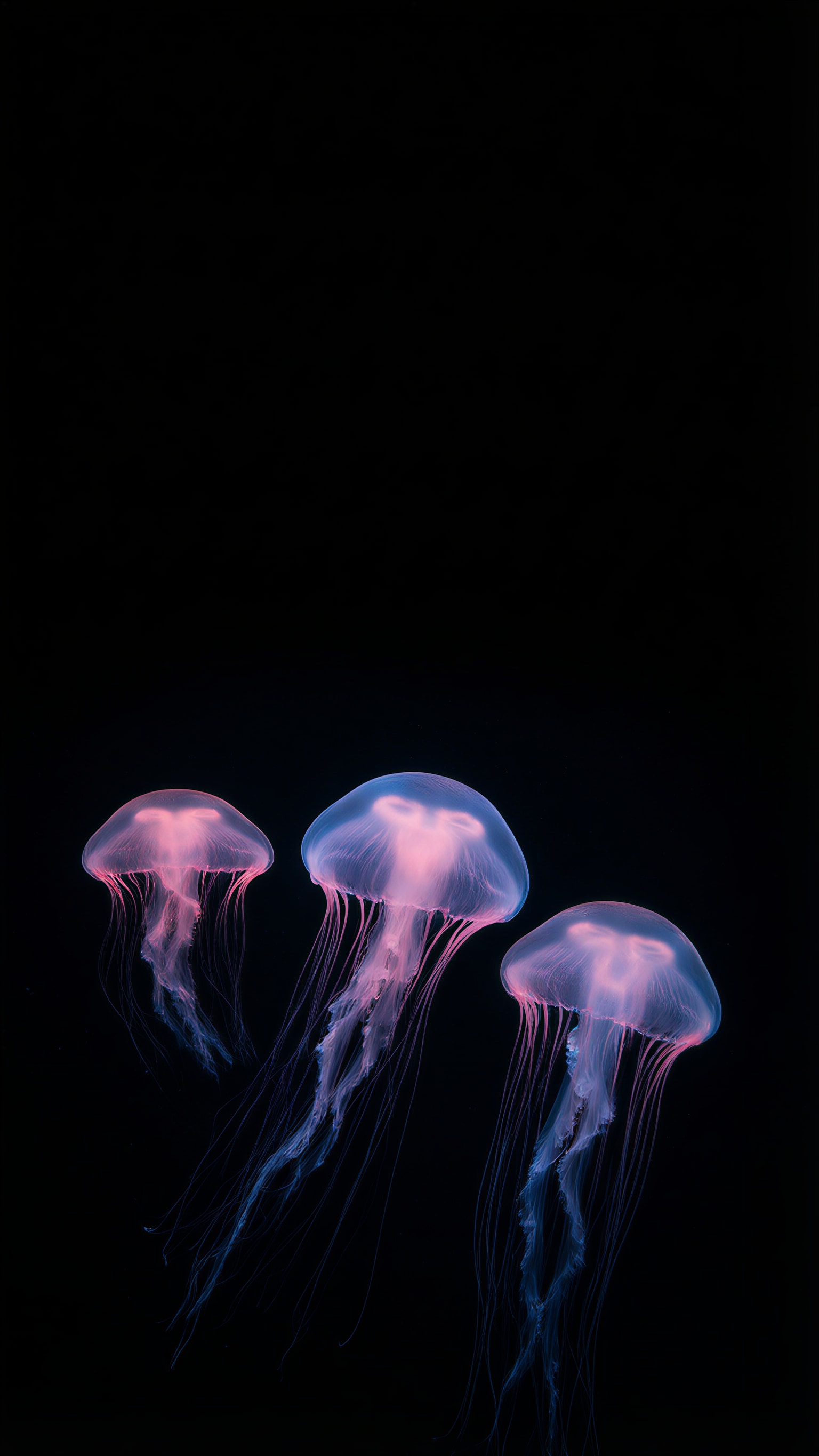
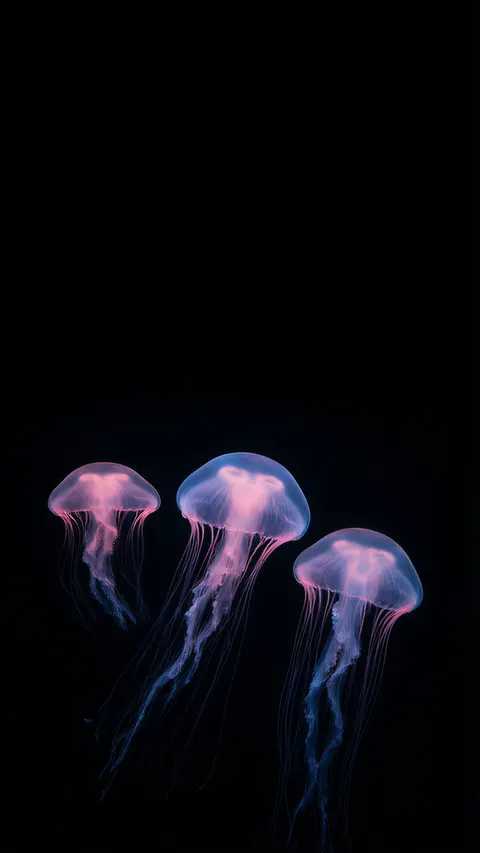 Glowing jellyfish on blackPhone · 1536 × 2730 JPG · Qwen Image 3.0Download
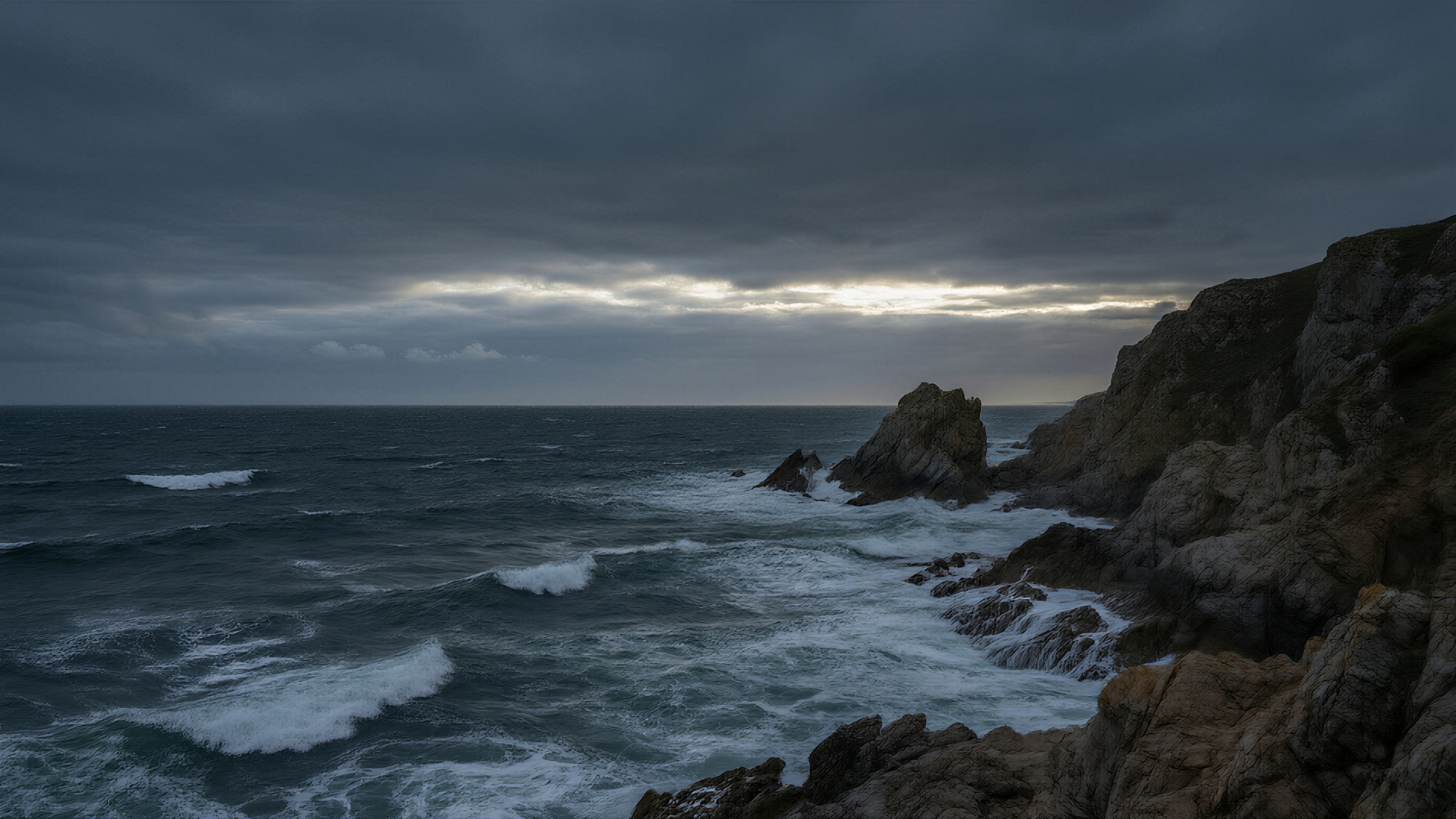
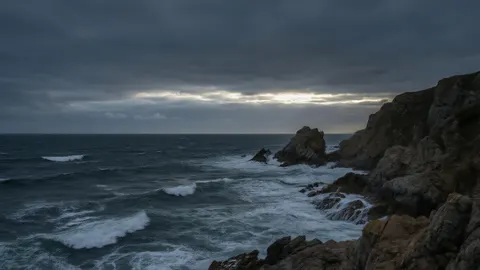 Stormy sea at duskDesktop · 5461 × 3072 JPG · Qwen Image 3.0Download
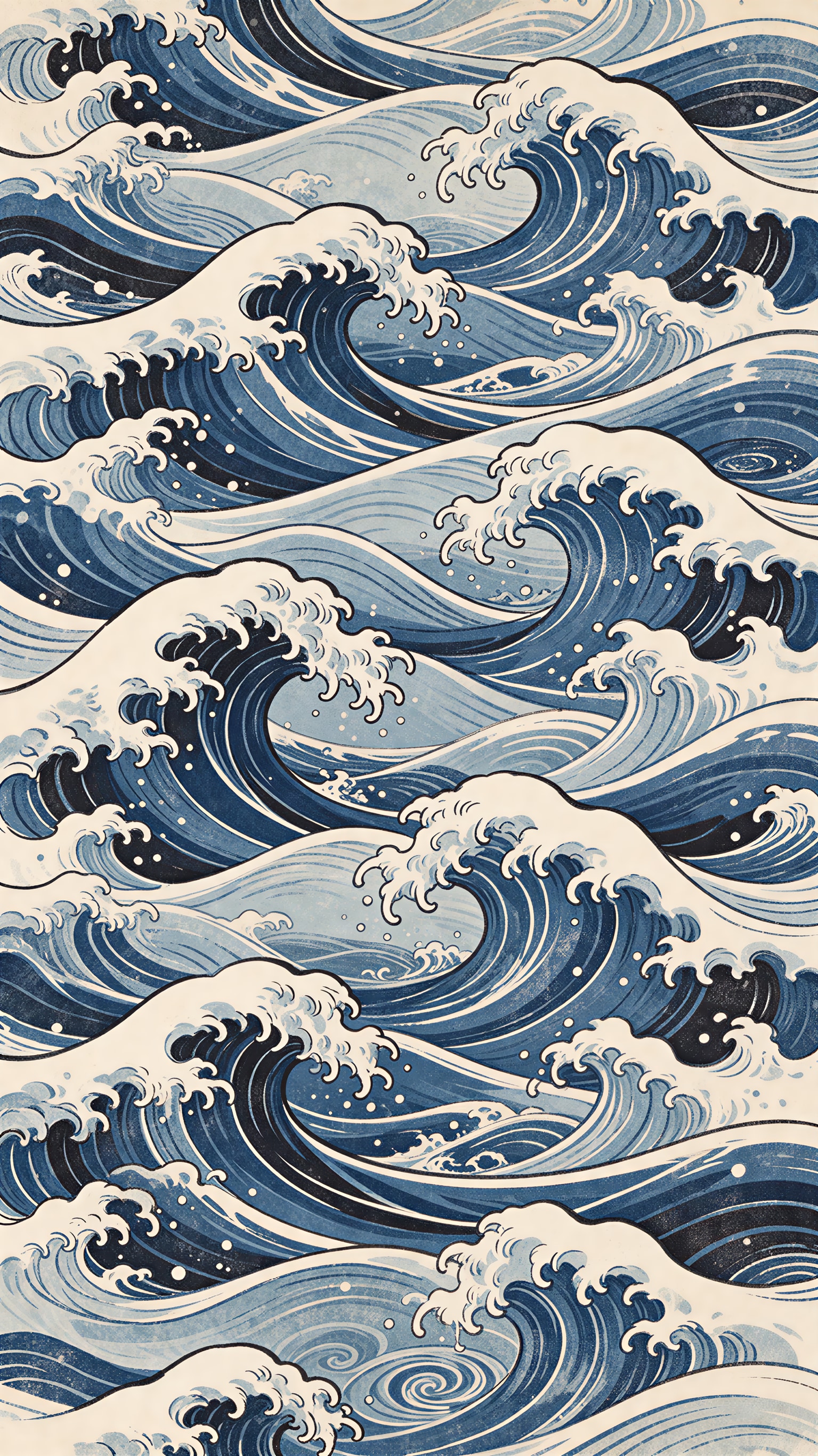
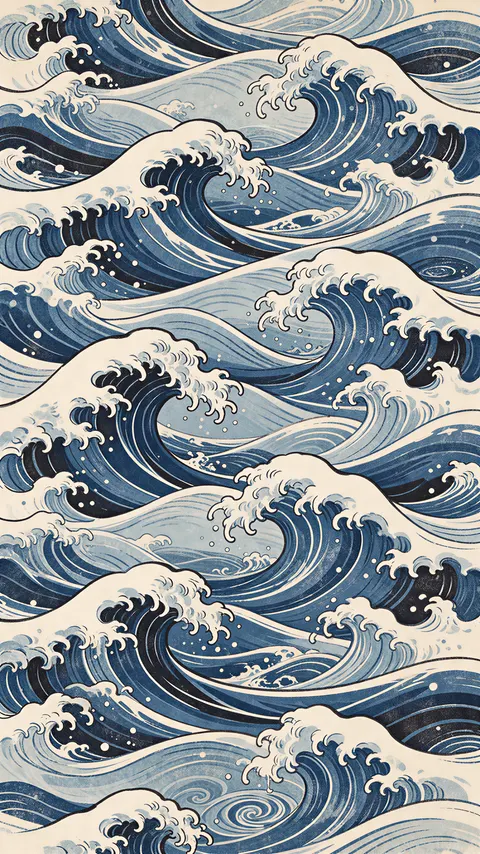 Woodblock-style wave patternPhone · 1535 × 2732 JPG · Seedream 5.5Download
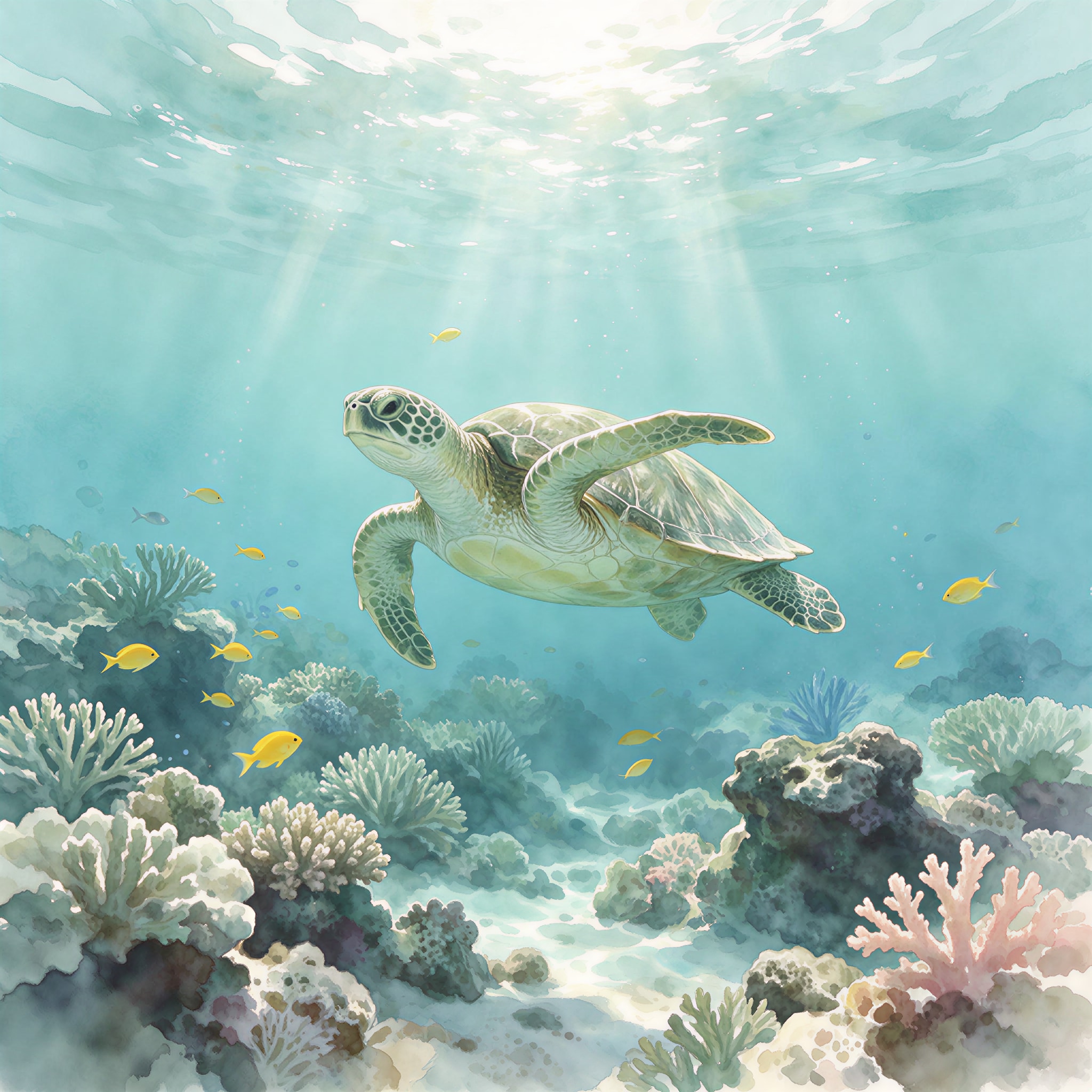
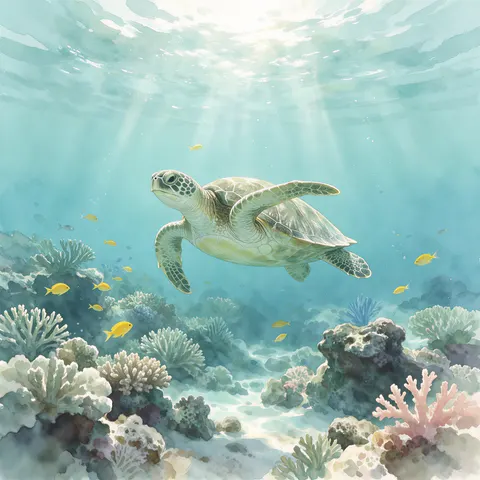 Watercolor sea turtle, squareSquare · 2048 × 2048 JPG · Seedream 5.5Download
How to
How to use the ocean wallpaper
- Time needed
- Steps
- 4 steps
Step 1
Download one, or open the generator
Download a wallpaper above, or press “Make my ocean wallpaper”. Image Studio opens with Qwen Image 3.0 and the wave prompt. Sign in with Google, GitHub or Discord for starter credits.
Step 2
Pick a sea and your screen's size
Keep the wave or paste a prompt from the gallery or the ideas table. Set the size: 9:16 or 9:21 for a phone, 16:9 for a desktop, 21:9 for an ultrawide, 1:1 for a tablet.
Step 3
Create and check the clock area
Press Create. Check that the top of a lock screen is calm and the subject sits clear of the icons; if not, say where it goes and run it again.
Step 4
Upscale and set it
For a sharp phone or a 4K monitor, open it in the Image Upscaler (2K, 4K or 8K). Download it and set it as your lock screen, home screen or desktop.
See it in the app

Open Image Studio and type what you want to see — subject, style, lighting and mood.


Watch the tour · 1:23
Prompts, styles, references, edit, Arena & chat
Chapters
Tips
Get an ocean wallpaper that fits your screen
A wallpaper fails in three places: the shape, the clock, and the icons.
Pick the size before you press Create — Image Studio opens on Square 1:1. 9:16 or 9:21 for phones, 16:9 or 21:9 for desktops, 1:1 for a tablet that turns.
Keep the top third of a lock screen calm so the clock stays readable — the pale sky above the wave, the black water above the jellyfish.
For a dark wallpaper, say “pure black deep water” and “the top half almost entirely black”: the jellyfish came back with a clean black top.
A pattern like the woodblock waves covers the whole screen evenly, so no icon lands on the one important spot.
Phones crop the sides of a wallpaper to fit, so keep the subject near the centre or let it run off one edge on purpose.
End with “no text” — and for print styles add “no signature, no seal”, or the model may add a fake stamp.
Models
Models for ocean wallpapers
What each model is good at. Open any one straight in the generator.
- Free plan

Alibaba
Qwen Image 3.0
- Reference images
- Up to 3
- Output
- 1K or 2K · 15 ratios incl. 9:21, 21:9
Open Qwen Image 3.0Best for
Default here · free plan · photo wallpapers (wave, underwater, jellyfish, storm)
ByteDance
Seedream 5.5
- Reference images
- Up to 10
- Output
- 1K / 1.5K / 2K · 15 ratios incl. 9:21
Open Seedream 5.5Best for
Patterns, print styles and watercolor

ByteDance
Seedream 5.0 Pro
- Reference images
- Up to 10
- Output
- 1K / 1.5K / 2K · 15 ratios
Open Seedream 5.0 ProBest for
Painterly sea life (the humpback whale)
FAQ
Ocean Wallpaper questions
8 questions

Where can I download an ocean wallpaper for my phone?
Right on this page. The downloads section has eight ocean wallpapers made with Kenerate — four phone wallpapers at about 1536 × 2730, three desktop wallpapers at 5461 × 3072 and one square at 2048 × 2048, as JPG files. Downloading them costs nothing and needs no account; making your own in Image Studio uses credits.
Link to this answerHow do I make my own ocean wallpaper?
Describe the sea in Image Studio — a breaking wave, sun rays underwater, a whale, jellyfish, a stormy coast — say which part stays calm, pick your screen's size and press Create. The button on this page opens Qwen Image 3.0 with the wave prompt filled in; every wallpaper in the gallery opens with its own prompt.
Link to this answerIs it free to make an ocean wallpaper?
Free to start. Sign in with Google, GitHub or Discord — no card — and a new account gets 25 credits. Qwen Image 3.0 is on the free plan at 9 credits an image at 1K or 2K, so the starter credits make two wallpapers. Seedream 5.5 (6 credits), Seedream 5.0 Pro (13.5) and the Image Upscaler (3 credits a run) use credits from one-time packs; the Starter pack is $15 for 1,300 credits.
Link to this answerWhat size is an ocean wallpaper for iPhone?
Pick 9:16, or the extra-tall 9:21 on Qwen Image 3.0, Seedream 5.5 or Seedream 5.0 Pro. Recent iPhones are taller than 9:16, so iOS crops the sides of a 9:16 picture to fill the screen — keep the subject near the centre and the top third calm for the clock. The phone downloads here are 1536 × 2730 (9:16).
Link to this answerCan I get an ocean wallpaper in 4K?
Yes. The three desktop wallpapers here are 5461 × 3072, larger than a 3840 × 2160 4K screen; they were made at 1365 × 768 and upscaled with the Image Upscaler at its 4K setting. For your own, upscale any wallpaper to 2K, 4K or 8K for 3 credits a run.
Link to this answerHow do I get a dark ocean wallpaper?
Ask for black water and say where it goes: “pure black deep water”, “the top half almost entirely black”. The jellyfish wallpaper here came back with a clean black top half and the glow only in the lower half. A stormy sea at dusk (“deep slate blue and grey palette”) is a dark option without black.
Link to this answerHow do I get an aesthetic ocean wallpaper?
Name the palette and the style: “indigo, Prussian blue and cream, Japanese woodblock print” for the wave pattern; “airy pastel watercolor” for the sea turtle; “pale aqua to deep turquoise, clean graphic lines” for the shoreline from above. Keep one subject and lots of calm space.
Link to this answerIs this ocean wallpaper for walls or for screens?
For screens. Everything here is a digital wallpaper for a phone, tablet or computer, delivered as a JPG. Kenerate doesn't sell printed wallpaper or wall murals; for a room you would need a wallpaper shop or a print service.
Link to this answerIn depth
Ocean Wallpaper, explained
What works, what to avoid, and how to pick a model.
On this page
Which size and model for each screen?
Every model here starts on a square, so the size is the first thing to set. These are the shapes each model offers in Image Studio:
- iPhone and tall Android phones: 9:21 on Qwen Image 3.0, Seedream 5.5 and Seedream 5.0 Pro; 9:16 on all three.
- Laptop or monitor: 16:9 on all three. Qwen Image 3.0 makes up to 2K for 9 credits.
- Ultrawide monitor: 21:9 on all three. Tablet that turns between portrait and landscape: 1:1, so neither way crops the middle.
- Bigger than the model makes: the Image Upscaler takes any wallpaper to 2K, 4K or 8K for 3 credits a run. The 2K setting turned 768 × 1365 into 1536 × 2730 and 1024 × 1024 into 2048 × 2048; the 4K setting turned 1365 × 768 into 5461 × 3072.
Ocean wallpaper styles and the words that make them
A style is a palette plus a few mood words. The ones used in the gallery:
- Bright photo: “bright sunlight shining through the clear water, white spray at the crest” (wave).
- Aerial: “aerial drone view looking straight down, clean graphic lines” (shoreline).
- Underwater: “looking up toward the bright surface, sun rays streaming down” (sun rays).
- Dark: “pure black deep water, soft pink and blue bioluminescent light” (jellyfish).
- Moody: “dark stormy sea at dusk, deep slate blue and grey palette” (storm).
- Print and paint: “Japanese woodblock print, flat colour, fine linework” (wave pattern); “soft painterly illustration” (whale); “soft watercolor, airy pastel palette” (sea turtle).
Keep the clock and icons clear
On a lock screen the clock, date and widgets sit across the top third; on a home screen icons cover almost everything; on a desktop, icons line the left edge on Windows and the right edge on a Mac.
Say where the calm area goes — “the top third calm pale blue sky”, “the top half almost entirely black”, “the left half open sea and sky” — and the model leaves that space empty, as it did in the wave, jellyfish and storm wallpapers here.
Screen wallpaper, not wall covering
“Ocean wallpaper” also brings up shops selling printed wallpaper and murals for rooms. This page is only about digital wallpapers for phones, tablets and computers. The eight here are original Kenerate outputs at real screen sizes; Kenerate's Terms say you own what you generate.
One caveat: the US Copyright Office's 2025 report ties copyright to human authorship, so a picture made entirely from a prompt may not be protected against others copying it.
By the Kenerate AI teamLast updated and reviewed
We build and run the Kenerate generator. Every example is a real output of the model named under it; models and presets were checked against the app's code.
Sources: US Copyright Office — Copyright and Artificial Intelligence (Part 2: Copyrightability, 29 January 2025) · Kenerate AI — Terms of Service · Kenerate Image Upscaler (2K, 4K, 8K)