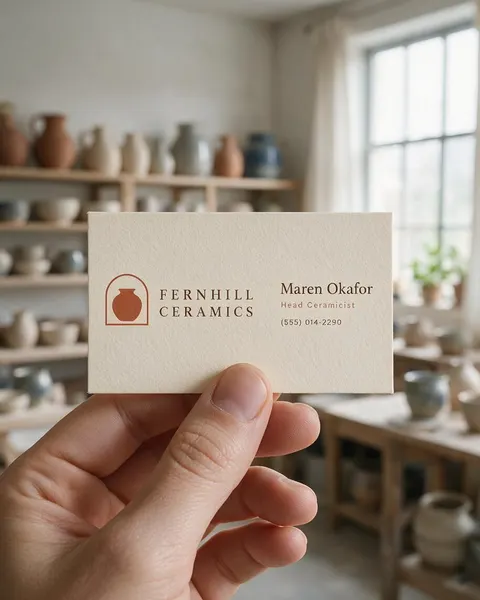
In a hand · on a desk · letterpress · on location
Business Card Mockup Generator
Upload your business card design and describe the shot. You get a photorealistic business card mockup — held in a hand, stacked on a desk, letterpressed on thick cotton paper or propped up where you work — without templates.
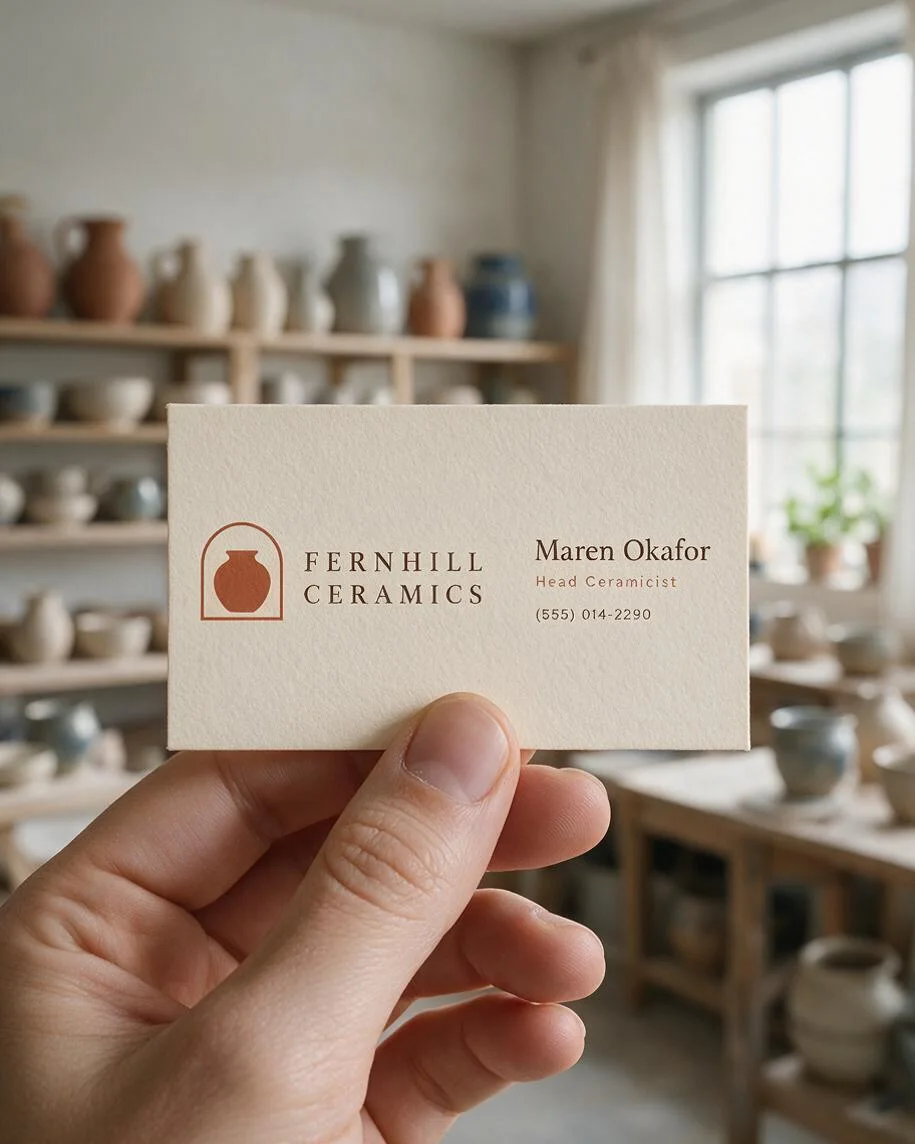
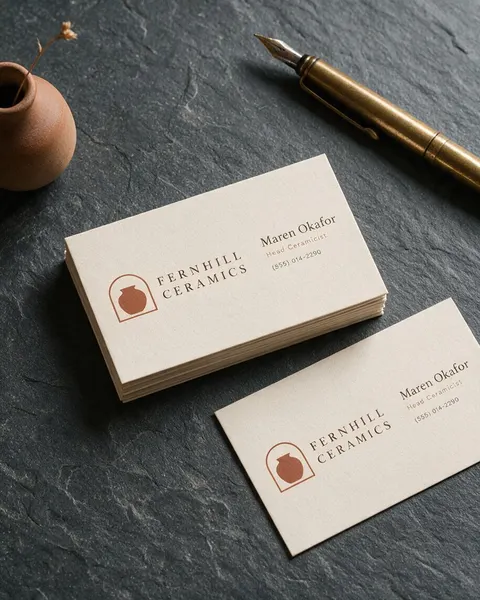
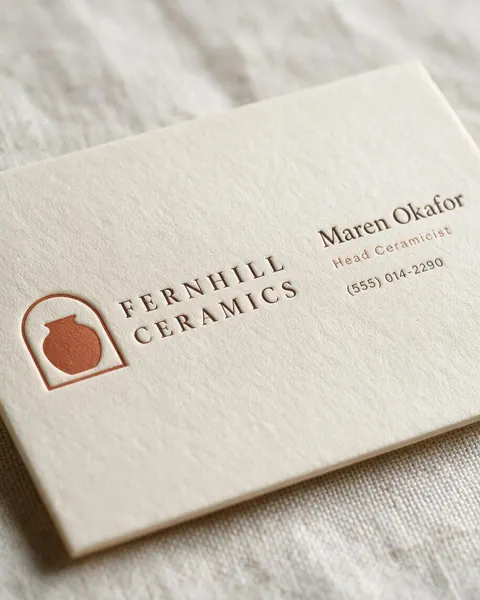
- Name and number kept
- Matte, letterpress or foil
- Your scene, not a template
- No watermark
Updated by the Kenerate AI team




On this page
Quick answer

How do I make a business card mockup?
To make a business card mockup, upload your card design to Kenerate's Image Studio, choose Seedream 5.0 Pro and describe the shot: “held in one hand in a bright studio” or “a stack on a slate desk with a brass pen”. You get a 915 × 1144 px (4:5) photo for 13.5 credits at 1K. In our four tests the name, title and phone number stayed right on every card.
Key facts
- Input
- Your card front: PNG or JPG
- Shots tested
- In a hand · desk stack · letterpress · market stall
- Model used
- Seedream 5.0 Pro edit
- Small text kept
- Name, title and phone on 5 of 5 cards
- Output
- 1K, 1.5K or 2K · 4:5
- US card size
- 3.5 × 2 in · 1050 × 600 px at 300 DPI
- Watermark
- None
Gallery
Business card mockups from one design
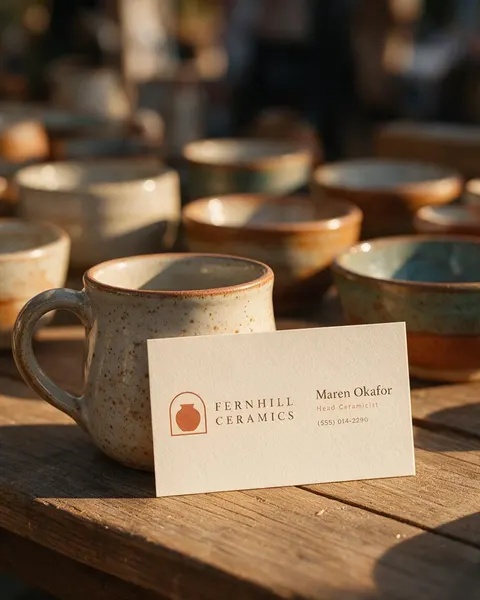
Real Seedream 5.0 Pro edits, one try each. Every business card mockup started from the same flat card we made for a made-up studio, Fernhill Ceramics.
Before / after
From flat card to business card mockup
The card file on one side, the mockup on the other. Drag the slider and check the name, the phone number and the logo.
How to
How to use the business card mockup generator
- Time needed
- Steps
- 4 steps
Step 1
Open Image Studio
Press “Make a business card mockup”: Image Studio opens with Seedream 5.0 Pro selected. Sign in with Google, GitHub or Discord.
Step 2
Upload your card
Add the card front (PNG or JPG) as the reference image, cropped to the edge of the card.
Step 3
Describe the shot
In a hand, a stack on a desk, a letterpress close-up or a scene from your work, plus the paper and finish. Pick 4:5 or 1:1.
Step 4
Check and download
Zoom in on the name, phone number and email, then download. No watermark.
See it in the app

Open Image Studio and type what you want to see — subject, style, lighting and mood.


Watch the tour · 1:23
Prompts, styles, references, edit, Arena & chat
Chapters
Tips
Business card mockups with the small print right
A card is mostly small text. These kept ours readable.
Upload the front only, cropped to the trim edge, with no crop marks or bleed guides.
Quote every line in the prompt — name, title, phone, email — and add “spelled exactly as in the image”.
Name the paper and the finish: matte, thick cotton, letterpress, gold foil, rounded corners.
Keep hands at the edges (“thumb on the bottom edge”) so fingers don't cover the name.
Zoom to 200% on the phone number and email before you post the mockup; digits are the first thing to slip.
Use a 555 number and a made-up name if you're showing a template you sell, not a real person's details.
Models
Which model is best for business card mockups?
What each model is good at. Open any one straight in the generator.

ByteDance
Seedream 5.0 Pro
- Reference images
- Up to 10
- Output
- 1K–2K
Open Seedream 5.0 ProBest for
Made every card mockup on this page, small text intact

OpenAI
GPT Image 2.5 Sunburst
- Reference images
- Up to 16
- Output
- 1K–4K
Open GPT Image 2.5 SunburstBest for
Made the flat card; best for designing the card itself
Google
Nano Banana 2.1
- Free plan

Alibaba
Qwen Image 3.0
- Reference images
- Up to 3
- Output
- 1K · 2K
Open Qwen Image 3.0Best for
Free plan · quick drafts
FAQ
Business Card Mockup Generator questions
7 questions

How do I make a business card mockup?
Upload your card front in Kenerate's Image Studio, pick Seedream 5.0 Pro and describe the shot, for example “one hand holding the card between thumb and index finger in a bright studio, thick cream cotton stock”. The four mockups above were made that way from one card, one try each, and each prompt is under its image.
Link to this answerIs there a free business card mockup generator?
You can start free. A new Kenerate account gets 25 credits, enough for one Seedream 5.0 Pro mockup at 1K (13.5 credits), and Qwen Image 3.0 is on the free plan at 9.9 credits with one card. After that, credits come in one-time packs with no subscription.
Link to this answerWill the AI change the text on my card?
It can, so zoom in on every result. In our tests Seedream 5.0 Pro kept the company, name, title and the phone number “(555) 014-2290” right on all five cards that were visible, including three seen at an angle. Quoting every line in the prompt helps.
Link to this answerCan I show a letterpress or foil finish?
Yes, as a picture. Write “letterpress printed, the letters pressed into thick cotton paper, raking side light” or “gold foil lettering”. The mockup shows the look; ask your printer for a proof to see how their press and paper actually come out.
Link to this answerWhat size is a standard business card?
In the US, 3.5 × 2 inches, which is 1050 × 600 pixels at 300 DPI, or 1083 × 633 pixels with bleed (Vistaprint's guide). In Europe, 85 × 55 mm. The mockup is a photo, not a print file: send your original card design at that size to the printer.
Link to this answerCan I make a mockup of the front and back?
Yes. Upload both sides as two references and describe them: “two cards on a desk, one showing the front from the first image, one showing the back from the second image”. Seedream 5.0 Pro takes up to 10 reference images.
Link to this answerI don't have a card design yet. Where do I start?
Make one first with the AI business card generator, which lists the trim, bleed and safe-area sizes, then upload it here. The card on this page was made with GPT Image 2.5 Sunburst from a one-paragraph prompt.
Link to this answerIn depth
Business Card Mockup Generator, explained
What works, what to avoid, and how to pick a model.
Business card mockup prompts to copy
Upload your card, then pick one and end it with “the card must match the design exactly, every word spelled exactly as in the image, no other text”:
- In a hand: one adult hand holding the card between thumb and index finger, thumb on the bottom edge, a blurred workplace behind.
- Desk stack: a neat stack on a dark slate desk, one loose card beside it, a brass pen at the edge, soft daylight.
- Letterpress: a close-up at a low angle of thick cream cotton stock, the lettering pressed into the paper, raking side light.
- On location: the card propped against something you make or sell, warm late-afternoon light, shallow depth of field.
- Gold foil: a black card on white marble with the lettering in shiny gold foil, a single sprig of eucalyptus.
- Front and back: two cards overlapping on linen, one front and one back, from two uploaded images.
Why show a business card in a photo?
A flat card file is what the printer needs; a business card mockup is what everyone else sees. Designers use mockups to present a card to a client, shops selling card templates use them as listing photos, and small businesses use them on a website or social profile to show the brand as something real.
By the Kenerate AI teamLast updated and reviewed
We build and run Kenerate Image Studio. Every mockup here is a real output of the model named under it (one try each, 14 November 2026), made from a card design we generated for this page; models and limits were checked against the app's code.
Sources: Vistaprint — Business card size and dimension guide · Kenerate Image Studio