Skip to content
Kenerate IconKenerate Icon
Kenerate AI
Loading your account

Table · clipboard · in hand · on the wall

Menu Mockup Generator

Upload your menu design, say where it should be, and get a photorealistic menu mockup — on a set restaurant table, clipped to a wooden board, held in a hand or framed on a café wall. No PSD templates or smart objects.
Try
  • Seedream 5.0 Pro edit
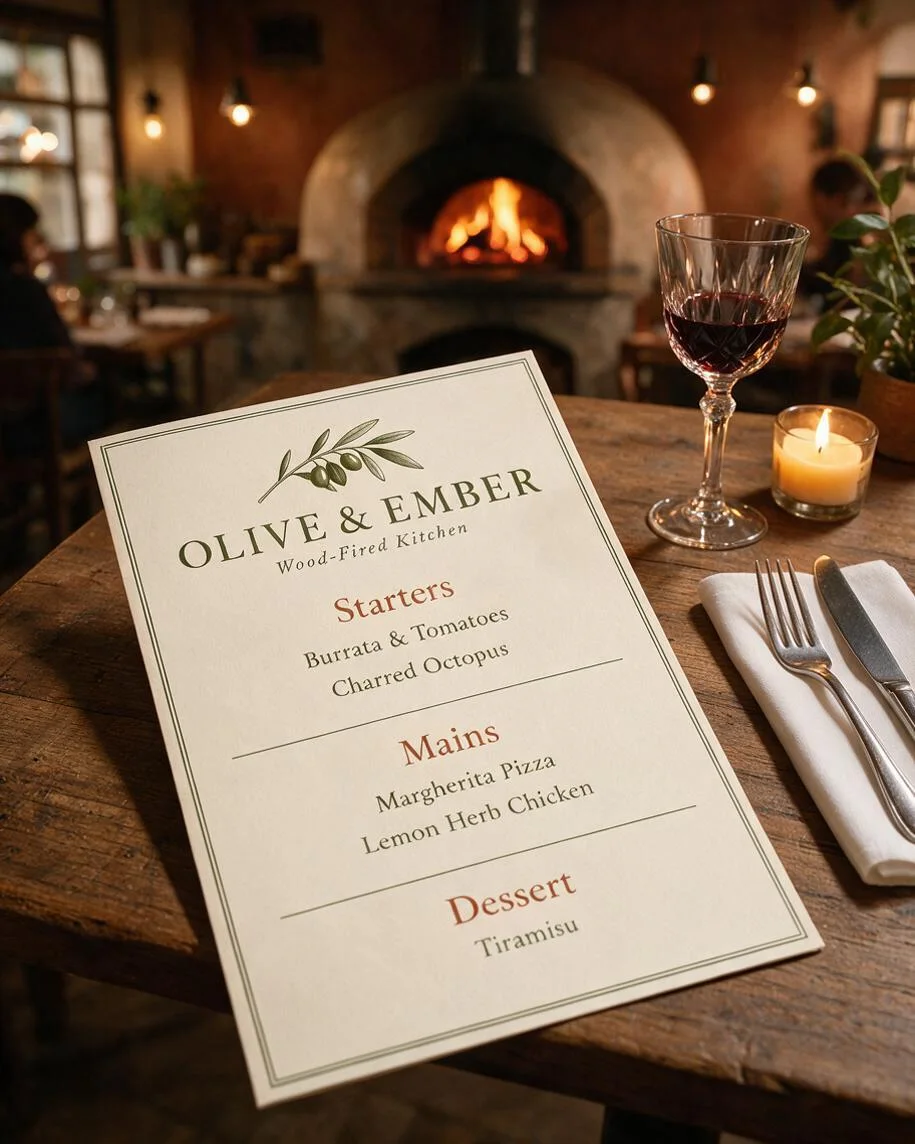
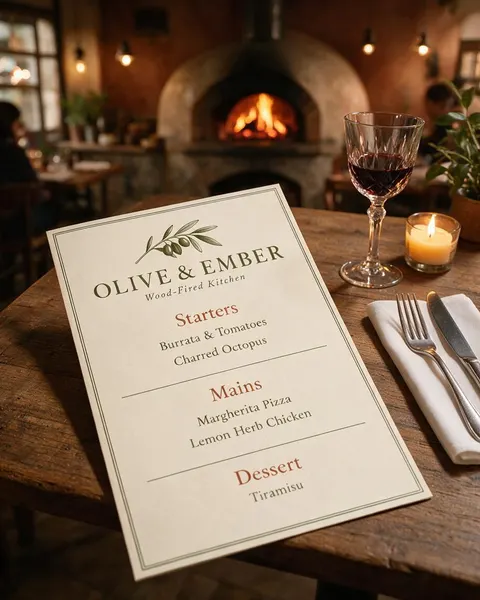
  • Restaurant menu mockup: the Olive & Ember menu on a rustic table with a napkin, cutlery, red wine and a candle, a wood-fired oven glowing behind, made with Seedream 5.0 Pro
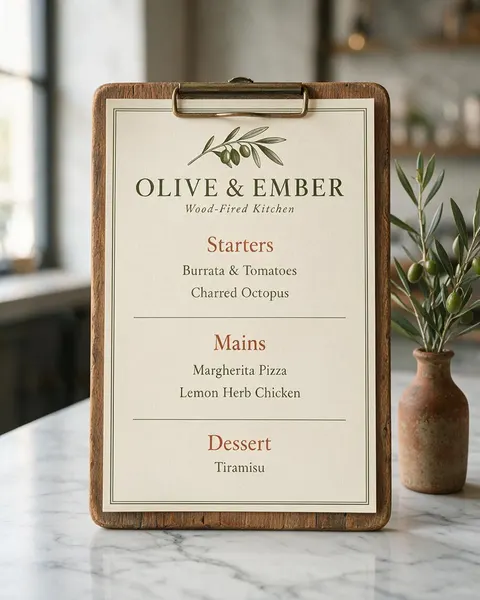
  • Clipboard menu mockup: the Olive & Ember menu clipped to a wooden board with a brass clip on a marble counter beside a vase of olive branches, made with Seedream 5.0 Pro
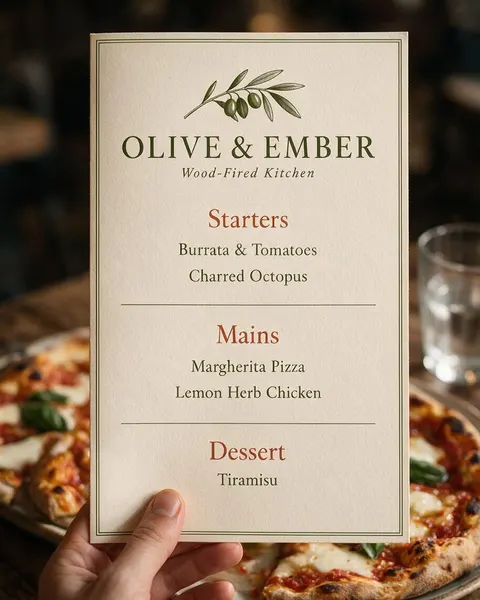
  • Menu mockup in hand: one hand holding the Olive & Ember menu card upright above a table with a margherita pizza and a glass of water, made with Seedream 5.0 Pro
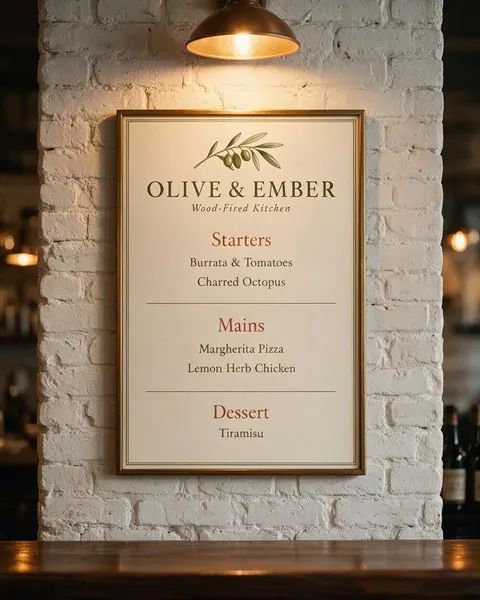
  • Menu board mockup: the Olive & Ember menu in a thin brass frame on a whitewashed brick wall under a copper pendant lamp above a bar, made with Seedream 5.0 Pro
  • Your menu, kept the same
  • Restaurant, café or bar
  • Table, board or wall
  • No watermark

Updated by the

Quick answer

Updated

How do I make a menu mockup?

To make a menu mockup, upload your menu design to Kenerate's Image Studio, pick Seedream 5.0 Pro and describe the table: “printed on cream card on a set restaurant table with a wine glass and a candle”. It returns a 915 × 1144 px (4:5) photo for 13.5 credits at 1K. In our test all ten lines of the “Olive & Ember” menu stayed spelled right in four of four scenes.

Key facts

Input
Your menu design: PNG or JPG, one page
Scenes tested
Set table · clipboard · in a hand · framed on a wall
Model used
Seedream 5.0 Pro edit
Output
1K, 1.5K or 2K · 4:5 for posts and delivery apps
Menu text kept
10 of 10 lines spelled right in 4 of 4 tests
Templates needed
None
Watermark
None

Before / after

From flat menu to menu mockup

The menu file on one side, the mockup on the other. Drag the slider and check every dish name.

Same prompt

Same prompt, two models

The menu, then the same set-table prompt run on Seedream 5.0 Pro and on GPT Image 2.5 Sunburst.

PromptPhotorealistic menu mockup: this exact menu printed on thick cream card, lying on a set restaurant table with a white linen napkin, a fork and knife, a wine glass and a small candle, a rustic wooden table, warm evening light in a cozy Italian restaurant with a blurred wood-fired oven glowing behind, slight three-quarter angle from above, the menu sharp and fully visible. The menu must match the image exactly: the same olive branch, the same layout and the words "OLIVE & EMBER", "Wood-Fired Kitchen", "Starters", "Burrata & Tomatoes", "Charred Octopus", "Mains", "Margherita Pizza", "Lemon Herb Chicken", "Dessert" and "Tiramisu" spelled exactly as in the image. Do not add any other text, prices or logos.
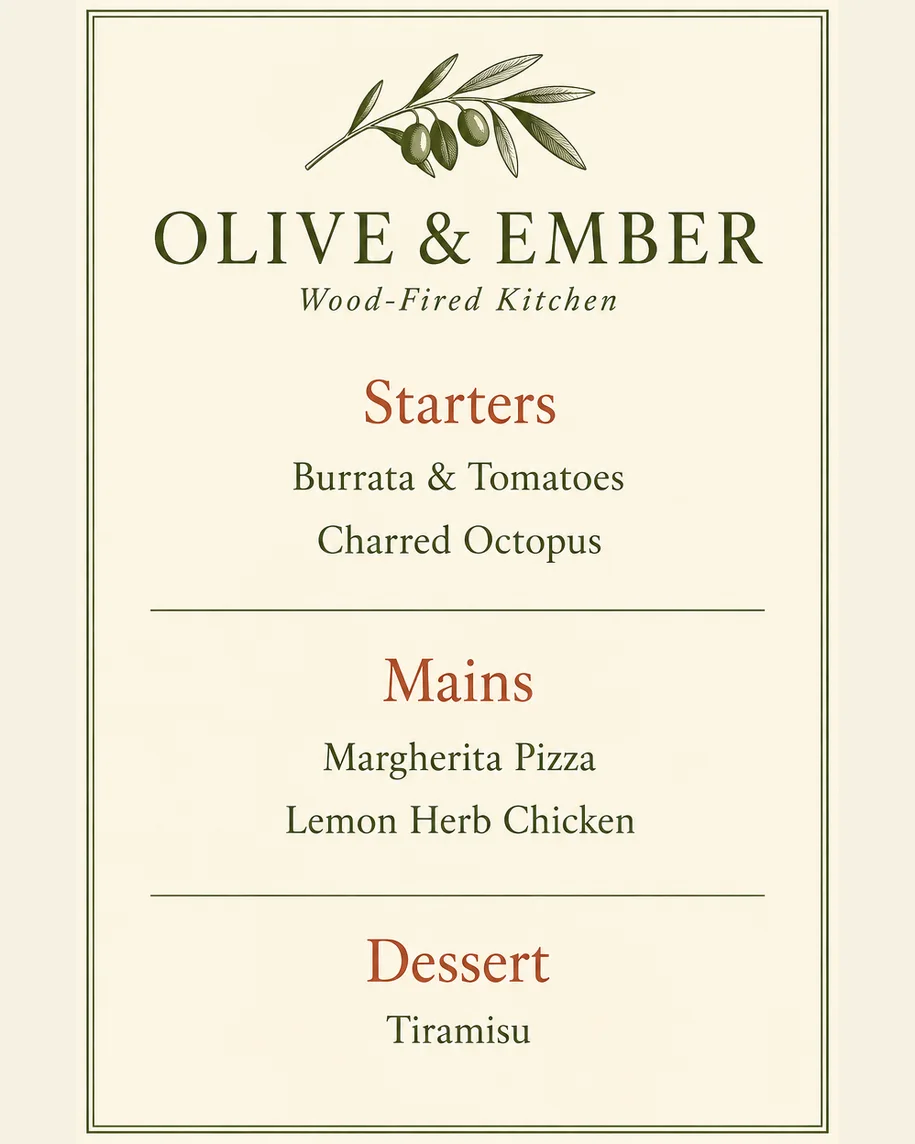
  • Design: Photorealistic menu mockup: this exact menu printed on thick cream card, lying on a set restaurant table with a white linen napkin, a fork and knife, a wine glass and a small candle, a rustic wooden table, warm evening light in a cozy Italian restaurant with a blurred wood-fired oven glowing behind, slight three-quarter angle from above, the menu sharp and fully visible. The menu must match the image exactly: the same olive branch, the same layout and the words "OLIVE & EMBER", "Wood-Fired Kitchen", "Starters", "Burrata & Tomatoes", "Charred Octopus", "Mains", "Margherita Pizza", "Lemon Herb Chicken", "Dessert" and "Tiramisu" spelled exactly as in the image. Do not add any other text, prices or logos.DesignInput · GPT Image 2.5 Sunburst
  • Seedream 5.0 Pro: Photorealistic menu mockup: this exact menu printed on thick cream card, lying on a set restaurant table with a white linen napkin, a fork and knife, a wine glass and a small candle, a rustic wooden table, warm evening light in a cozy Italian restaurant with a blurred wood-fired oven glowing behind, slight three-quarter angle from above, the menu sharp and fully visible. The menu must match the image exactly: the same olive branch, the same layout and the words "OLIVE & EMBER", "Wood-Fired Kitchen", "Starters", "Burrata & Tomatoes", "Charred Octopus", "Mains", "Margherita Pizza", "Lemon Herb Chicken", "Dessert" and "Tiramisu" spelled exactly as in the image. Do not add any other text, prices or logos.Seedream 5.0 ProRed wine, oven in view
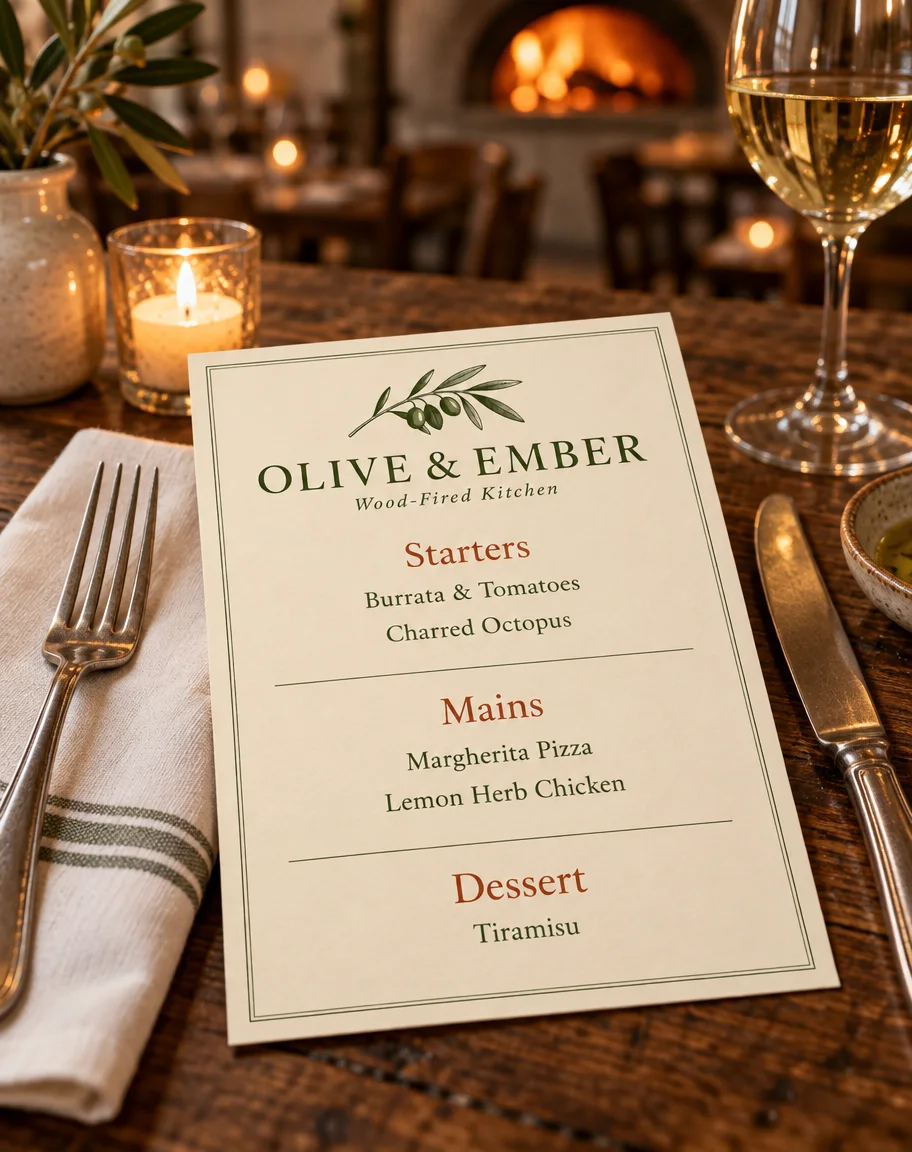
  • GPT Image 2.5 Sunburst: Photorealistic menu mockup: this exact menu printed on thick cream card, lying on a set restaurant table with a white linen napkin, a fork and knife, a wine glass and a small candle, a rustic wooden table, warm evening light in a cozy Italian restaurant with a blurred wood-fired oven glowing behind, slight three-quarter angle from above, the menu sharp and fully visible. The menu must match the image exactly: the same olive branch, the same layout and the words "OLIVE & EMBER", "Wood-Fired Kitchen", "Starters", "Burrata & Tomatoes", "Charred Octopus", "Mains", "Margherita Pizza", "Lemon Herb Chicken", "Dessert" and "Tiramisu" spelled exactly as in the image. Do not add any other text, prices or logos.GPT Image 2.5 SunburstWhite wine, added oil dish

How to

How to use the menu mockup generator

Time needed
Steps
4 steps
  1. Step 1

    Open Image Studio

    Press “Make a menu mockup”: Image Studio opens with Seedream 5.0 Pro selected. Sign in with Google, GitHub or Discord.

  2. Step 2

    Upload your menu

    Add the flat menu file as the reference image: a PNG or JPG of the whole page, edge to edge.

  3. Step 3

    Describe the table or wall

    Where the menu sits (a set table, a clipboard, a hand, a frame), the restaurant, the light and the angle. Pick 4:5 for posts.

  4. Step 4

    Check and download

    Compare every dish name with your file, word by word, then download. No watermark.

Kenerate AI Image Studio with a text prompt typed into the prompt box

Open Image Studio and type what you want to see — subject, style, lighting and mood.

1 / 5 · Describe your image

Watch the tour · 1:23

Prompts, styles, references, edit, Arena & chat

Chapters

Tips

Menu mockups that keep every dish right

What made the difference in our tests.

  • Upload the flat menu file, not a photo of a printed menu: the model copies the glare and creases it sees.

  • Write every heading and dish name into the prompt and add “spelled exactly as in the image”.

  • Add “no other text, prices or logos”, or the model may invent prices or a logo for the restaurant.

  • Match the room to the food: a wood-fired oven for pizza, a marble counter for a café, a dark bar for cocktails.

  • Straight-on views (a clipboard, a framed menu) keep the text easiest to read; table shots look more real.

  • Keep long menus to one page per mockup; ten short lines came through cleanly in our test.

  • Zoom in on the smallest lines before you post, and check prices twice if your menu has them.

Models

Which model is best for menu mockups?

What each model is good at. Open any one straight in the generator.

  • Seedream 5.0 Pro title card — a gallery-worthy photoreal portrait of a fictional adult woman with freckles in golden-hour light

    ByteDance

    Seedream 5.0 Pro

    Reference images
    Up to 10
    Output
    1K–2K

    Best for

    Made every mockup in the gallery: dish names kept

    Open Seedream 5.0 Pro
  • GPT Image 2.5 Sunburst title card — glowing sunburst-coloured 3D lettering on a bold magazine-cover-style layout

    OpenAI

    GPT Image 2.5 Sunburst

    Reference images
    Up to 16
    Output
    1K–4K

    Best for

    Crisp small text; styles the room more

    Open GPT Image 2.5 Sunburst
  • Google

    Nano Banana 2.1

    Reference images
    Up to 14
    Output
    1K–4K

    Best for

    Menu plus a photo of your real dining room

    Open Nano Banana 2.1
  • Qwen Image 3.0 title card — neatly written on a café blackboard menu board in a sunlit café
    Free plan

    Alibaba

    Qwen Image 3.0

    Reference images
    Up to 3
    Output
    1K · 2K

    Best for

    Free plan · quick drafts

    Open Qwen Image 3.0

FAQ

Menu Mockup Generator questions

How do I make a menu mockup?

Upload your menu design in Kenerate's Image Studio, pick Seedream 5.0 Pro and describe where the menu is, for example “printed on thick cream card on a set rustic table with a linen napkin, a wine glass and a candle”. The four mockups in the gallery were made that way from one menu, one try each, and their full prompts are shown.

Link to this answer

Is there a free menu mockup generator?

You can start free. A new Kenerate account gets 25 credits, enough for one Seedream 5.0 Pro menu mockup at 1K (13.5 credits) or two GPT Image 2.5 Sunburst mockups (11.7 credits each with one menu), and Qwen Image 3.0 is on the free plan at 9.9 credits with one reference. After that, credits come in one-time packs with no subscription.

Link to this answer

Will the AI change my menu?

It can, so check every result. In our test Seedream 5.0 Pro kept all ten lines of the Olive & Ember menu, from “OLIVE & EMBER” to “Tiramisu”, spelled right in all four scenes, with the olive branch and the rules in place. The more lines and the smaller the type, the more there is to check.

Link to this answer

Can AI keep my prices right on a menu mockup?

Check them closely: numbers are redrawn like words and can slip. Our test menu had dish names only. For a mockup with prices, write each price into the prompt as well, zoom in on every one, and fix any mistake with Edit Studio's text tool before you post.

Link to this answer

What size is a restaurant menu?

Common one-page menus are US Letter (8.5 × 11 in), Legal (8.5 × 14 in) and A4 (210 × 297 mm); tall dinner menus are often 4.25 × 11 in. Our flat menu was 2:3, close to a tall 8 × 12 in card, and the mockups kept that shape.

Link to this answer

What size should a menu mockup be?

Use 4:5 for Instagram, Google Business photos and delivery-app banners, and 16:9 for a website header. Seedream 5.0 Pro outputs 1K, 1.5K or 2K; our 4:5 mockups came out at 915 × 1144 pixels at 1K. For a bigger file, pick 2K (27 credits) or upscale the result.

Link to this answer

Can I show the menu in my own restaurant?

Yes. Upload a photo of your dining room or bar as a second reference and say “place the menu from the first image on the table in the second image”. Seedream 5.0 Pro takes up to 10 references and Nano Banana 2.1 up to 14.

Link to this answer

Can I print the mockup as my menu?

No, print your original menu file; the mockup is a photo for posts, your website and pitching a design to a restaurant. Kenerate puts no watermark on downloads.

Link to this answer

In depth

Menu Mockup Generator, explained

What works, what to avoid, and how to pick a model.

Menu mockup prompts to copy

Upload your menu, then pick one line and add “the menu must match the image exactly, the words … spelled exactly as in the image, no other text, prices or logos”:

  • Set table: printed on thick cream card on a rustic table with a linen napkin, cutlery, a wine glass and a candle, warm evening light.
  • Clipboard: clipped to a wooden clipboard with a brass clip, standing on a marble counter beside a vase of olive branches.
  • In hand: held in one hand above a table, a plate of food blurred below, shallow depth of field.
  • Wall: printed large in a thin brass frame on a whitewashed brick wall above the bar, a pendant lamp above it.
  • Café: in a clear acrylic stand on a small café table next to a latte, morning light through the window.
  • Bar: a narrow cocktail menu on a dark wooden bar next to a coupe glass, moody low light.
  • Food truck: pinned to a wooden board on the side of a food truck, sunny street behind it.

By Last updated and reviewed

We build and run Kenerate Image Studio. Every mockup here is a real output of the model named under it (one try each, 16 November 2026), made from a menu we generated for this page; models and limits were checked against the app's code.

Sources: Kenerate Image Studio

Try the menu mockup generator

Free to start. No watermark.

Tried it? Tell us how it went