

bytedance/seedream-v5.5 · price · parameters
Seedream 5.5 API
How to call ByteDance's Seedream 5.5 from code or an AI agent: where it's available, what it costs per image, which parameters it takes — including the background setting for transparent PNGs — and how to use it with no BytePlus account at all.

- bytedance/seedream-v5.5
- 1K · 1.5K · 2K
- background: transparent
- No-key option via MCP
Updated by the Kenerate AI team




Made with Kenerate

On this page
Quick answer

Is there a Seedream 5.5 API?
Yes, through hosts — ByteDance hasn't published its own price yet. Seedream 5.5 launched on 9 November 2026 and is rolling out on Volcano Ark in China, with BytePlus listed as coming. Third-party API hosts already serve it as bytedance/seedream-v5.5 (and /edit) at about $0.02 per image at 1K or 1.5K and $0.035 at 2K, plus $0.008 per input image on edits. The parameters are prompt, aspect_ratio (15 values), resolution (1k, 1.5k, 2k), output_format (png or jpeg) and background (auto, transparent or opaque). For no-key access, Kenerate's MCP server lets Claude, Cursor or any MCP client call Seedream 5.5 for 6 credits an image.
Key facts
- Model id
- bytedance/seedream-v5.5 · /edit
- Official API
- Volcano Ark (China) · BytePlus coming
- Transparent
- background: "transparent" → PNG
Ways in
Where to call Seedream 5.5
Three routes as of mid-November 2026. ByteDance's own international API was not live yet.
| Volcano Ark / BytePlus | API hosts | Kenerate MCP | |
|---|---|---|---|
| Account needed | Volcano Engine (China) · BytePlus coming | The host's API key | Kenerate sign-in or key |
| Billing | Not published for 5.5 | Per image, by resolution | Kenerate credits per image |
| Resolution | — | 1K · 1.5K · 2K | 1K |
| Transparent background | Not documented yet | Yes: background parameter | No: Use /app/image |
| Edits | Not documented yet | Yes: Up to 10 images | Yes: Reference URLs |
| Best for | Teams in China | Your own backend | AI agents: Claude, Cursor, VS Code |
Parameters
Seedream 5.5 request parameters
As documented by a third-party host for bytedance/seedream-v5.5 and /edit.
| Parameter | Values | Notes |
|---|---|---|
| prompt | Text | Required |
| images | Up to 10 URLs or Base64 | Edit endpoint only |
| aspect_ratio | 1:1, 1:2, 2:1, 1:3, 3:1, 2:3, 3:2, 3:4, 4:3, 4:5, 5:4, 9:16, 16:9, 9:21, 21:9 | Edits default to the first image's shape |
| resolution | 1k · 1.5k · 2k | Default 1k |
| output_format | png · jpeg | Default png |
| background | auto · transparent · opaque | transparent always returns PNG |
Gallery
Made through an API call
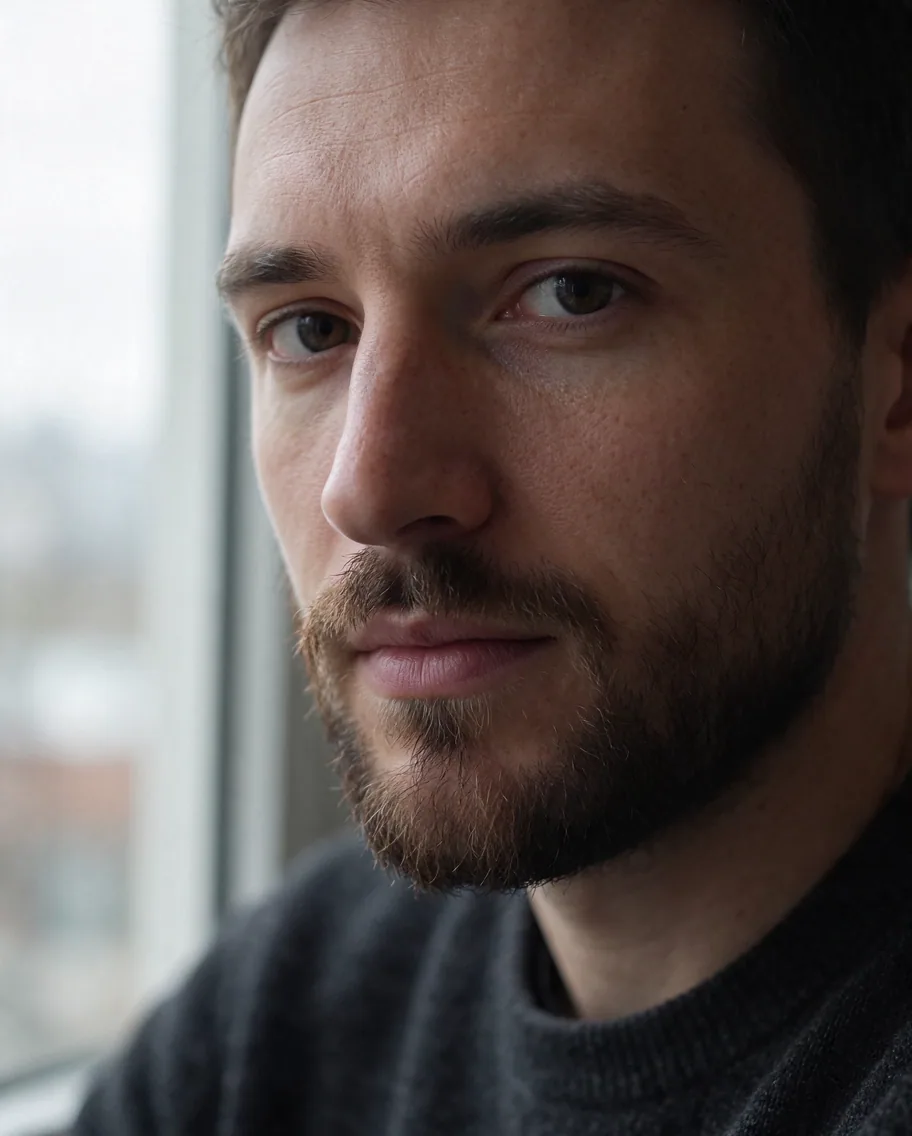
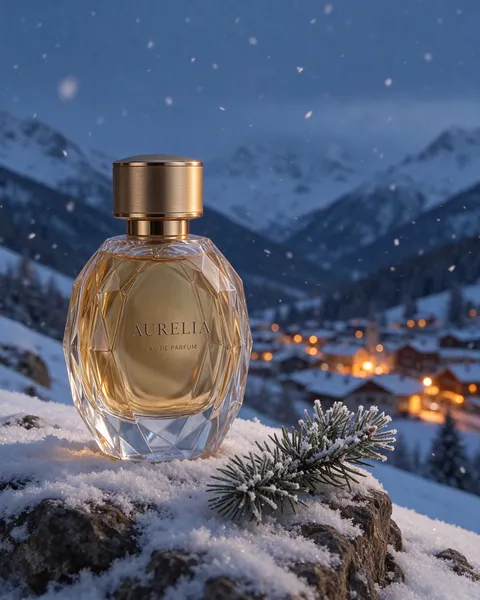
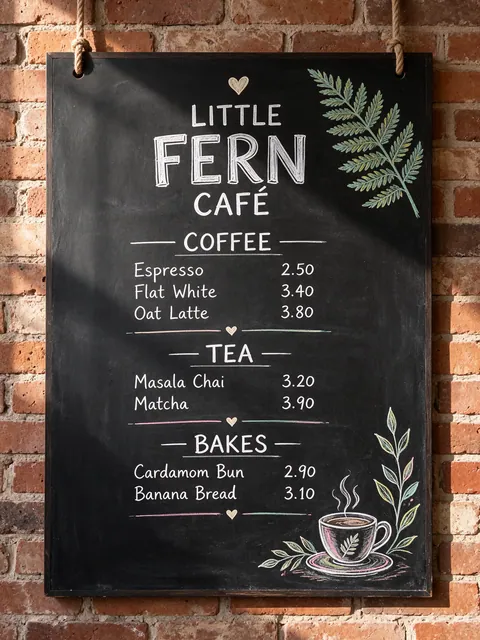
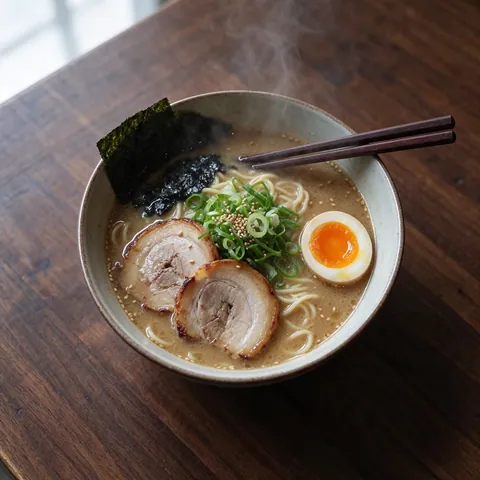
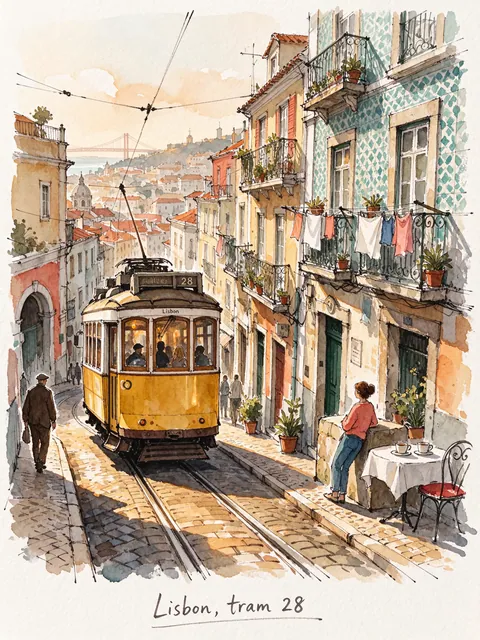
Every image here came from an AI agent calling Seedream 5.5 through the Kenerate MCP generate_image tool — model kenerate/seedream-v5.5, default 1K, one call each, 15 November 2026. The edit passed the first image back as a reference URL.
How to
How to use the seedream 5.5 API
- Time needed
- Steps
- 4 steps
Step 1
Pick a route
An API host with your own key, Volcano Ark in China, or the Kenerate MCP server if you want no ByteDance or host account.
Step 2
Send the request
POST the prompt with aspect_ratio, resolution and output_format; add images (up to 10) for an edit and background: "transparent" for a cut-out.
Step 3
Get the result
Poll the prediction until it completes and download the image URL it returns.
Step 4
Or skip the code
Run the same model in Kenerate's /app/image or /app/edit in the browser, with the Transparent background switch under Advanced.
See it in the app

Open Edit Studio and upload an image, or pick one from your history.


Watch the tour · 2:01
AI Edit, Magic Eraser, Change Region, light, style, expand, camera angle & chat edits
Chapters
Tips
Tips for calling Seedream 5.5
What we learned running it from code.
Start at resolution 1k — it costs the same as 1.5k on most hosts, so step up to 1.5k for free detail and keep 2k for the finals.
For a cut-out, send background: "transparent"; the output is always PNG then, whatever output_format says.
On edits, leave aspect_ratio out to keep the first input image's shape.
Put on-image words in quotes and add "no other text" — 5.5 sometimes adds labels or signs of its own.
Chain edits by passing the last output URL as the next input; ByteDance built 5.5 to keep unedited areas stable for up to 100 rounds.
Poll the prediction result endpoint; on our runs a 1K image took well under a minute.
Budget each input image on edits: every reference adds to the price, so send only the ones the edit needs.
Models
Seedream through Kenerate
What each model is good at. Open any one straight in the generator.
ByteDance
Seedream 5.5
- Reference images
- Up to 10
- Output
- 1K–2K
Open Seedream 5.5Best for
Newest, transparent PNG

ByteDance
Seedream 5.0 Pro
- Reference images
- Up to 10
- Output
- 1K–2K
Open Seedream 5.0 ProBest for
Previous flagship
Kenerate
Kenerate MCP
- Reference images
- URLs
- Output
- Any MCP client
Open Kenerate MCPBest for
Agents call every model with one key
FAQ
Seedream 5.5 API questions
9 questions

Is there an official Seedream 5.5 API?
ByteDance is rolling Seedream 5.5 out on Volcano Ark (Volcano Engine's model platform) in China and said it is coming to BytePlus, its international platform. As of 15 November 2026 it had not published an official API price list for 5.5. Third-party API hosts already serve it.
Link to this answerHow much does the Seedream 5.5 API cost?
Third-party hosts list about $0.02 per image at 1K or 1.5K and $0.035 at 2K, with $0.008 added per input image on edits — so a 1K edit with one image is about $0.028 and with ten images about $0.10. On Kenerate the same model costs 6 credits at 1K or 1.5K and 10.5 at 2K, plus 2.4 per input image.
Link to this answerWhat is the Seedream 5.5 model id?
Hosts use bytedance/seedream-v5.5 for text to image and bytedance/seedream-v5.5/edit for edits. On Kenerate, and through the Kenerate MCP server, the id is kenerate/seedream-v5.5.
Link to this answerWhich parameters does it take?
prompt; aspect_ratio — 1:1, 1:2, 2:1, 1:3, 3:1, 2:3, 3:2, 3:4, 4:3, 4:5, 5:4, 9:16, 16:9, 9:21 or 21:9; resolution — 1k, 1.5k or 2k (default 1k); output_format — png or jpeg; and background — auto, transparent or opaque. Edits add images, a list of up to 10 URLs or Base64 strings.
Link to this answerHow do I get a transparent PNG from the API?
Send background: "transparent". Seedream 5.5 then returns a PNG with an alpha channel regardless of output_format. ByteDance says the alpha supports partial transparency for glass, smoke and hair.
Link to this answerDoes Seedream 5.5 support 4K through the API?
No. The top resolution is 2k. For 4K, Seedream 5.0 Lite renders 2K to 4K.
Link to this answerCan I use Seedream 5.5 without a ByteDance account or API key?
Yes, two ways on Kenerate: in the browser at /app/image and /app/edit, or from an AI agent through the Kenerate MCP server (https://mcp.kenerateai.com/mcp), which needs only a Kenerate sign-in or key. Both bill the same credits.
Link to this answerCan Claude or Cursor generate images with Seedream 5.5?
Yes. Add the Kenerate MCP server to Claude Code, Claude Desktop, Cursor, VS Code or any MCP client and ask for an image on kenerate/seedream-v5.5. The generate_image tool returns a hosted URL; edits pass earlier URLs as reference_image_urls. It renders at the default 1K and has no transparent-background option yet.
Link to this answerIs there a free Seedream 5.5 API?
Not that we found. Hosts charge per image, and Kenerate's free 25 sign-up credits run the free models only. ByteDance's consumer apps in China have their own free limits.
Link to this answerIn depth
Seedream 5.5 API, explained
What works, what to avoid, and how to pick a model.
On this page
Where Seedream 5.5 is available
ByteDance Seed announced Seedream 5.5 on 9 November 2026 [1]. Reports say it is rolling out on Jimeng, Doubao, Doubao Work and Volcano Ark in China, and that ByteDance said it is coming to Dreamina, CapCut and BytePlus [4]. ByteDance had not published API pricing, rate limits or regional terms for 5.5 when we checked [5]. Third-party hosts serve it today [2][3].
A request, in short
On a typical host, text to image is one POST and one poll [2]:
- POST /api/v3/bytedance/seedream-v5.5 with { prompt, aspect_ratio: "4:5", resolution: "1.5k", output_format: "png", background: "auto" }.
- Edits: POST /api/v3/bytedance/seedream-v5.5/edit with the same fields plus images: [up to 10 URLs or Base64 strings] [3].
- Poll GET /api/v3/predictions/{id}/result until status is completed, then download outputs[0].
Calling it from an AI agent
The Kenerate MCP server exposes generate_image to any MCP client. Ask your agent for an image with model kenerate/seedream-v5.5 and it gets back a hosted URL it can save, edit again or pass to upscale_image or remove_background. Every image on this page was made that way. The MCP call renders at 1K and doesn't yet expose the transparent background switch — for cut-outs use /app/image or a host's background parameter.
By the Kenerate AI teamLast updated and reviewed
We build and run the Kenerate generator. Every example is a real output of the model named under it; models and presets were checked against the app's code.
Sources: Introducing Seedream 5.5 — ByteDance Seed · Seedream 5.5 text-to-image API reference — WaveSpeed AI · Seedream 5.5 edit API reference — WaveSpeed AI · Seedream 5.5: availability and pricing — AI Tool Ranked · Seedream 5.5 explained — Layer3 Labs
