

5×7 print · calm, quiet designs
Sympathy card maker — printable cards with gentle words
Describe a quiet design — white lilies, a dove, a lake at dusk, their favourite flower — and put the words in quotes. You get a finished card front with the lettering in place, ready to print at 5×7 or send as a message. Eight real designs below, each with its prompt, and short messages for the inside.

- Their name lettered in, if you want it
- Eight real card designs
- Messages for the inside
- Cards for a pet or a coworker
Updated by the Kenerate AI team




Made with Kenerate
On this page
Quick answer

How do I make a sympathy card with AI?
A sympathy card maker designs the card front — a calm illustration and a short line such as “With deepest sympathy” lettered in — from a few words of description. On Kenerate, GPT Image 2.6 Sunburst made all eight cards on this page at 15 credits a design (1K; 30 at 2K). Pick 3:4 for a 5×7 card, about 1500×2100 px to print.
Key facts
- Best for lettering
- GPT Image 2.6 Sunburst, 1K to 4K
- Card designs on this page
- Eight, with the prompt for each
- 5×7 print
- ≈ 1500×2100 px at 300 DPI, + 0.125 in bleed
- Ratios to pick
- 3:4 for 5×7 · 2:3 for 4×6 · 1:1 square
- Fix a word
- Edit Text in Image in Edit Studio
- On the free plan
- Qwen Image 3.0
Gallery
Sympathy cards made with Kenerate
Eight sympathy card fronts, each a single GPT Image 2.6 Sunburst run from the prompt under it. Every line and both made-up names came out spelled right. Open one to copy the prompt, then change the words.
How to
How to make a sympathy card
- Time needed
- Steps
- 4 steps
Step 1
Open Image Studio
Press “Design a sympathy card”. Image Studio opens with GPT Image 2.6 Sunburst (credit pack), or pick Qwen Image 3.0 on the free plan. Sign in free with Google, GitHub or Discord.
Step 2
Choose the ratio
3:4 for a 5×7 card, 2:3 for 4×6, 1:1 for a square card or a card sent by message, and 2K if you'll print.
Step 3
Describe the card
A calm subject (lilies, a dove, a lake, their favourite flower, their dog), soft colours, and the line in quotes with where it goes.
Step 4
Check, fix, print
Zoom in on the lettering, fix any word with Edit Text in Image, upscale to 4K for print, then download and print or send.
See it in the app

Open Image Studio and type what you want to see — subject, style, lighting and mood.


Watch the tour · 1:23
Prompts, styles, references, edit, Arena & chat
Chapters
Tips
Get a card that reads gently and prints well
Tone and lettering are where sympathy cards go wrong. This keeps both right.
Ask for calm and muted in the prompt: “soft watercolor”, “muted colours”, “lots of quiet space”. Bright colours read as cheerful.
Put every word in quotes and say where it goes: “With deepest sympathy” in thin grey script at the top right.
Keep the front to one short line, and a name if you want one. Your own message belongs inside, in your handwriting.
Leave out religious symbols unless you know the family's faith; a dove, flowers or a landscape suit everyone.
Pick the ratio for the print: 3:4 for a 5×7 (trim the sides a little), 2:3 for a 4×6, 1:1 for a square card.
Zoom in on every letter, the name above all; fix one wrong word with Edit Text in Image instead of starting again.
Models
Models for sympathy cards
What each model is good at. Open any one straight in the generator.
OpenAI
GPT Image 2.6 Sunburst
- Reference images
- Up to 16
- Output
- 1K–4K
Open GPT Image 2.6 SunburstBest for
Made all eight cards · words and names lettered in
Recraft
Recraft V4.1
- Output
- 5 ratios
Open Recraft V4.1Best for
Flat, graphic and typographic card designs

Google
Nano Banana 2.1
- Reference images
- Up to 14
- Output
- Up to 4K
Open Nano Banana 2.1Best for
Their pet's photo painted onto the card
- Free plan
FAQ
Sympathy card questions
9 questions

How do I make a sympathy card with AI?
Open Kenerate's Image Studio, pick GPT Image 2.6 Sunburst and a 3:4 ratio, and describe a calm card: a subject such as white lilies or a lake at dusk, soft colours, and the line in quotes with where it goes — “With deepest sympathy” in thin grey script at the top. Generate, zoom in on the lettering, then download. A design costs 15 credits at 1K or 30 at 2K.
Link to this answerIs the sympathy card maker free?
Free to start. A new Kenerate account gets 25 credits on sign-up — enough for two Qwen Image 3.0 card designs at 9 credits each, which runs on the free plan. GPT Image 2.6 Sunburst, which lettered the cards on this page, needs a one-time credit pack; the Starter pack is $15 for 1,300 credits, with no subscription.
Link to this answerWhat do you write in a sympathy card?
Keep it short and sincere: say you're sorry, name the person who died if you knew them, share one memory or quality, and offer specific help. For example: “I'm so sorry about your mum. I'll always remember her laugh at the summer picnic. I'll drop dinner round on Thursday.” Sign off with “Thinking of you” or “With love”. There are more messages further down this page.
Link to this answerCan I put the person's name on the card?
Yes. Put the name in quotes, such as “Remembering Eleanor” or “So sorry about Biscuit”, and say where it goes. Both made-up names on this page came out spelled right first time. Read every letter anyway; fix a slip with Edit Text in Image in Edit Studio.
Link to this answerWhat size should a printed sympathy card be?
The usual size is 5×7 inches with an A7 envelope (5.25×7.25 in). Print shops ask for at least 300 DPI at the final size, which is about 1500×2100 pixels for a 5×7, and usually 0.125 in of bleed on each side, so keep words away from the edges. Generate at 3:4 and crop a little, or 2:3 for a 4×6 card.
Link to this answerCan I make a sympathy card for the loss of a pet?
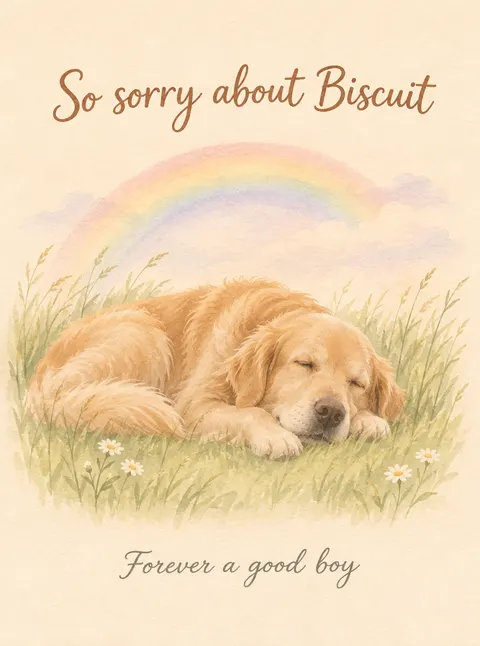
Yes. One of the eight cards here is a sleeping golden retriever under a soft rainbow reading “So sorry about Biscuit” and “Forever a good boy”. Name the pet and the breed or colour; to paint their real dog or cat, upload a photo with Nano Banana 2.1 and describe the card around it.
Link to this answerCan I make a sympathy card from coworkers?
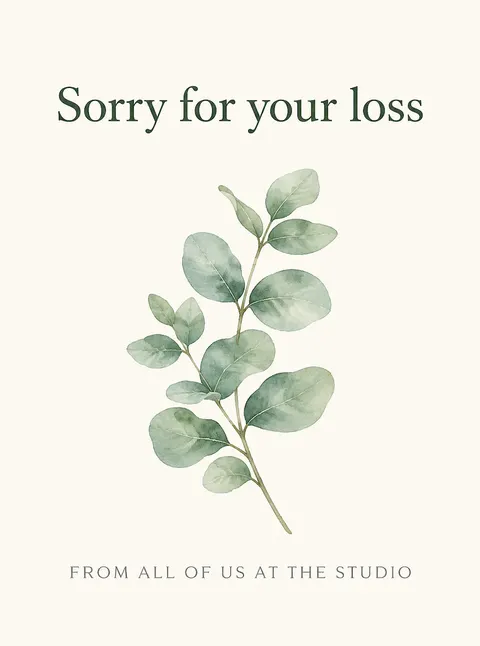
Yes. Our sage-green eucalyptus card reads “Sorry for your loss” with “From all of us at the studio” below. Swap in your team's name, print one card and pass it round for everyone to sign inside.
Link to this answerShould a sympathy card be religious?
Only if you know the family shares that faith. Every design on this page is non-religious — lilies, a dove with an olive sprig, a lake, flowers, a dog, eucalyptus and a candle — so each one suits anyone. If they are religious, you can add a line such as “Holding you in our prayers” to the prompt.
Link to this answerIs it too late to send a sympathy card?
No. A card weeks or months later still helps, because most cards arrive in the first days and then stop. Say so plainly: “I've been thinking of you since I heard about your dad.”
Link to this answerIn depth
Sympathy cards, explained
What works, what to avoid, and how to pick a model.
On this page
What to write inside a sympathy card
The front carries one short line; your own words go inside. Two to four sentences is enough. Some to start from:
- “I'm so sorry for your loss. Thinking of you and your family.”
- “I'm so sorry about your mum. I'll always remember her laugh. With love, Priya.”
- “Your dad was the kindest neighbour we ever had. We're here for anything you need.”
- “There are no right words. Just know I'm thinking of you, today and in the weeks ahead.”
- “Biscuit was the best boy at the dog park. Sending you so much love.” (for a pet)
- “All of us at the studio are thinking of you. Take all the time you need.” (from coworkers)
- “I'll bring dinner on Thursday, and I'm free to walk the dog any morning this week.” (an offer of help)
- “I've been thinking of you since I heard. I'm sorry this card is late.” (belated)
What to avoid writing
Leave out lines that explain or rank the loss: “everything happens for a reason”, “at least they lived a long life”, “I know exactly how you feel”, or “let me know if you need anything” with no specific offer. Keep the card about them, not about your own losses.
Card sizes, ratios and pixels
Pick the ratio before you generate, so nothing important gets cropped:
- 5×7 in (A7 envelope, 5.25×7.25 in): generate at 3:4, crop a little off the sides; about 1500×2100 px at 300 DPI.
- 4×6 in photo card: 2:3 fits exactly; about 1200×1800 px.
- 5.5×5.5 in square: 1:1; about 1650×1650 px.
- With 0.125 in bleed on each side, a 5×7 file is 5.25×7.25 in — about 1575×2175 px. A 4K upscale covers it.
- Our cards came out at 1K (880×1184 px for 3:4), fine to send by message; for print, make them at 2K or run the Image Upscaler at 4K.
14 sympathy card ideas
Add the words in quotes and say where they go; keep the colours soft:
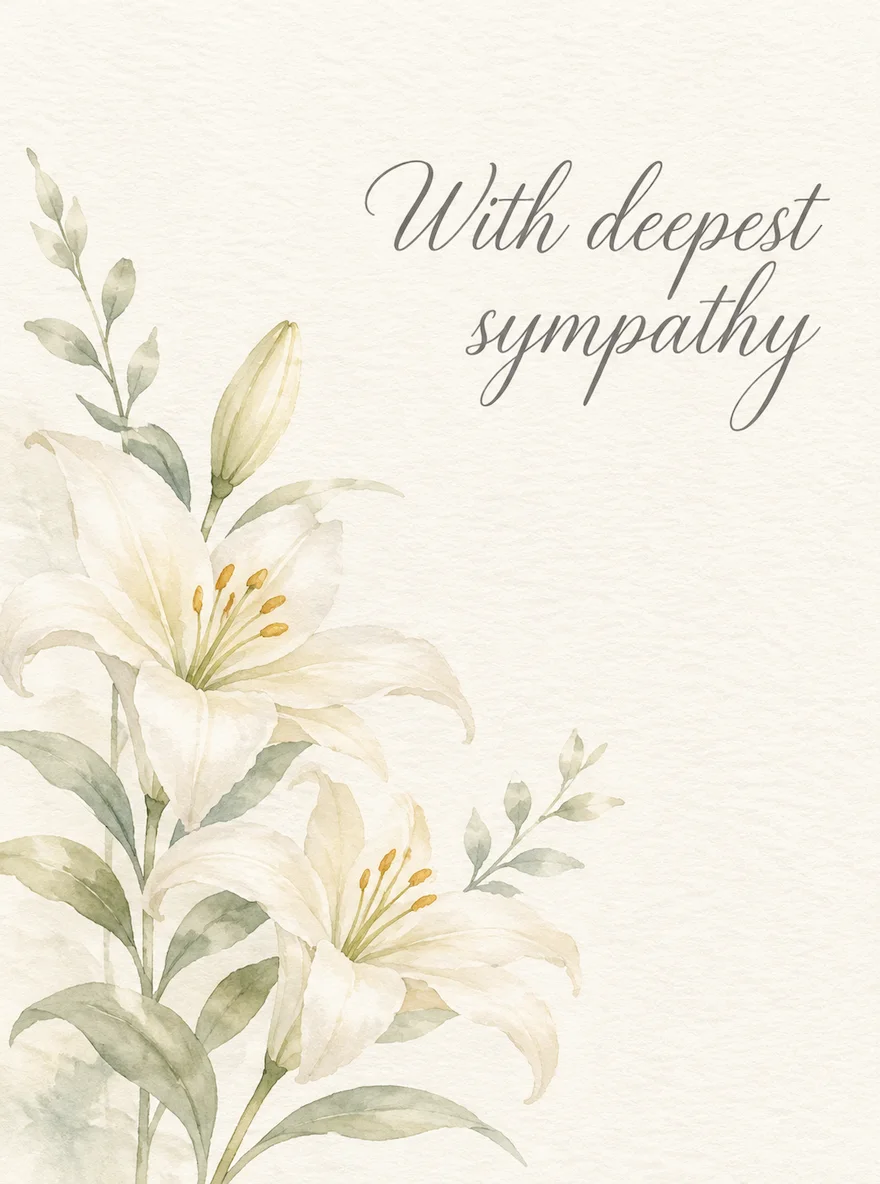
- Watercolor white lilies on textured paper, “With deepest sympathy” in thin grey script.
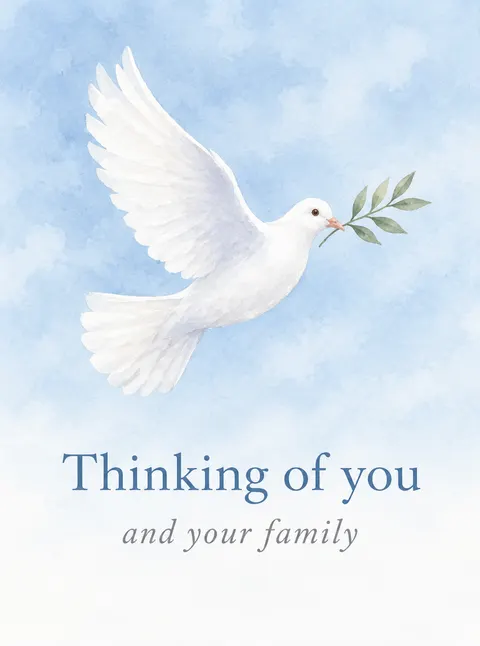
- A white dove with an olive sprig on a pale blue wash, “Thinking of you and your family”.
- A still lake at dusk with one bare tree, “With sympathy — Holding you close in our thoughts”.
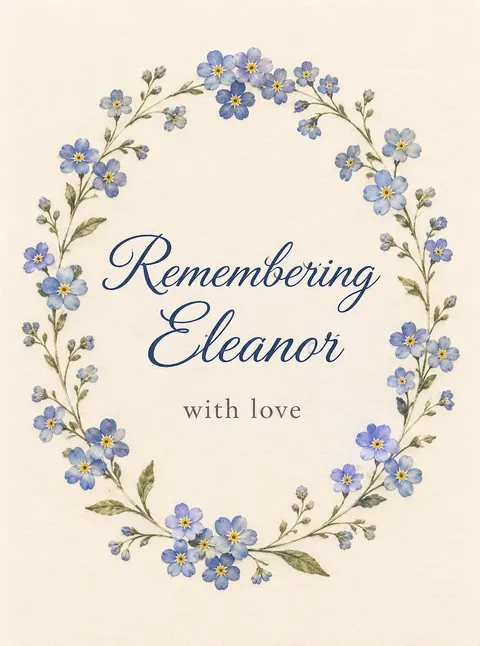
- A wreath of pressed forget-me-nots, “Remembering Eleanor, with love”.
- Their dog asleep in tall grass under a soft rainbow, “So sorry about Biscuit”.
- A single eucalyptus sprig, “Sorry for your loss — From all of us at the studio”.
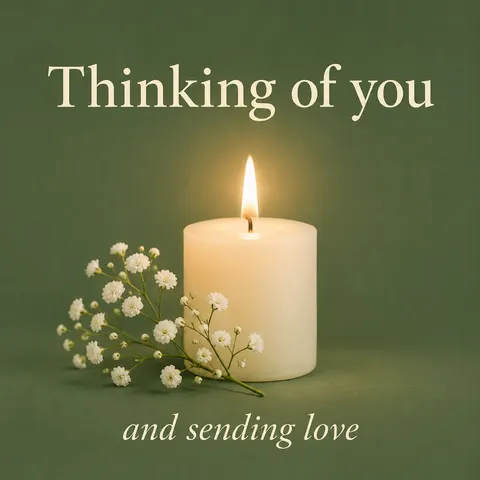
- One lit candle on sage green, “Thinking of you and sending love”.
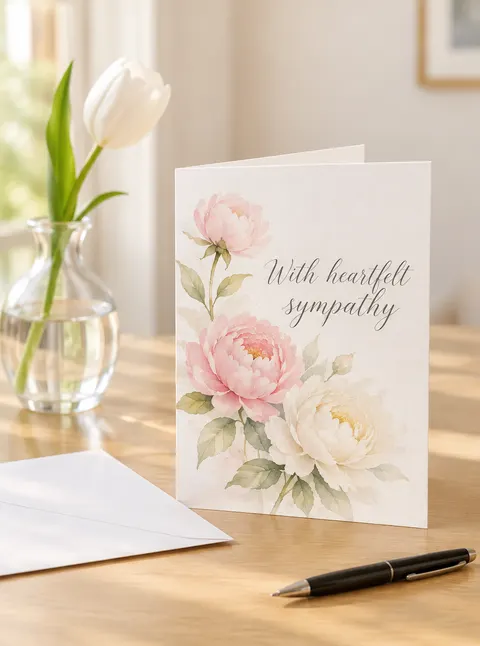
- Pale peonies, “With heartfelt sympathy”, printed and set by a vase.
- A row of birch trees in winter light, “In loving memory”.
- A lighthouse beam over a calm sea at night, “Here for you, always”.
- Pressed lavender on linen, “Sending you peace and love”.
- Three white paper cranes on a pale blue wash, “Thinking of you”.
- A cat curled on a windowsill in the sun, “Forever in our hearts, Pepper”.
- Gypsophila and white roses, “Holding you in our prayers” for a family of faith.
What we got
Eight card designs, made on 18 November 2026, each a single GPT Image 2.6 Sunburst run at medium quality and 1K, 15 credits each.
- Every line (“With deepest sympathy”, “Thinking of you”, “Holding you close in our thoughts”, “Sorry for your loss”, “From all of us at the studio”) and both made-up names, Eleanor and Biscuit, came out spelled right first time.
- The flat card fronts filled the frame as asked, in the muted colours the prompts named; the printed-card photo shows the peony design standing on a table with an envelope and a tulip.
- No people are shown: the designs are flowers, a dove, a landscape, a candle, a dog and lettering. None uses religious symbols.
Why lettering fails, and how to fix it
Image models draw letters as shapes, so they slip on long or unusual words and names. Short lines in quotes, a named letter style (“thin grey script”, “dark green serif”) and a clear position help most. When one word is wrong, Edit Studio's Edit Text in Image changes just that text and keeps the design.
By the Kenerate AI teamLast updated and reviewed
We build and run the Kenerate generator. Every example is a real output of the model named under it; models and presets were checked against the app's code.
Sources: Vistaprint — Christmas card sizes (5x7, A7 envelope, 300 DPI) · 4OVER4 — file size for a 5×7 greeting card · Kenerate AI — Terms of Service · Kenerate Image Studio

Make a card for someone you care about
Sign in with Google, GitHub or Discord. Starter credits on sign-up; GPT Image 2.6 runs on a one-time credit pack.
Tried it? Tell us how it went