

Christmas Day: Friday 25 December 2026
Merry Christmas GIFs to send or make
Nine animated Christmas GIFs to download now: Santa waving and dancing, a twinkling tree, blinking lights, a snowman, a tangled-up reindeer and “Merry Christmas” lettering. Want your family's name in it? Describe it and GPT Image 2.6 draws the frames.

- Nine ready-made GIFs to download
- Funny, cute and classic
- Loops that play in chats and email
- Make your own with a name in it
Updated by the Kenerate AI team




Made with Kenerate



On this page
Gallery
Merry Christmas GIFs to download
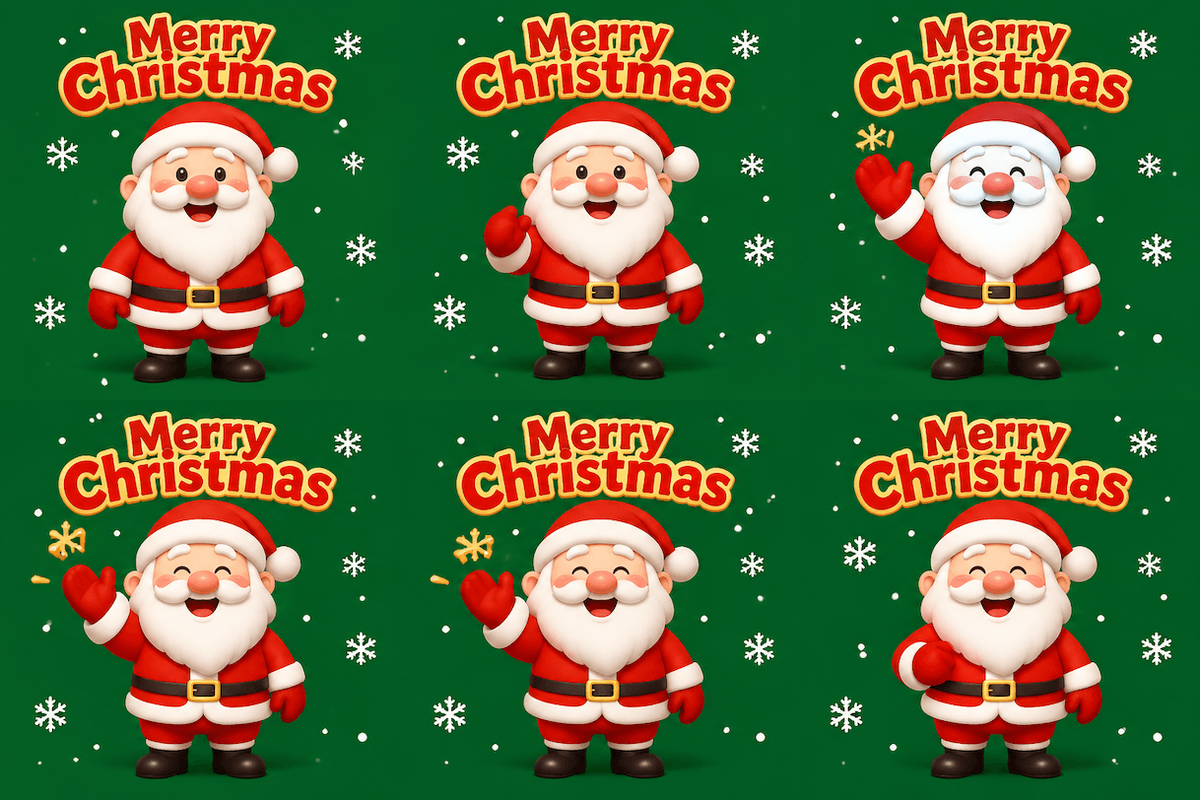
Nine animated GIFs made on Kenerate: Santa, a tree and lights, snow, lettering and three funny ones. Each loop started as a 6-frame GPT Image 2.6 sprite sheet, cut into frames and joined into a GIF. We read the words on all six frames of both lettered sheets: “Merry Christmas” is spelled right in every frame. Open one to copy its prompt, or grab the .gif from the download list below.
Download
Download the GIFs
Each link opens the .gif file. Save it (right-click, or long-press on a phone) and send it as a picture, or paste it straight into a chat.
Waving Santa: Merry Christmas (.gif)
400 × 400 px · 6 frames · 180 ms · loops
Dancing Santa (.gif)
400 × 400 px · 6 frames · 150 ms · loops
Twinkling Christmas tree (.gif)
400 × 400 px · 6 frames · 220 ms · loops
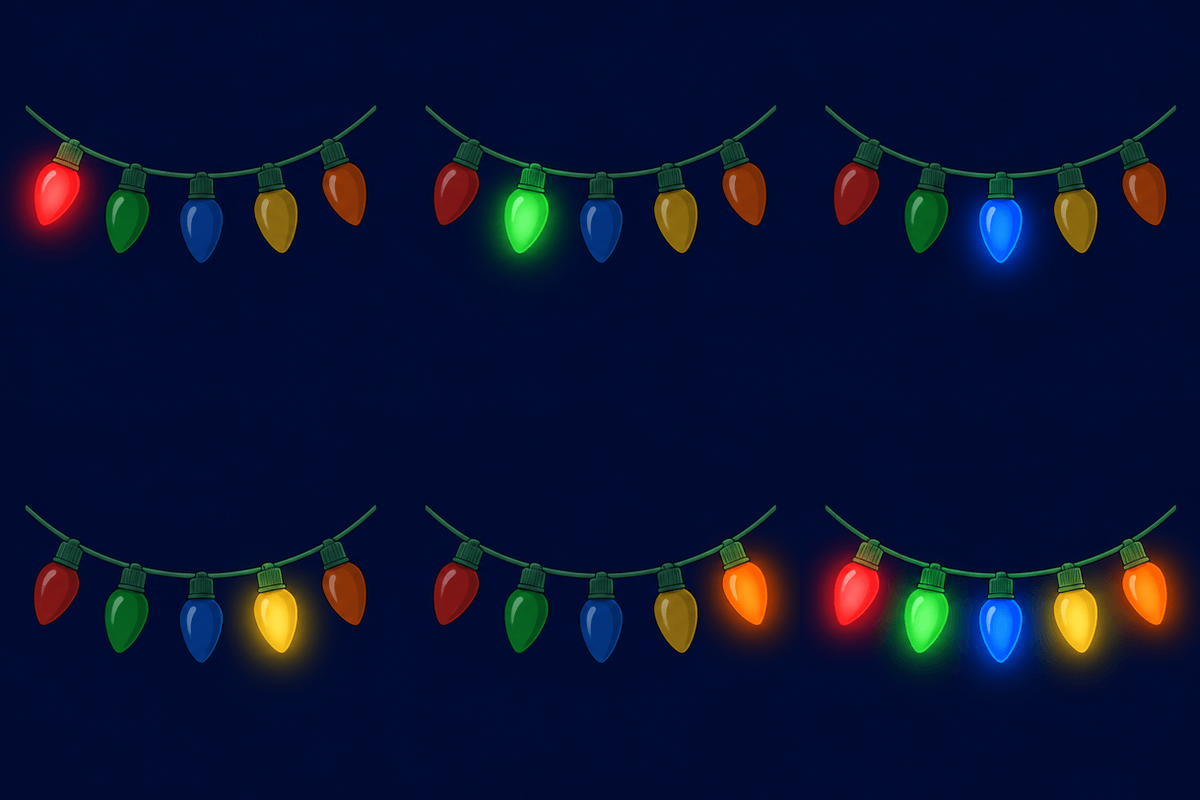
Blinking Christmas lights (.gif)
400 × 400 px · 6 frames · 200 ms · loops
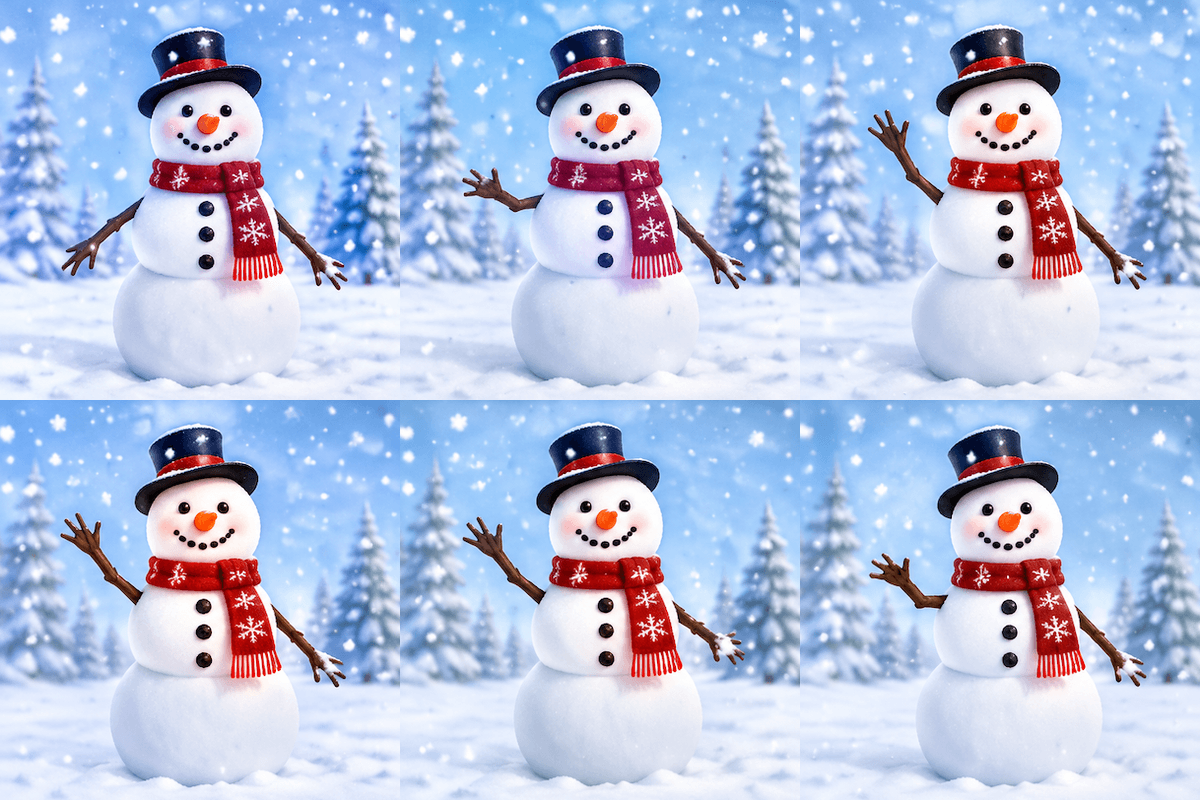
Snowman waving in the snow (.gif)
400 × 400 px · 6 frames · 200 ms · loops
“Merry Christmas” with falling snow (.gif)
400 × 400 px · 6 frames · 200 ms · loops
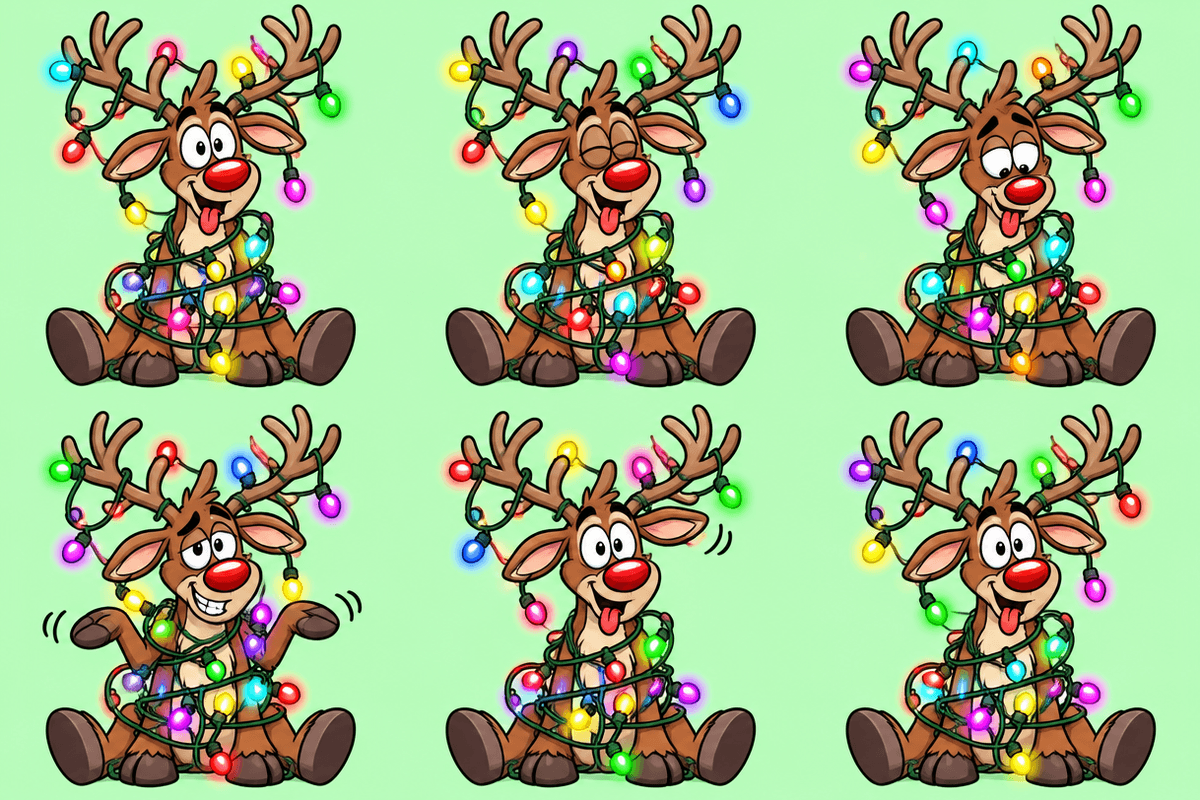
Reindeer tangled in lights (.gif)
400 × 400 px · 6 frames · 180 ms · loops
Cat peeking out of the tree (.gif)
400 × 400 px · 6 frames · 200 ms · loops
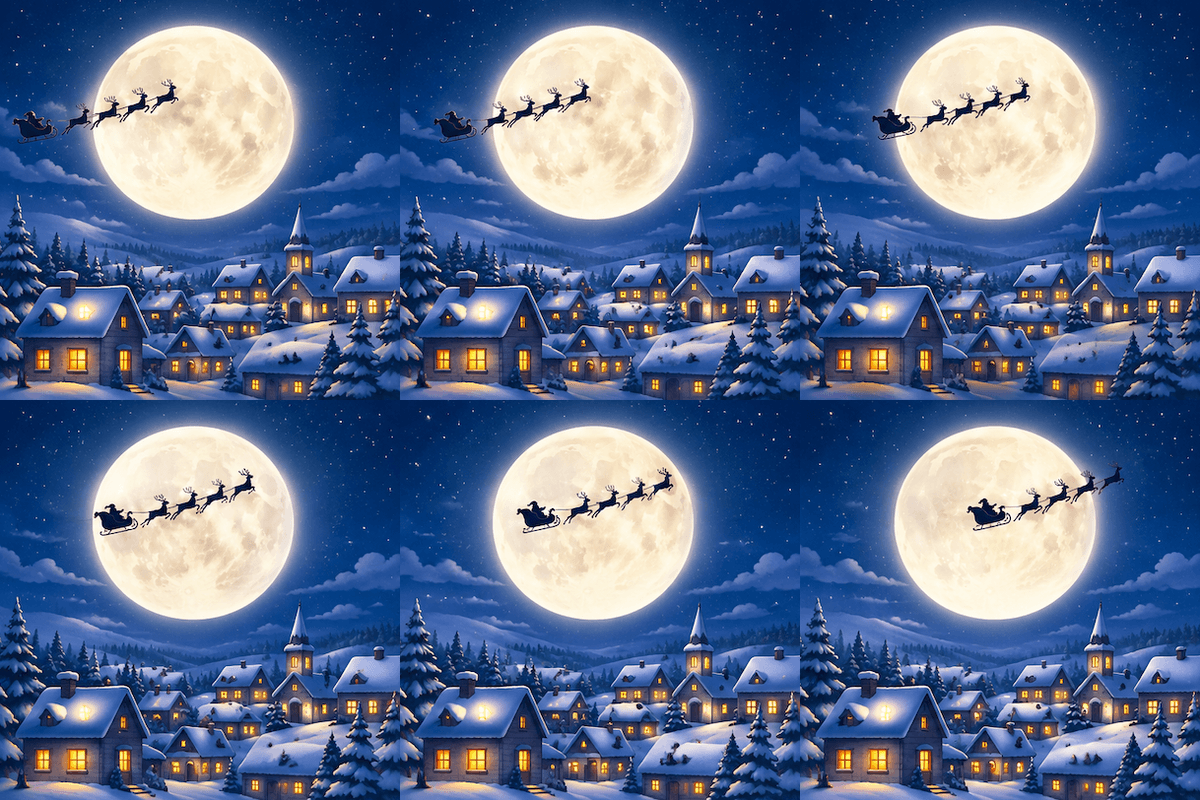
Santa's sleigh across the moon (.gif)
400 × 400 px · 6 frames · 200 ms · loops
Quick answer
Where can I get a Merry Christmas GIF?
Download one of the nine Merry Christmas GIFs on this page — a waving Santa, a dancing Santa, a twinkling Christmas tree, blinking Christmas lights, a snowman, “Merry Christmas” lettering, a reindeer tangled in lights, a cat in the tree and a sleigh across the moon — open the .gif, save it and send it in iMessage, WhatsApp, Slack, Discord or an email. Each is a 400 × 400 px, 6-frame loop. To make your own, open GPT Image 2.6 in Kenerate's Image Studio, set Format to GIF, choose 2 to 16 frames and the time per frame, and describe the motion with your greeting in quotes. A GIF costs the same as a still: 15 credits at medium quality and 1K, 9 at low.
Key facts
- Ready-made GIFs
- Nine, 400 × 400 px, 6 frames each
- Make your own
- GPT Image 2.6 Sunburst or Flare
- Frames
- 2–16 per GIF, 20–2,000 ms each
- Default
- 9 frames × 200 ms
- Loop
- Plays forever in chats, email and Slack
- Christmas Day 2026
- Friday 25 December
Where to send
Where to send a Christmas GIF
A square GIF works almost everywhere. These are the places it goes most, and the one thing to know for each.
| Where it goes | Best shape | How to send it |
|---|---|---|
| iMessage or text | Square 1:1 | Save the .gif to Photos, then attach it. It plays in the thread |
| Square 1:1 | Attach it from your gallery or files. WhatsApp may turn it into a short looping clip | |
| Slack or Teams | Square 1:1 | Drag the .gif into a message. For a Slack custom emoji, keep it square and small (Slack asks for under 128 KB) |
| Discord | Square 1:1 | Upload it or paste the link. It plays in the channel |
| Email or Christmas newsletter | Square, or wide for a header | Insert it as an image in the body. Some older Outlook versions show only the first frame, so make frame 1 a complete greeting |
| Website or shop banner | Any | Use it as a normal image. An animated WebP of the same loop is smaller |
Prompts
Christmas GIF prompts to copy
Written for GIF output: open one, set Format to GIF under Advanced, and generate. The last one needs a photo of your pet.
- Subject
- Santa, a tree, lights, a snowman, a reindeer
- One motion
- Waves, dances, twinkles, blinks, snows
- Words in quotes
- “Merry Christmas”, “Ho Ho Ho!”, a family name
- What stays put
- Same size, same spot, same background, seamless loop
Waving Santa greeting
A jolly cartoon Santa with a white beard and red suit waves one mitten hello and smiles, the words “Merry Christmas” in bold red and gold letters above him, spelled the same in every frame. Soft snowflakes falling on a deep green background, bold clean outlines, seamless loop.
Dancing Santa
A chubby cartoon Santa in a red suit does a goofy dance — hips left, belly bounce, hips right, a little spin with his hat tilting — on a flat icy-blue background, bold outlines, Santa the same size in every frame, seamless loop, no text.
Twinkling tree
A decorated Christmas tree with red and gold baubles and a gold star in a cozy dark room, the lights twinkling in a changing pattern and the star glowing softly. Only the lights change; fixed camera, seamless loop, no text.
Blinking lights border
A string of big retro Christmas bulbs in red, green, blue and gold across a dark navy background, blinking in a chasing pattern. The wire and bulbs never move; only which bulbs glow changes. Seamless loop, no text.
More prompts (4)
Greeting with your family name
Snowflakes falling past the words “Merry Christmas from the Garcias” in red script with a gold outline on cream, holly in the corners, the words spelled exactly the same in every frame, seamless loop.
Funny reindeer
A goofy cartoon reindeer tangled in colourful Christmas lights blinks, shrugs with a sheepish grin and wiggles an ear while the bulbs flash, flat mint background, bold outlines, seamless loop, no text.
Office Slack GIF
A cartoon snowman in a red scarf at a laptop gives a thumbs up and a wink, the words “Happy Holidays, team!” in bold red letters above, flat pale blue background, bold outlines, seamless loop.
Your pet in a Santa hat (upload a photo)
My cat wearing a small Santa hat sitting next to a twinkling Christmas tree, blinking slowly while snow falls outside the window behind it. Keep the same cat, fur colour and markings in every frame. Seamless loop, no text.
How to
How to make a Merry Christmas GIF
- Time needed
- Steps
- 4 steps
Step 1
Open GPT Image 2.6
Press “Make my Christmas GIF”. Image Studio opens with GPT Image 2.6 Sunburst and the waving Santa prompt filled in. It needs a one-time credit pack.
Step 2
Set the format to GIF
Open Advanced and set Format to GIF. Pick 2–16 frames and a frame duration (20–2,000 ms); the default is 9 frames at 200 ms. Keep the shape at Square 1:1.
Step 3
Describe the motion and the words
Name the subject, the one thing that moves and the greeting in quotes. Add a name if you like: “Merry Christmas from the Garcias”.
Step 4
Check every frame, then send
Play the loop and read the words on each frame. Download the GIF and send it in iMessage, WhatsApp, Slack or an email.
See it in the app

Open Image Studio and type what you want to see — subject, style, lighting and mood.


Watch the tour · 1:23
Prompts, styles, references, edit, Arena & chat
Chapters
Tips
How to get a Christmas GIF that loops cleanly
A GIF is a few drawings in a row. Say what moves, what stays put and what the words are.
Keep the words short and in quotes: “Merry Christmas”, “Ho Ho Ho!”, a family name. Ask for them to be spelled the same in every frame.
Lights, snow and sparkles are the easiest Christmas motion: the scene stays fixed and only the glow or the flakes change.
For a dancing Santa, list the poses in order and say he stays the same size and in the same spot in every frame.
Make the last pose lead back into the first so the loop has no jump; for things that cross the screen, have them enter and leave at the edges.
Read every frame before you send it. Letters can slip in one frame while the other five are right.
Stick to generic characters — Santa, a snowman, a reindeer. Named film and cartoon characters are trademarked.
Models
Tools for Christmas GIFs on Kenerate
What each model is good at. Open any one straight in the generator.
OpenAI
GPT Image 2.6 Sunburst
- Reference images
- Up to 16
- Output
- GIF · 2–16 frames
Open GPT Image 2.6 SunburstBest for
Best frame-to-frame consistency and lettering
OpenAI
GPT Image 2.6 Flare
- Reference images
- Up to 16
- Output
- GIF · 2–16 frames
Open GPT Image 2.6 FlareBest for
Faster drafts of the same loop
Video Studio
Santa video
Image Studio
Merry Christmas images
FAQ
Merry Christmas GIF questions
9 questions





Where can I get a Merry Christmas GIF?
Right here: the nine GIFs on this page — a waving Santa, a dancing Santa, a twinkling tree, blinking lights, a snowman, “Merry Christmas” lettering, a reindeer tangled in lights, a cat in the tree and a sleigh across the moon — are ready to download. Open a link in the download list, save the .gif and send it. Downloading them costs nothing and needs no account. They were made on Kenerate, so they aren't re-posts from a GIF library.
Link to this answerIs there a funny Merry Christmas GIF here?
Three: Santa doing a goofy dance, a reindeer hopelessly tangled in Christmas lights, and a cat that pops out of the tree to swat a bauble. For your own joke, describe the gag as a sequence of poses — “pops out, swats the bauble, grins, ducks back in” — so the model knows what happens in each frame.
Link to this answerHow do I make my own Christmas GIF with AI?
Open Image Studio with GPT Image 2.6 Sunburst (the button on this page fills in a Santa prompt), open Advanced and set Format to GIF, then pick the number of frames (2–16) and how long each one shows (20–2,000 ms). Describe the motion and put the greeting in quotes. A GIF costs the same as a still image: 15 credits at medium quality and 1K, 9 at low and 18 at high. GPT Image 2.6 needs a one-time credit pack; new accounts get 25 credits, which run the free-plan image models.
Link to this answerWhat size should a GIF be for iMessage, WhatsApp, Slack or email?
Square works everywhere: our GIFs are 400 × 400 px. iMessage and Discord play a GIF in the thread; WhatsApp may turn it into a short looping clip; Slack plays GIFs in messages, and a custom emoji has to be under 128 KB, so keep emoji GIFs small and simple. In a Christmas email, insert the GIF as an image in the body; some older Outlook versions show only the first frame, so make frame 1 a complete greeting on its own.
Link to this answerDo these GIFs loop, and how big are they?
Every GIF here loops forever and is 400 × 400 px with 6 frames, about 490 to 690 KB each; the flat lights loop is the smallest. File size grows with the number of frames, the pixel size and how busy the picture is, so for Slack emoji or email keep to 6–9 frames, a flat background and simple motion. GIFs carry at most 256 colours per frame, which suits flat cartoon art better than photos.
Link to this answerCan I add a name or my own message?
Yes. Put the exact words in quotes — “Merry Christmas from the Garcias” or “Happy Holidays, team!” — and ask for them to be spelled the same in every frame. Short lines work best. To put your pet in the GIF, upload its photo as a reference with GPT Image 2.6 and choose GIF: an edit adds 4.5 credits per uploaded image, so one photo at medium 1K comes to 19.5 credits.
Link to this answerCan I make a dancing Santa GIF?
Yes — there's one in the gallery, and its prompt is in the prompt guide. List the dance as poses in order (hips left, belly bounce, hips right, a spin) and say Santa stays the same size and in the same spot. For a longer, smoother dance with music, a video is the better fit: see the AI Santa video generator.
Link to this answerWhen is Christmas 2026?
Christmas Day is Friday 25 December 2026, and Christmas Eve is Thursday 24 December. If you make your own GIF, do it a day or two ahead so you have time to check the words before you send it to the family group.
Link to this answerCan I use the GIFs for my business?
Yes for posts, emails and Slack. Kenerate's Terms say Kenerate claims no ownership of what you generate and you may use it commercially, subject to the Terms and the law; you're responsible for how you use it. Keep trademarked characters and brand logos out of your prompts.
Link to this answerIn depth
Merry Christmas GIFs, explained
What works, what to avoid, and how to pick a model.
On this page
How the GIFs on this page were made
Each GIF started as one GPT Image 2.6 Sunburst image at medium quality (15 credits): a sprite sheet of six frames in a 3 × 2 grid, the method OpenAI shows in its own Images 2.6 launch prompts. We cut the sheet into six square frames and joined them into a looping GIF and an animated WebP, with 150 to 220 ms per frame depending on the motion.
In Image Studio you don't need the sheet step: set Format to GIF and GPT Image 2.6 returns the animated GIF itself, with 2 to 16 frames at the timing you choose.
Which Christmas motion animates best
The loops that hold together best keep the scene still and move one thing:
- Lights twinkling on a tree or along a string.
- Snow falling past a fixed greeting or a snowman.
- Santa or a snowman waving one arm.
- A short dance listed pose by pose.
- Something crossing the frame, like a sleigh over the moon, entering at one edge and leaving at the other.
What our Christmas tests showed
We made 11 sheets for these nine GIFs, all on GPT Image 2.6 Sunburst at medium quality:
- “Merry Christmas” came out spelled right in all six frames of both lettered GIFs, the waving Santa and the holly greeting.
- Two scenes needed a second try. A cosy living room with a tree came back as one painting instead of six frames, and the first string of lights came back as two long strings. Both worked once we asked for six separate square panels with one simple subject on a plain background.
- Characters held together best: Santa, the snowman, the reindeer and the cat keep the same face and outfit in every frame.
- The sleigh crosses most of the moon in six frames but doesn't fully leave it, so the loop jumps back to the left at the end.
Downloading a GIF vs making your own
Most “merry christmas gif” results are GIF libraries: huge, searchable and full of the same Santas every year. Downloading one is quickest. Making your own takes a minute or two and lets the GIF say exactly what you want — your family name, the office in-joke — in your colours.
By the Kenerate AI teamLast updated and reviewed
We build and run the Kenerate generator. Every example is a real output of the model named under it; models and presets were checked against the app's code.
Sources: Introducing Images 2.6 — OpenAI · Kenerate AI — Terms of Service · Kenerate Image Studio

Make your Merry Christmas GIF
Sign in with Google, GitHub or Discord. GPT Image 2.6 runs on a one-time credit pack.
Tried it? Tell us how it went